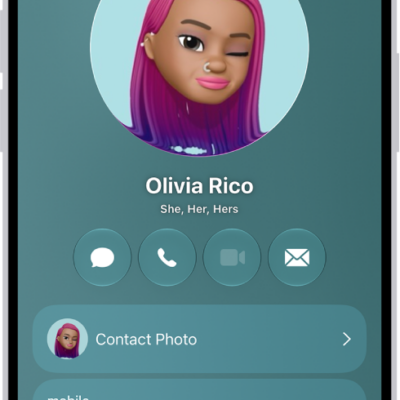
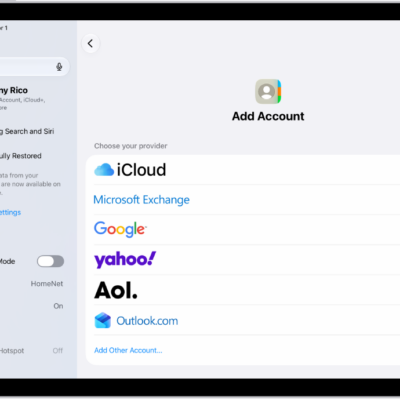
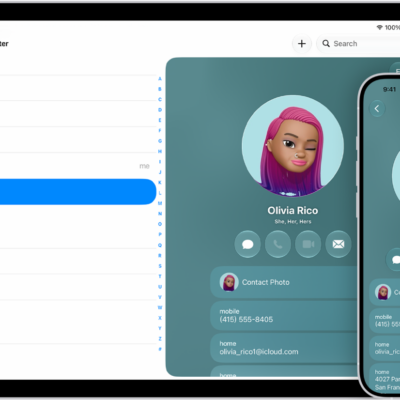
You can import contacts from a vCard and from a directory. You can import a contact from a .vcf attachment in an email or message, and you can also add a contact from a directory. You can export contacts on iPad, too.
Import contacts from a vCard
Tap a .vcf attachment in an email or message.
Add a contact from a directory
- Go to the Contacts app on your iPad.
- Tap the Lists button and tap the GAL, CardDAV, or LDAP directory you want to search.
- Enter your search.
- Tap the person’s name to save their information to your contacts.
See also
Tag: Contacts