How to add a Mail widget to your iPad Home Screen
Widgets show you current information from your favorite apps at a glance. On iPad, you can add a Mail widget and choose which mailbox it shows on your Home Screen, from recent unread emails to new emails from your VIPs or any other mailbox.
To add a Mail widget, see Add, edit, and remove widgets.
See also
Read Next
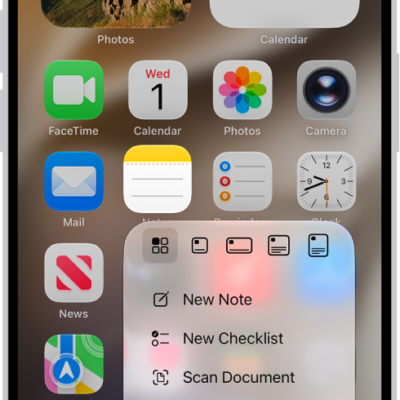
You can perform quick actions on iPad by touching and holding items to see previews and open Quick Actions menus.
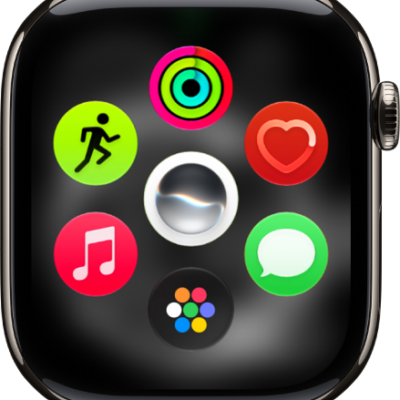
You can use apps on Apple Watch, open them from the Home Screen, see the apps included with your watch, and quit an app that isn't responding.
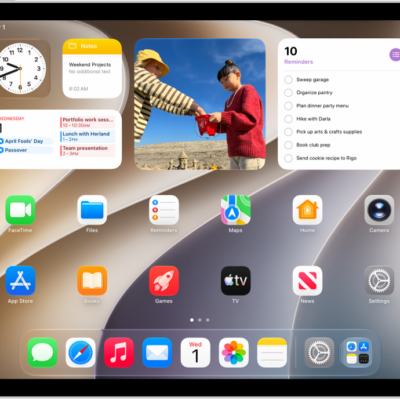
You can make your iPad your own by customizing the Home Screen and Lock Screen, setting favorite controls, and checking privacy settings.