








Got a tip for us?

GeeksModo Story Archive - October 2026
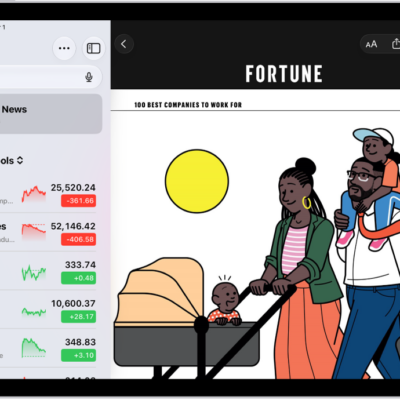
A business-related article from Apple News in the Stocks app. At the top-left corner of the article is the Back button to return to the other suggested stories. At the top-right corner are the Text Size, Share, Save, and More Actions buttons.

How to read business news in Stocks on iPad

You can read business news in Stocks on iPad, listen to stories, save them to Apple News, and clear recommendations.
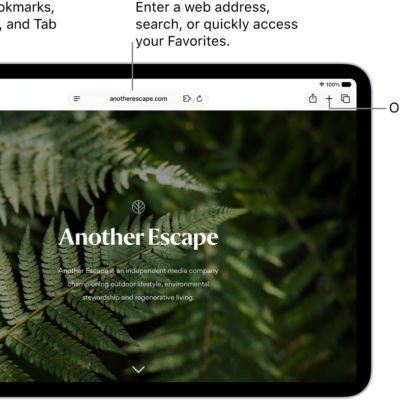
An open webpage. Along the top, from left to right, are the Sidebar button, the Previous button, the search field, the Share button, the New Tab button, and the Tab Overview button.

How to listen to a webpage in Safari on iPad

You can listen to a webpage in Safari on iPad, have supported webpages read aloud, and pause or resume listening.
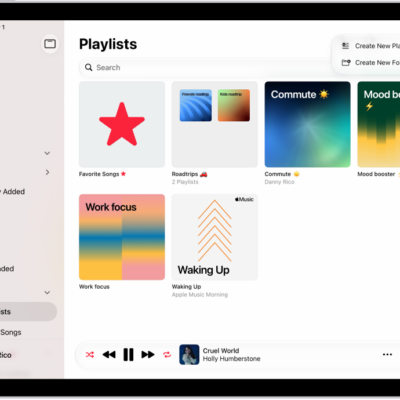
The Playlists tab showing the sidebar at the left and the list of playlists at the right. At the top are buttons to create a new playlist or create a new folder.

How to get music in the iTunes Store on iPad

You can get music in the iTunes Store on iPad, browse by genre or Top Charts, buy and download songs, and redeem gift cards.
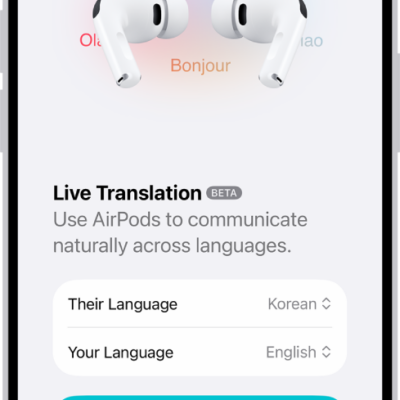
The Translate app on iPhone showing the Live Translation screen. The screen shows two pop-up menus for choosing the other person's language and your language, and a button to start Live Translation.

How to translate in-person conversations with AirPods

You can translate in-person conversations with AirPods using Live Translation, with the translated dialogue also shown on your iPhone.
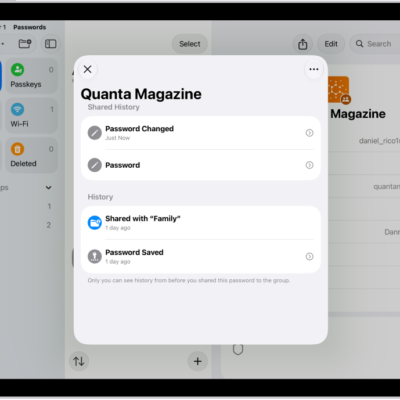
The history of password changes for an account. The password was originally saved a month ago, and it was also changed a month ago.

How to view your password history for a website or app on iPad

You can view your password history for a website or app on iPad, see previous versions of a password, and clear the history.
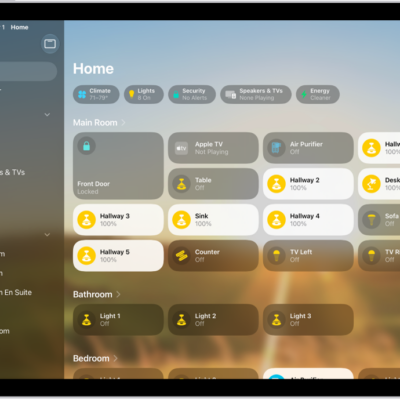
The Home app with the sidebar on the left, showing Home, Automation, and Discover tabs near the top left. Categories and Rooms in the home appear below. To the right of the sidebar, at the top, are the Intercom, Add, and More Options buttons. Category buttons appear near the top. Below that are scenes, camera images, and a room with its accessories.

How to get started with Home on iPad

You can get started with Home on iPad, create a home, add accessories, allow guest access, and monitor your energy usage.
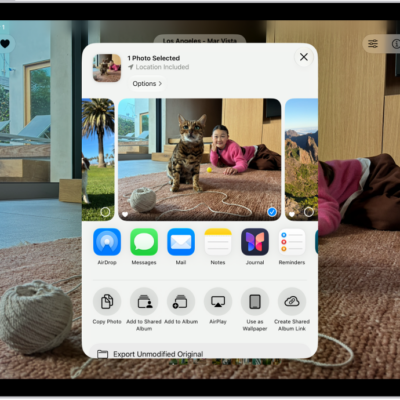
A photo is open in the Photos app and the share options are displayed in the middle of the screen.

How to print photos on iPad to an AirPrint-enabled printer

You can print photos on iPad to an AirPrint-enabled printer, one photo or several at once, from the Photos app.

The Privacy & Security screen, with settings for Location Services and Tracking, and settings to control which apps can access your data.

How to harden your iPad from a cyberattack with Lockdown Mode

You can harden your iPad from a cyberattack with Lockdown Mode, an extreme protection feature for highly targeted attacks.
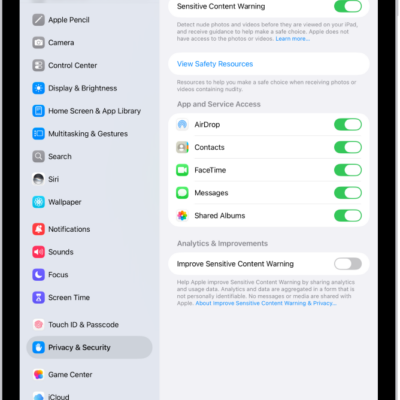
The settings for Sensitive Content Warning, with a button labeled View Safety Resources and a button labeled Improve Sensitive Content Warning for sharing analytics and usage data with Apple.

How to receive warnings about sensitive content on iPad

You can receive warnings about sensitive content on iPad with Sensitive Content Warning, for yourself or a family member.
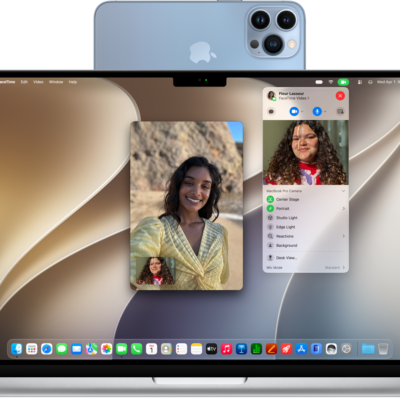
A MacBook Pro using an iPhone as a webcam and showing a FaceTime conversation.

How to use your iPad as a webcam for Apple TV 4K

You can use your iPad as a webcam for Apple TV 4K with Continuity Camera, for FaceTime calls and singing along to Apple Music.