








Got a tip for us?

GeeksModo Story Archive - October 2026
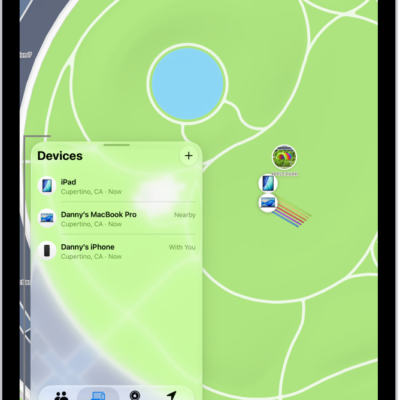
A Find My screen showing multiple devices sharing their location.

How to locate a device in Find My on iPad

You can locate a device in Find My on iPad, see it on a map, play a sound on it, and get directions to it.
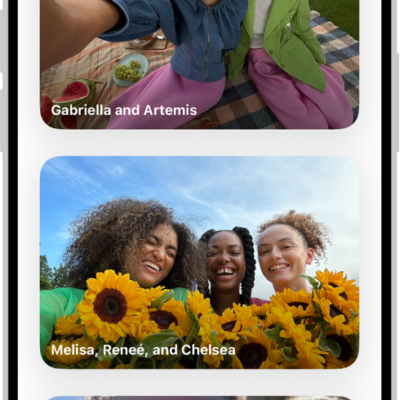
Groups is open in the People & Pets section of the Photos app, showing a list of collections labeled with the names of the people included in the group.

How to find group photos and videos on iPhone

You can find group photos and videos on iPhone in collections Photos creates for people and pets who often appear together, and share them.
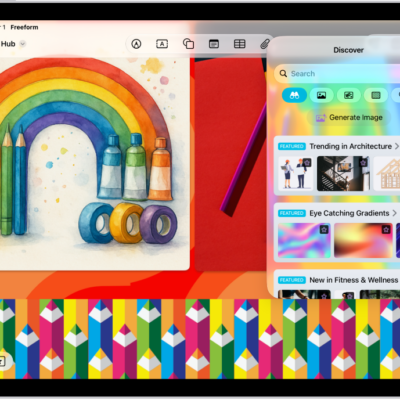
An iPad with the Freeform app open to the Content Hub in Apple Creator Studio. Premium and generated images are placed on the board.

How to subscribe to Apple Creator Studio in Freeform on iPad

You can subscribe to Apple Creator Studio in Freeform on iPad with a monthly or annual plan, share it with family, and cancel anytime.
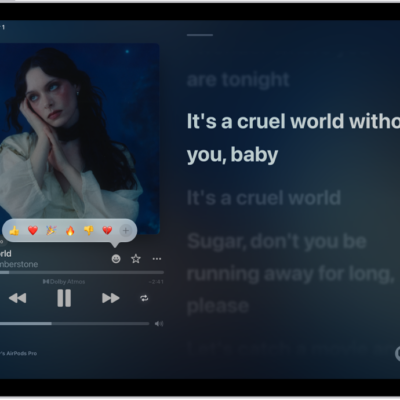
The Now Playing screen with the Reactions button showing several emoji and an Add button that you can click to find more emoji.

How to add a reaction to a collaborative playlist in Music on iPad

You can add a reaction to a song in a collaborative playlist in Music on iPad with a thumbs up or any emoji, if you subscribe to Apple Music.
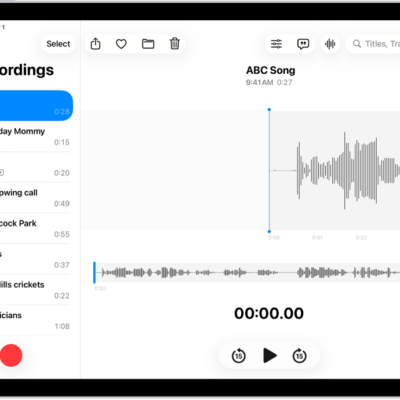
A recording made in Voice Memos. The list of recordings is on the left, with a selected recording at the top. On the right, the waveform has a playhead, which you can drag to go to a specific place in the recording. Above the waveform are the Share, Favorite, Move, Delete, Playback Options, Transcription, and Edit buttons. Below the timeline are the Playback controls.

How to search for or rename a recording in Voice Memos on iPad

You can search for or rename a recording in Voice Memos on iPad, and search for words in a transcript.
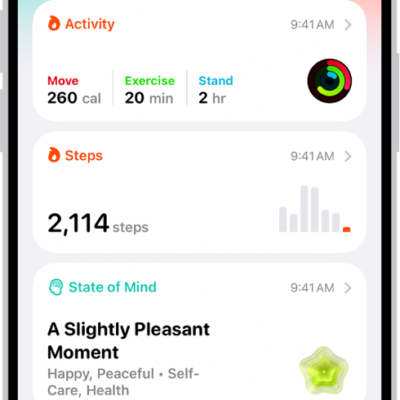
The Summary screen in Health. Information about activity, sleep score, state of mind, and medications appears below Pinned.

How to get started with Health on iPhone

You can get started with the Health app on iPhone, which brings together health data from your devices with sleep schedules, medications, and more.
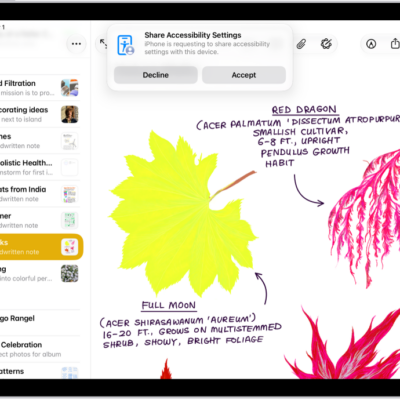
An iPad showing a notification that Danny's iPhone is requesting to share accessibility settings.

How to share your Accessibility Settings with another device on iPad

You can share your Accessibility settings with another iPhone or iPad, like a friend's device, and remove them when you're finished.
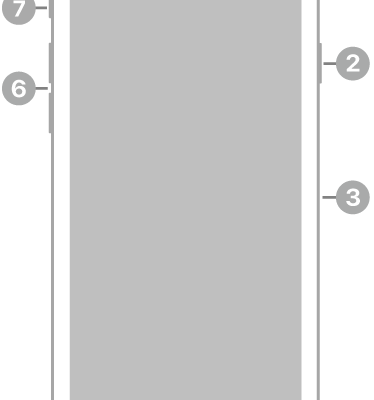
The front view of iPhone SE (3rd generation). The front camera is at the top, to the left of the speaker. On the right side, from top to bottom, are the side button and the SIM tray. The Home button is at the bottom center. The Lightning connector is on the bottom edge. On the left side, from bottom to top, are the volume buttons and the Ring/Silent switch.

iPhone SE (3rd generation) hardware: buttons, cameras, and ports

You can find the cameras, buttons, and other essential hardware features on iPhone SE (3rd generation), plus links to help you get started.
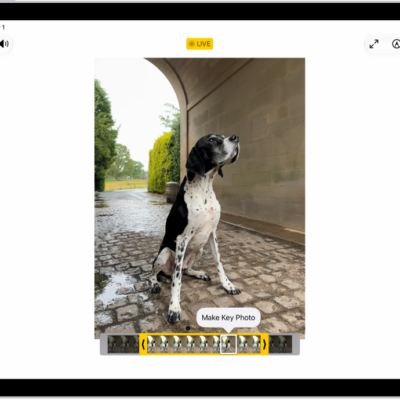
A Live Photo is in the center of the Edit screen in the Photos app. The frame viewer is across the bottom of the video and a yellow outline is around the selected frames to include in the edited Live Photo; a single frame is selected to make key photo. The editing tools are on the left side of the screen: from the top to bottom, Live Photo, Adjust, Filters, and Crop. Live Photo is selected.

How to edit Live Photos on iPad

You can edit Live Photos on iPad, change the key photo, trim and mute them, add Bounce and Loop effects, and turn one into a video.
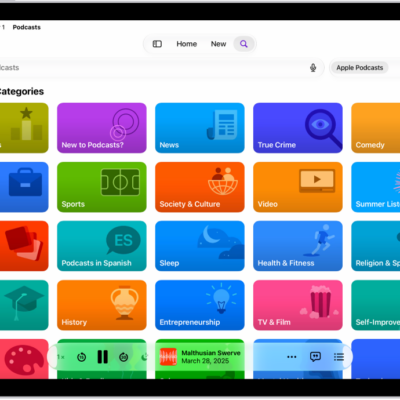
The Search screen in the Podcasts app, showing podcast categories. Towards the bottom of the screen is the MiniPlayer.

How to view podcast transcripts on iPad

You can view podcast transcripts on iPad in the Podcasts app, and search episode transcripts for words and phrases.