









GeeksModo Story Archive - October 2026

How to mute audio in tabs in Safari on iPad
You can mute audio in tabs in Safari on iPad, see which websites are playing audio, and unmute a tab.
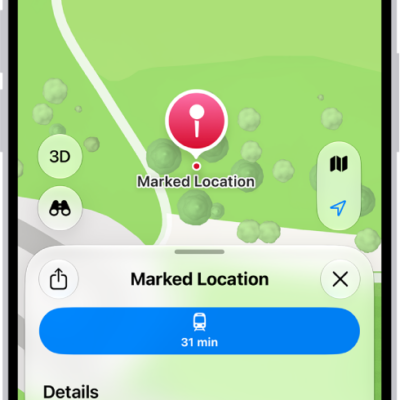
How to get directions to your parked car in Maps on iPhone
You can get directions to your parked car in Maps on iPhone, which drops a parked car marker when you leave your car's CarPlay or Bluetooth.
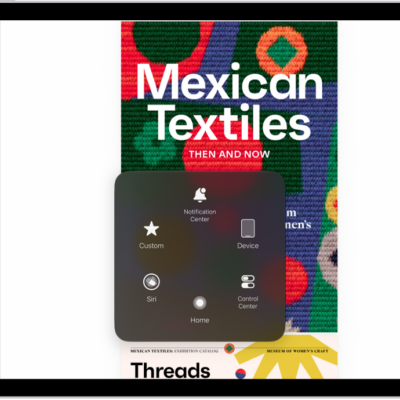
How to control iPad with the movement of your eyes
You can control iPad with the movement of your eyes using Eye Tracking, perform actions by dwelling, and recalibrate it anytime.
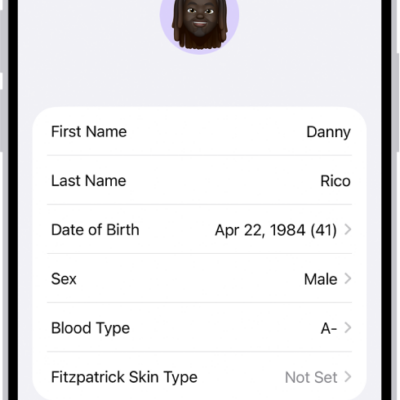
How to back up your Health data in iCloud on iPhone
You can back up your Health data in iCloud, stored and encrypted, when you sign in with your Apple Account, and turn Health syncing on or off on iPhone.
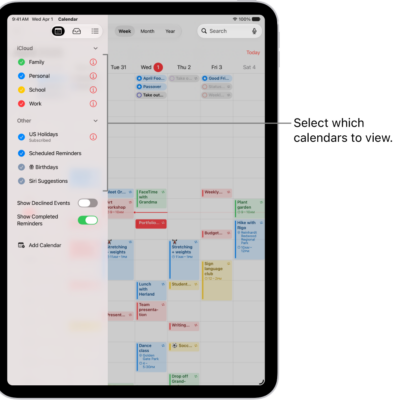
How to use the Holidays calendar on iPad
You can use the Holidays calendar on iPad to show holidays for your region, or add a holiday calendar from a different region.
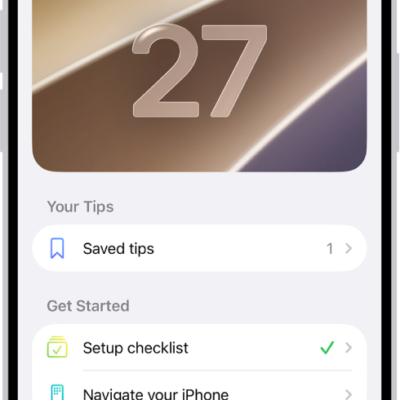
How to use the Tips app on iPad
You can use the Tips app on iPad to view collections of tips, get notified when new tips arrive, and save and share tips.

How to play videos with CarPlay
You can play videos from iPhone on your CarPlay display in supported vehicles, including with AirPlay when you're not driving.
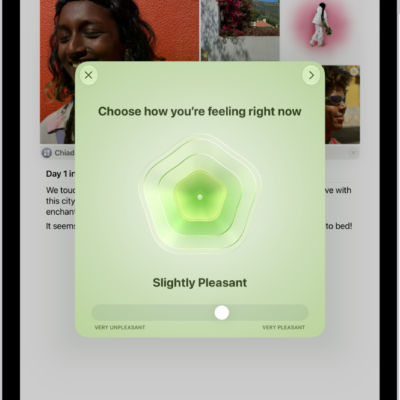
How to log your state of mind with Journal on iPad
You can journal for your wellbeing on iPad, log your state of mind in Journal, and add mindful minutes to Health.
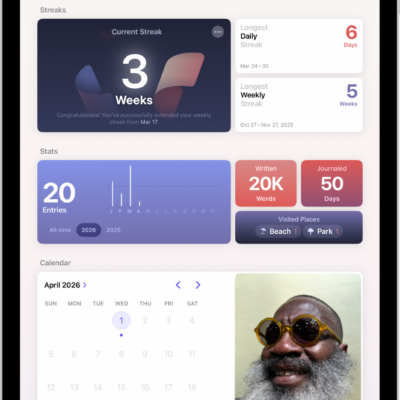
How to build a habit with Journal on iPad
You can build a habit with Journal on iPad by tracking your streak with Insights, setting a journaling schedule, and adding the Journal widget.
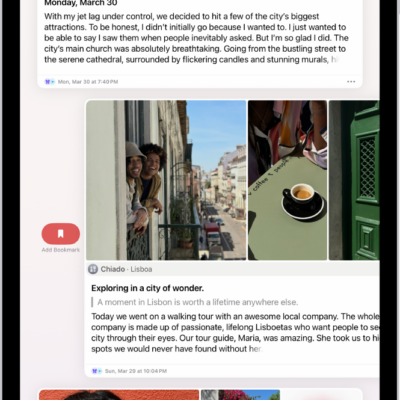
How to edit or delete a journal entry on iPad
You can edit or delete a journal entry on iPad, add an entry to multiple journals, and remove or add a title.