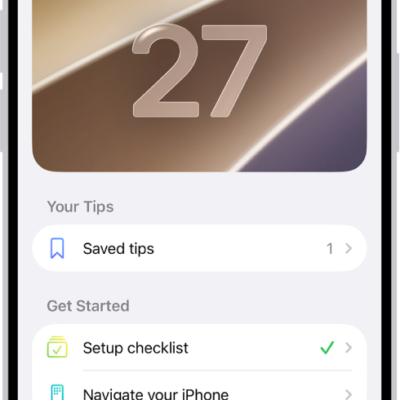
View collections of tips in the Tips app that help you get the most from your iPad. You can also get notifications every once in a while so you can keep learning new things over time.
In the Tips app, you can learn things like how to access your passwords. New tips are added regularly, and if you’d like, you can get notified when they arrive, save tips to your Saved tips collection, or share a tip.
Get tips
The Tips app teaches you how to personalize your Lock Screen, how to access your passwords, how to use Calculator to solve math problems, and much more, with new tips added regularly.
To start learning, go to the Tips app, tap a collection, then tap a tip.
Get notified when new tips arrive
- Open the Settings app on your iPad.
- Tap Notifications, tap Tips below Notification Style, and turn on Allow Notifications.
- Choose options for the style of notifications you want to receive, how they should appear, and more.
Save tips
You can add tips to your Saved tips collection to quickly find them later.
- Open the Tips app on your iPad.
- Tap a tip. Tap the Save button to add it to your collection. To remove the tip from your Saved tips collection, tap the Save button again.
To view all the tips you saved, tap the Show Sidebar button or the Back button until you return to the list of collections, then tap “Saved tips.”
Share a tip
Share a tip with a friend over Messages and Mail, or send it to someone nearby with AirDrop. Tips can also go into documents like Notes and Freeform boards.
- Open the Tips app on your iPad.
- Open the tip you want to share.
- Tap the Share button and then choose how to send the tip.
See also