









GeeksModo Story Archive - October 2026
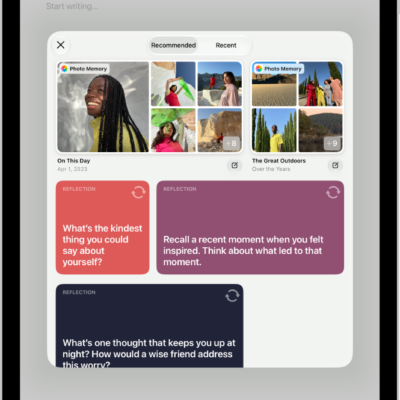
How to write in your journal on iPad
You can write in your journal on iPad to capture thoughts on everyday moments, with suggestions, Apple Pencil, and writing prompts.
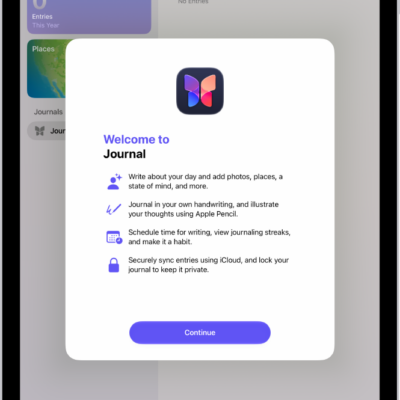
How to get started with Journal on iPad
You can get started with Journal on iPad to record your experiences with photos, music, drawings, and audio, and review your entries.
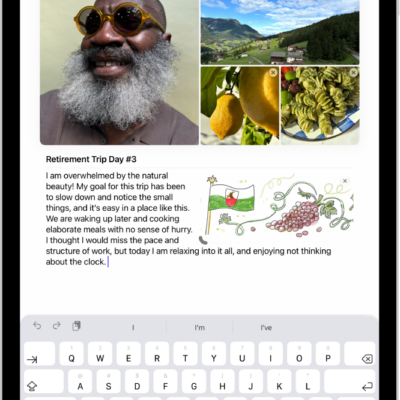
How to add formatting, photos, and more in Journal on iPad
You can add formatting, photos, drawings, videos, and map locations to entries in Journal on iPad, and work with attachments.
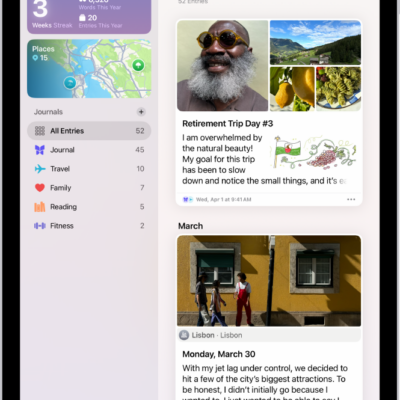
How to view and search your journal entries on iPad
You can view and search your journal entries on iPad, filter them by details like photos and locations, and bookmark entries.
How to change your Journal settings on iPad
You can change your Journal settings on iPad, sync journaling suggestions from iPhone, lock your journal, and turn Writing Prompts on or off.
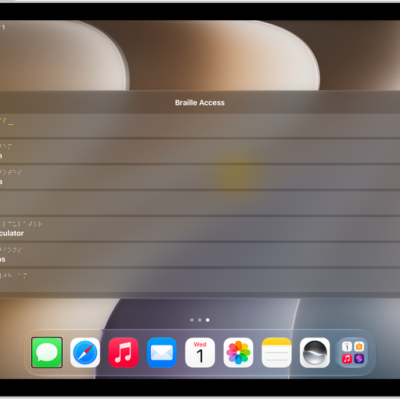
How to use a braille display with VoiceOver on iPad
You can use a braille display with VoiceOver on iPad to control iPad, read what's on the screen, and type in braille.
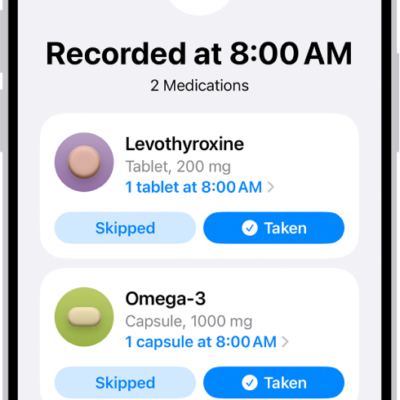
How to look up medication details and interactions in Health on iPhone (U.S. only)
You can learn what your medications are for, how they work, their side effects, and how they interact, in Health on iPhone in the U.S..
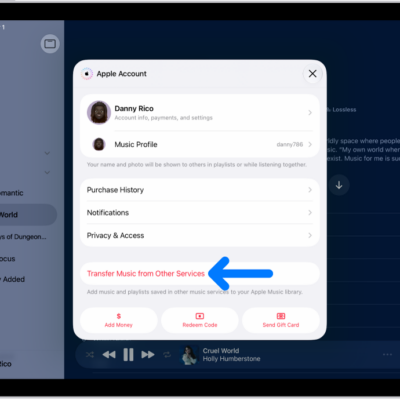
How to transfer music from other music services to Apple Music on iPad
You can transfer music from other music services to Apple Music on iPad, adding saved music and playlists to your library.
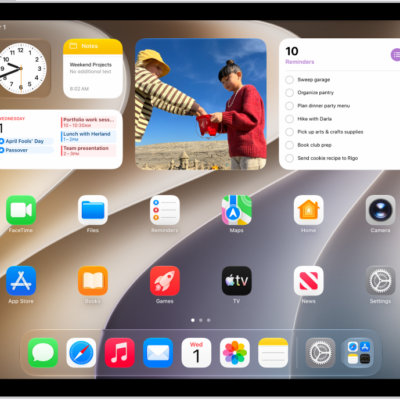
How to use News widgets on iPad
You can use News widgets on iPad to check the day's top and trending stories, or stories about a topic you choose.
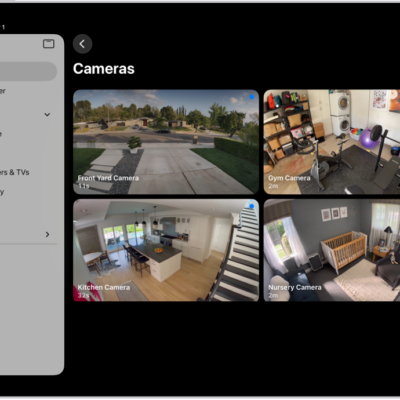
How to use Apple Intelligence with Home cameras and notifications on iPad
You can use Apple Intelligence with Home cameras and notifications on iPad to generate video descriptions and get fewer alerts.