









GeeksModo Story Archive - October 2026

How to use iCloud on iPhone
You can use iCloud on iPhone to keep your photos, documents, and backups updated across your devices, with an email account and 5 GB of free storage.

How to play background sounds on iPad
You can play background sounds on iPad, like ocean waves or rain, to help you focus or rest, and adjust their volume.
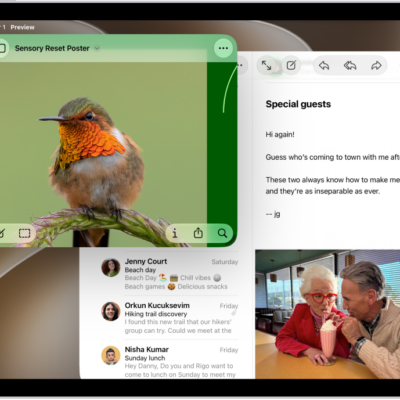
How to work faster on iPad with multitasking, the menu bar, and the Dock
You can streamline the workflow on your iPad by switching between apps, arranging app windows, using the menu bar, and adding folders to the Dock.
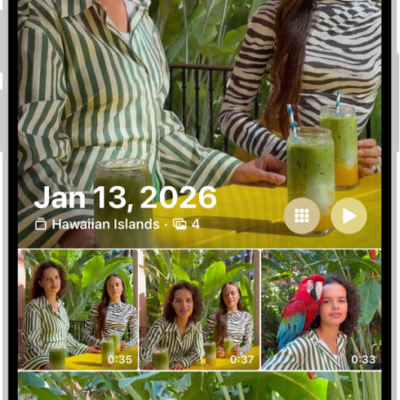
How to find photos and videos by date on iPhone
You can find photos and videos by date on iPhone, from a recent day in Recent Days to any year or month in your library.
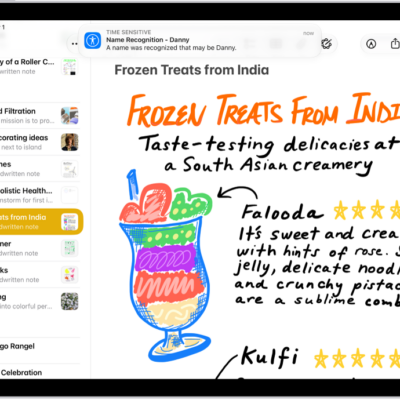
How to recognize sounds using iPad
You can have iPad recognize sounds like a doorbell, siren, or crying baby with Sound Recognition, and add custom sounds.

How to use iPad as a remote microphone with Live Listen
You can use iPad as a remote microphone with Live Listen to stream sound to your MFi hearing devices, AirPods, or Beats.
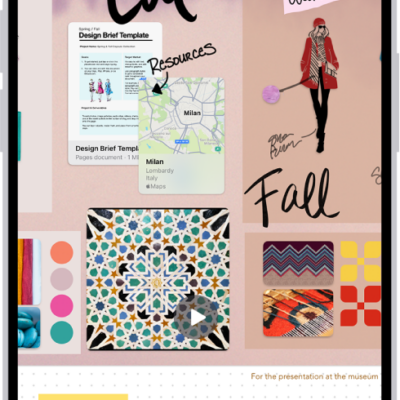
How to change your Freeform settings on iPhone
You can change Freeform settings on iPhone, from sharing permissions and board backgrounds to alignment guides, iCloud storage, and sorting.
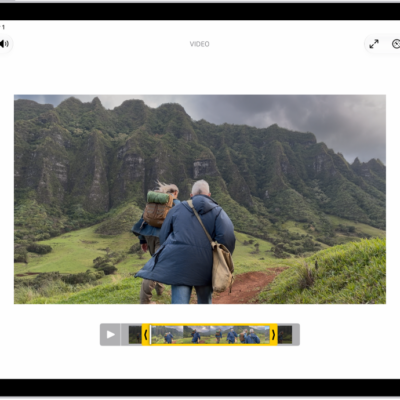
How to save a video frame as a photo on iPad
You can save a video frame as a photo on iPad by pausing a video in Photos and saving the frame.
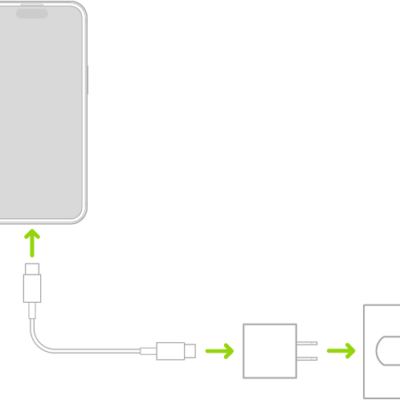
How to charge the iPhone battery
You can charge your iPhone battery with a cable or wirelessly.
How to report a problem with a game in the Apple Games app on iPad
You can report a problem with a game in the Apple Games app on iPad, or request a refund, on the Report a Problem website.