









GeeksModo Story Archive - October 2026
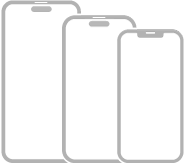
Which iPhone models can run iOS 27
You can check the iPhone models compatible with iOS 27, from iPhone 11 to iPhone 18 Pro Max, plus iPhone SE (2nd and 3rd generation).
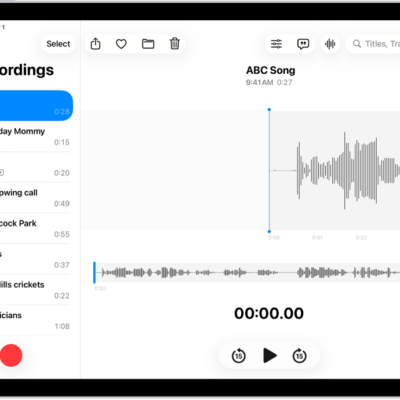
How to share a recording in Voice Memos on iPad
You can share a recording in Voice Memos on iPad with AirDrop, Messages, or Mail, as a rendered or editable file.
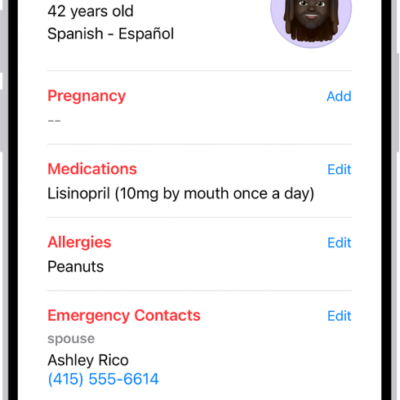
How to view data shared by others in Health on iPhone
You can view health data a loved one shares with you in Health on iPhone, like activity and heart rate, and get notifications about it.
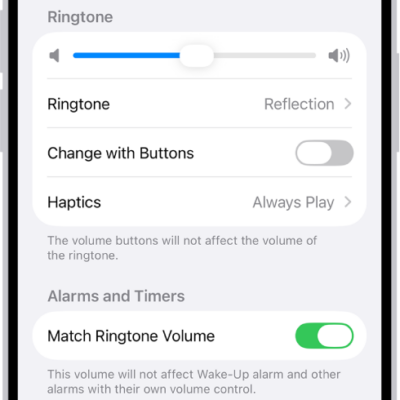
How to get ringtones, text tones, and alert tones in the iTunes Store on iPad
You can get ringtones, text tones, and alert tones in the iTunes Store on iPad, and redownload tones you bought on another device.

How to make a slideshow on iPad
You can make a slideshow on iPad from selected photos or an album, and customize its music, transitions, and timing.

How to update iPadOS
You can update iPadOS automatically or manually, or with your computer, and your data and settings remain unchanged.

iPhone vision accessibility features: VoiceOver, Magnifier, Zoom, and more
You can use vision accessibility features on iPhone, including VoiceOver, Braille Access, spoken text, Magnifier, Zoom, and display settings.
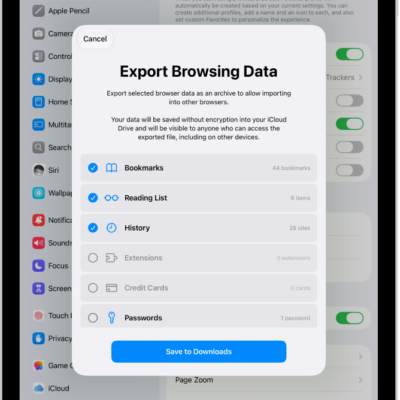
How to export Safari data to another browser on iPad
You can export Safari data to another browser on iPad, including bookmarks, history, extensions, credit cards, and passwords.
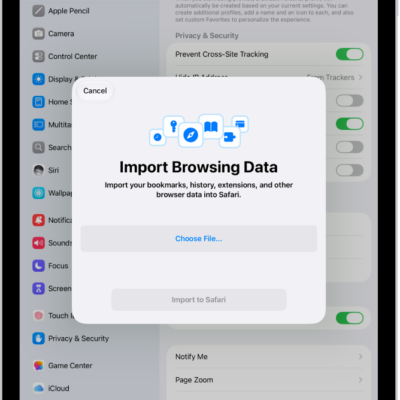
How to import data from another browser into Safari on iPad
You can import data from another browser into Safari on iPad, including bookmarks, history, extensions, credit cards, and passwords.
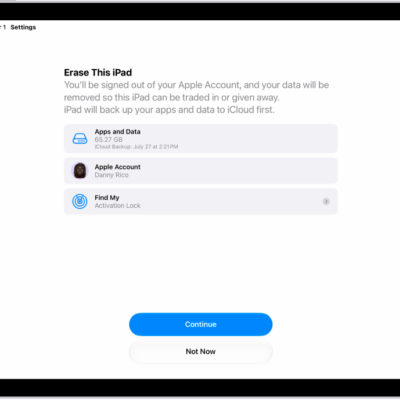
How to sell, give away, or trade in your iPad
You can get iPad ready to sell, give away, or trade in by backing it up, signing out of iCloud, and erasing it.