









GeeksModo Story Archive - October 2026
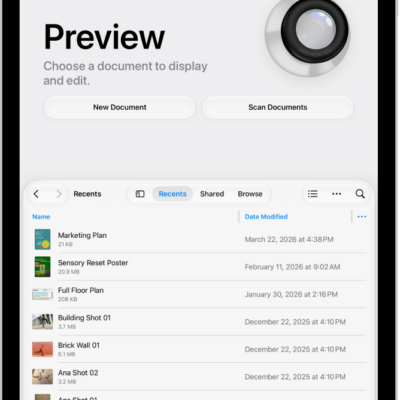
How to open and view PDFs and images in Preview on iPad
You can open and view PDFs and images in Preview on iPad, find text in a PDF, and view an Apple Reference Image.
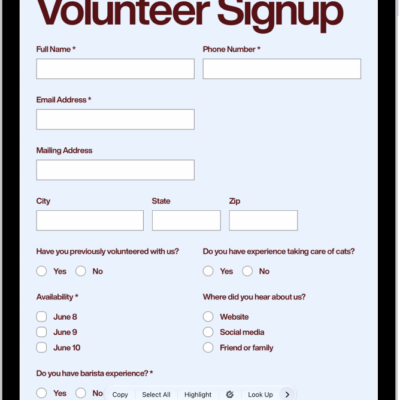
How to annotate a PDF or image in Preview on iPad
You can annotate a PDF or image in Preview on iPad, highlight or underline text, and add stickers, signatures, shapes, or text.
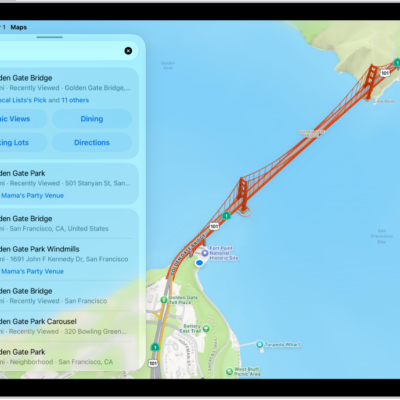
How to rate places and add photos in Maps on iPad
You can rate places and add photos in Maps on iPad to help other Maps users, and share or edit your photos.
How to get information about places in Maps on iPad
You can get information about places in Maps on iPad, see addresses and reviews on place cards, and save information about a place.
How to find nearby attractions, restaurants, and services in Maps on iPad
You can find nearby attractions, restaurants, and services in Maps on iPad by category or search, or ask Siri.
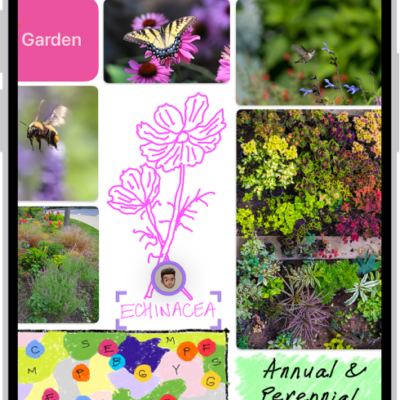
How to get started with Freeform on iPhone
You can get started with Freeform on iPhone, a boundless canvas to brainstorm, sketch, and collect ideas with photos, drawings, links, and files.
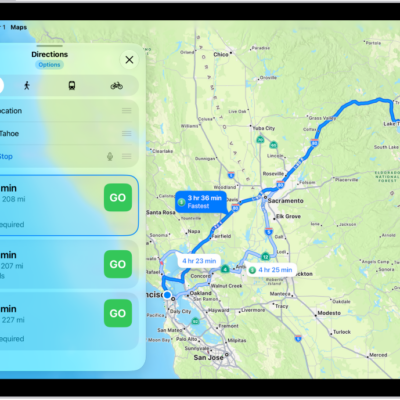
How to share your estimated time of arrival in Maps on iPad
You can share your ETA in Maps on iPad while following directions, stop sharing it, or share your ETA automatically.
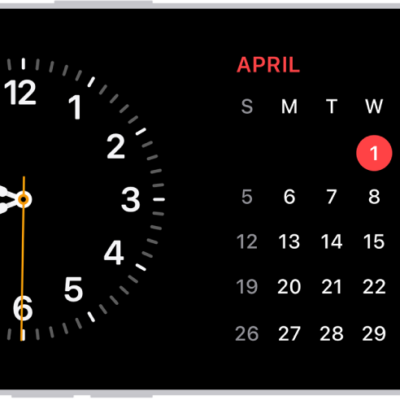
How to use iPhone for your daily routines
You can use iPhone for your daily routines, from StandBy and directions to Wallet, Home controls, Focus, and reminders.
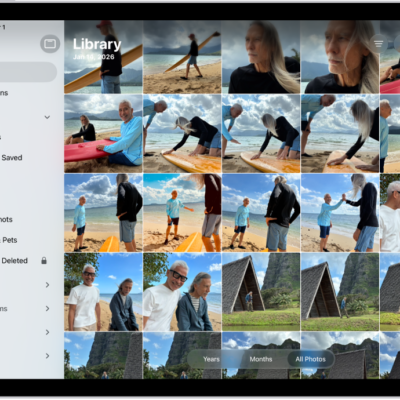
How to get started with Photos on iPad
You can get started with Photos on iPad to browse your library, enjoy your memories, edit your photos, and share your best shots.
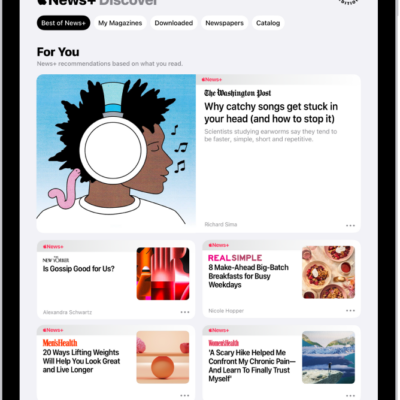
How to manually download Apple News+ issues on iPad
You can manually download Apple News+ issues on iPad to read offline, and remove downloaded issues.