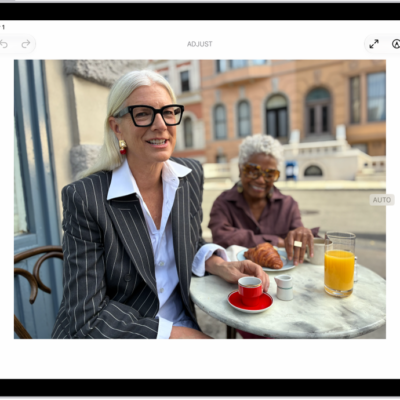
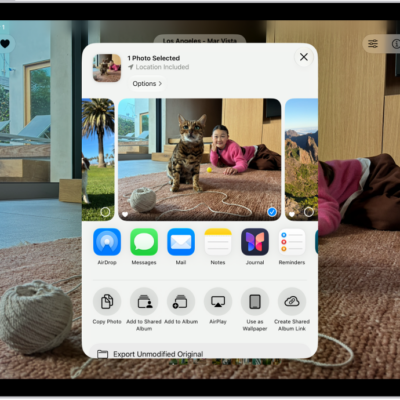
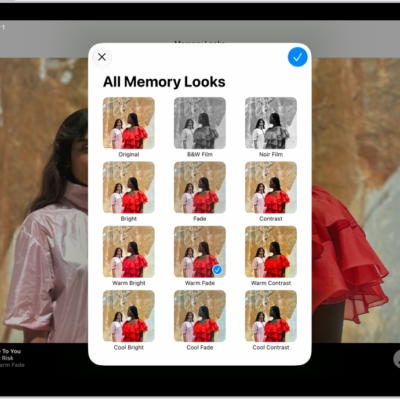
Use Photos on your iPad to find your photos, enjoy your memories, and share your best shots. The Library tab shows all your photos organized by date, and memories turn your photos and videos into personalized collections set to music. You can also adjust light and color, crop, and add filters or styles.
Each memory centers on a theme, like a person, pet, place, event, or activity. You can share photos with Mail, Messages, or AirDrop, or share all the photos and videos in a collection.
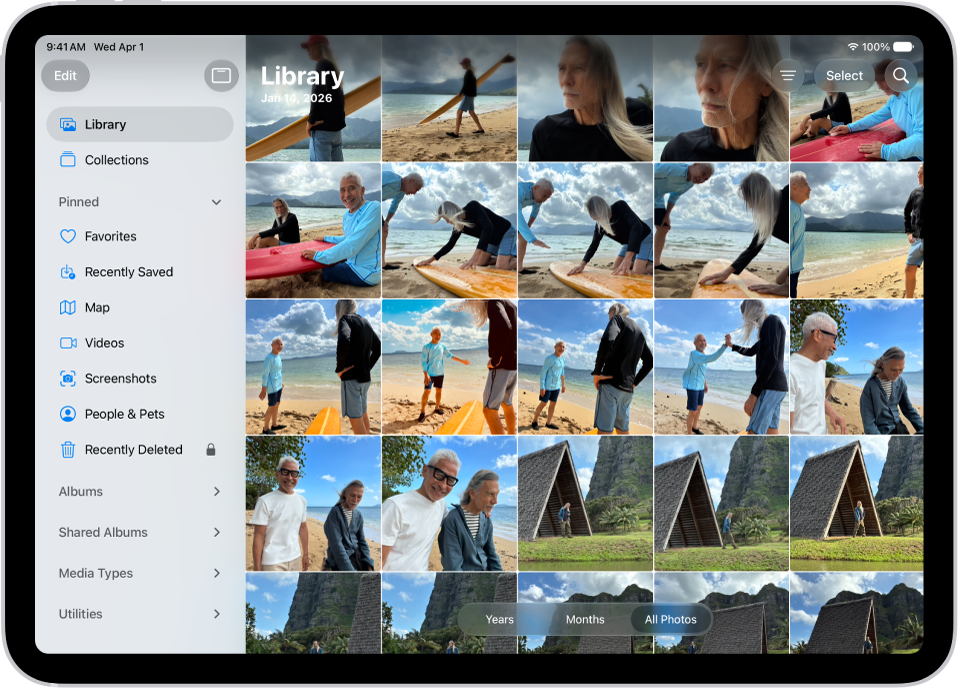
Browse your photos
To get started viewing your photos and videos, go to the Photos app. The Library tab shows all your photos organized by date. To view collections of photos—like Albums, People & Pets, and more—tap the Collections tab.
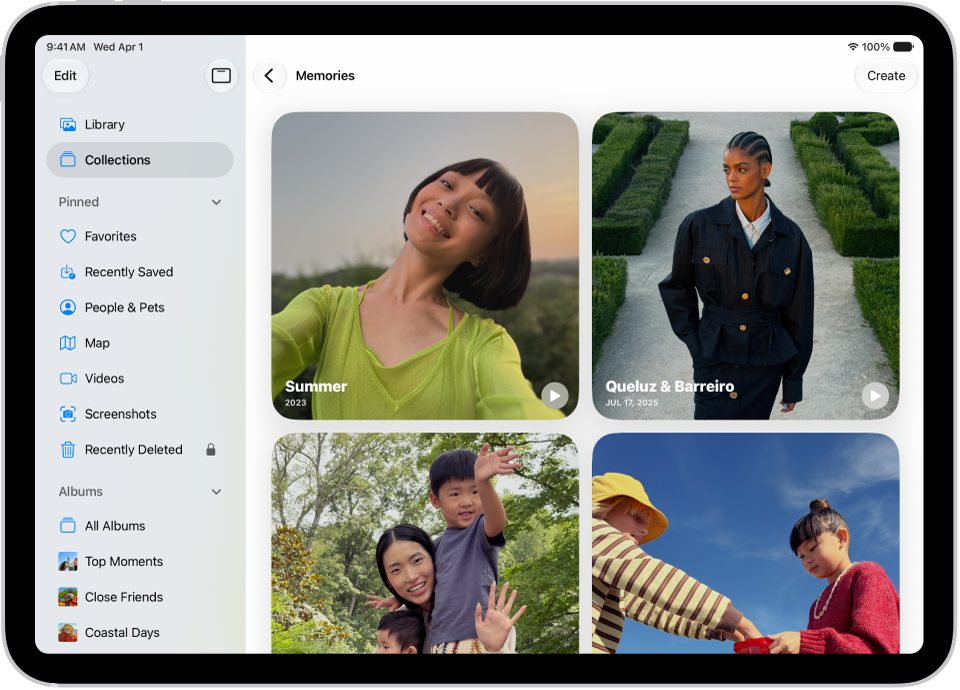
Enjoy your memories
Relive your favorite memories with personalized collections of photos and videos that are set to music and play like a movie. Tap Collections, tap Memories, then tap a memory. Each memory features photos from your library curated around a theme—like a person, pet, place, event, or activity.
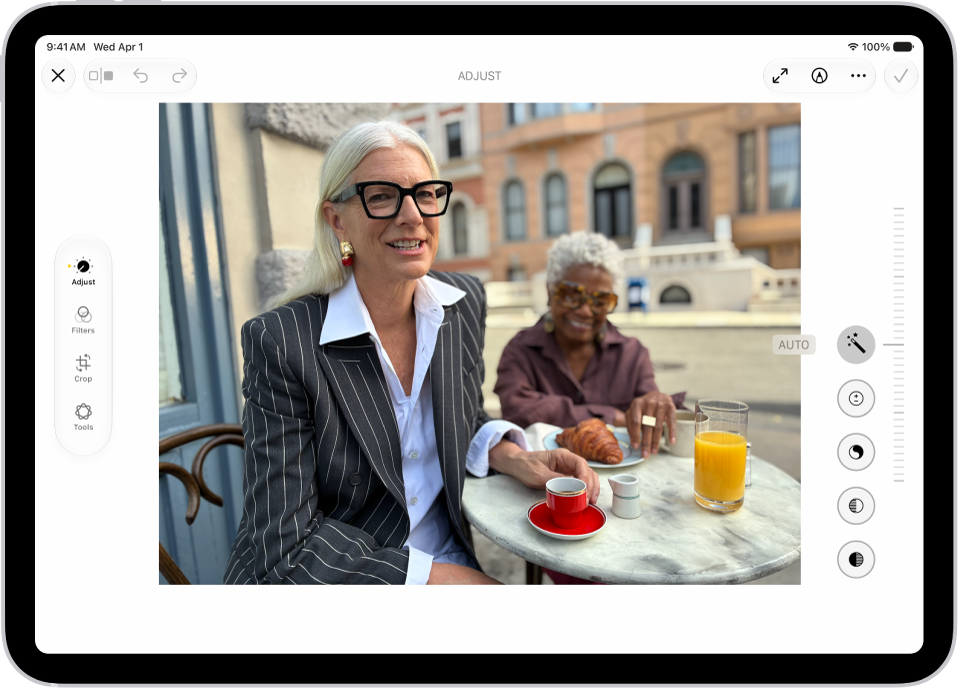
Edit your photos
Make your photos stand out by adjusting light and color, cropping, rotating, adding filters or styles, and more. Open a photo or video, then tap the Edit button to start editing.
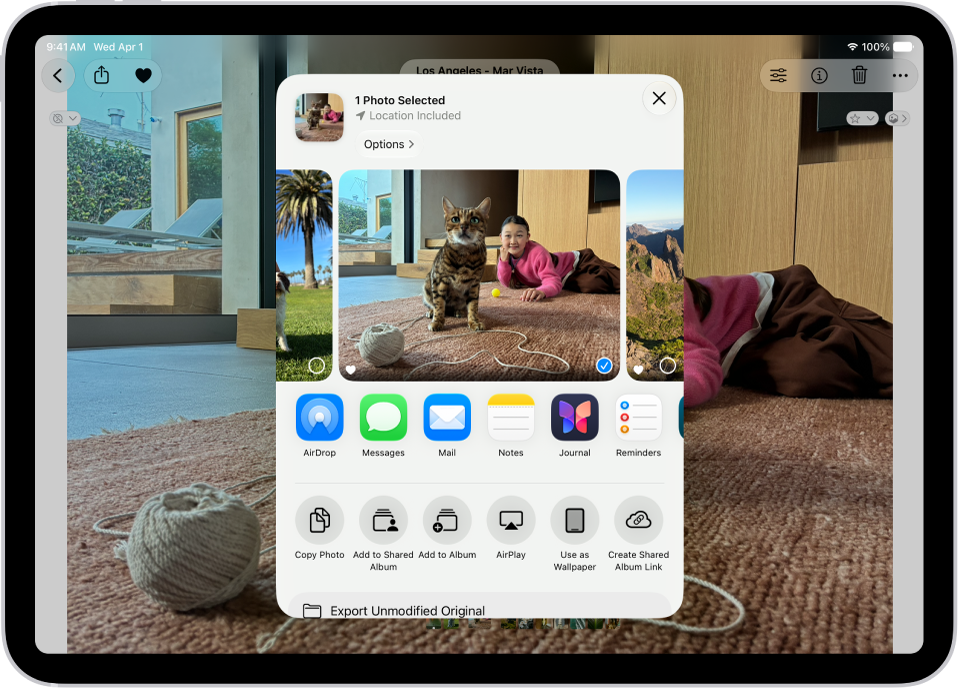
Share your photos
Open a photo or video, tap the Share button, then choose a sharing option like Mail, Messages, or AirDrop. To share all the photos and videos in a collection, tap the More button, then tap Share.
There’s a lot more you can do in Photos, and these guides explain how:
- Browse your photo library on iPad
- Find and name people and pets in Photos on iPad
- View your memories in Photos on iPad
- Edit photos and videos on iPad