









GeeksModo Story Archive - October 2026
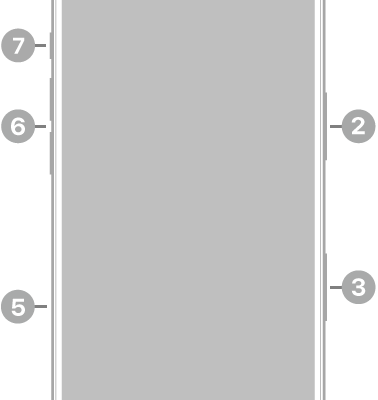
iPhone 17 hardware: buttons, cameras, and ports
You can find the cameras, buttons, and other essential hardware features on iPhone 17, plus links to help you get started.
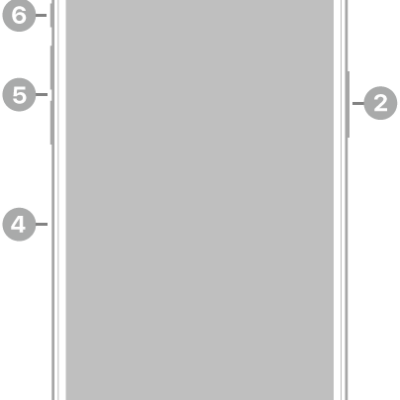
iPhone 14 Pro Max hardware: buttons, cameras, and ports
You can find the cameras, buttons, and other essential hardware features on iPhone 14 Pro Max, plus links to help you get started.
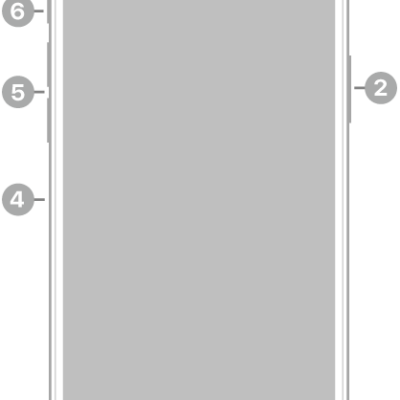
iPhone 13 Pro Max hardware: buttons, cameras, and ports
You can find the cameras, buttons, and other essential hardware features on iPhone 13 Pro Max, plus links to help you get started.
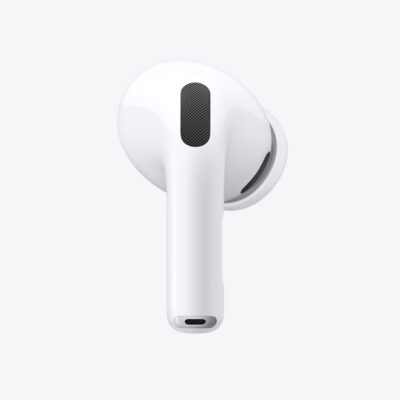
How to track your heart rate during workouts with AirPods Pro 3
You can track your heart rate during workouts with AirPods Pro 3 in the Fitness app, Apple Fitness+, or third-party fitness apps.
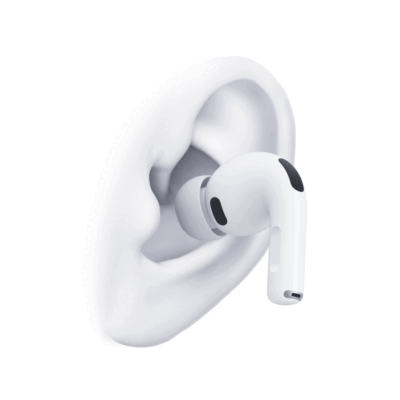
How to find the right fit with AirPods Pro
You can find the right fit with AirPods Pro by placing them correctly, choosing the best ear tip size, and testing the acoustic seal.
How to remove and attach ear tips on AirPods Pro
You can remove and attach ear tips on AirPods Pro to change sizes, and check which ear tip sizes come with your model.
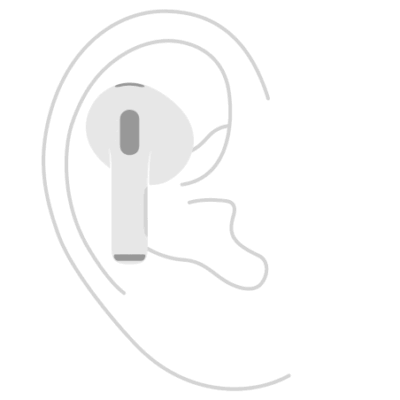
How to find the right fit with AirPods 3, AirPods 4, or AirPods 5
You can find the right fit with AirPods 3, AirPods 4, or AirPods 5 by inserting them in your ears so they feel snug and secure.
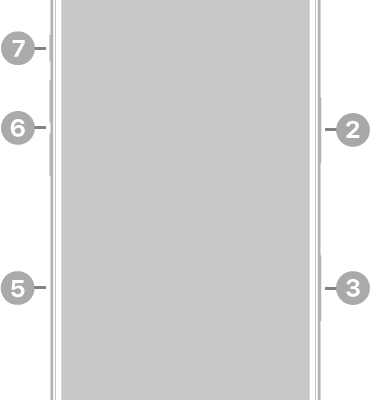
iPhone 17 Pro hardware: buttons, cameras, and ports
You can find the cameras, buttons, and other essential hardware features on iPhone 17 Pro, plus links to help you get started.
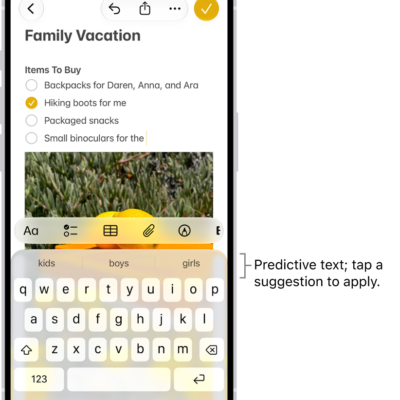
How to automatically fill in SMS passcodes on iPhone
You can automatically fill in one-time SMS passcodes on iPhone, which appear above the keyboard, into a website or app with a tap.
How to get information about your AirPods
You can get information about your AirPods, like the model name, serial number, and firmware version, on iPhone, iPad, or Mac, or on the AirPods.