









GeeksModo Story Archive - October 2026
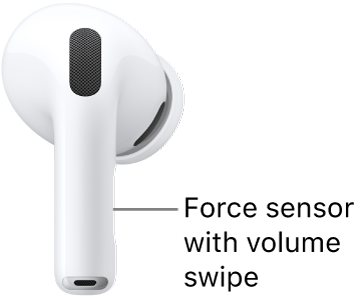
How to play audio on AirPods, AirPods Pro, or AirPods Max
You can play audio on AirPods, AirPods Pro, or AirPods Max, pause and resume it, skip tracks, and adjust the volume with the controls.
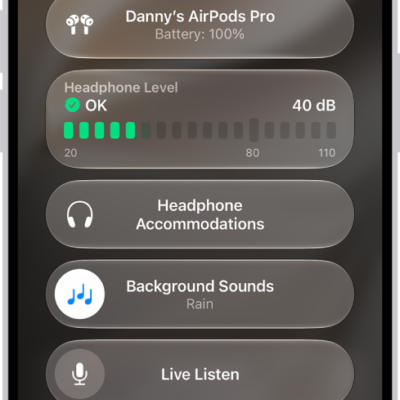
How to get started with accessibility features on AirPods
You can get started with accessibility features on AirPods, from background sounds and Transparency mode to Live Listen and control settings.
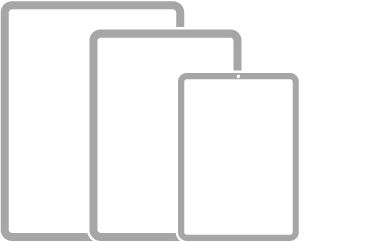
Which iPad models can run iPadOS 27
You can see which iPad models are compatible with iPadOS 27, from iPad mini and iPad Air to iPad Pro, and how to get iPadOS updates.

How to get started with News on iPhone
You can get started with News on iPhone to read stories from your favorite sources, plus audio stories, puzzles, and recipes with Apple News+.
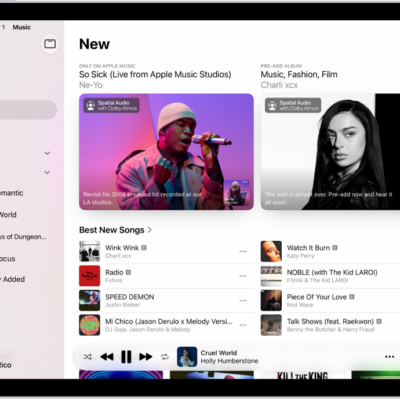
How to get started with Music on iPad
You can get started with Music on iPad, subscribe to Apple Music, find music, create playlists, and build your library.
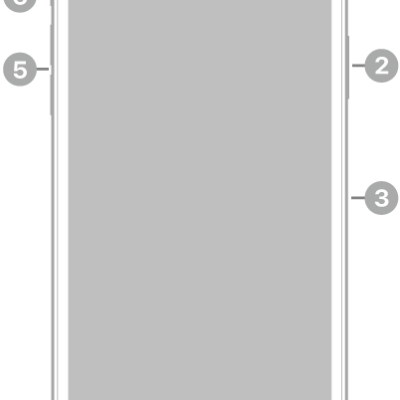
iPhone 11 Pro Max hardware: buttons, cameras, and ports
You can find the cameras, buttons, and other essential hardware features on iPhone 11 Pro Max, plus links to help you get started.
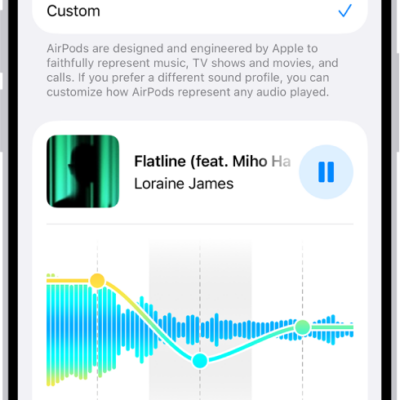
How to customize EQ on AirPods
You can customize EQ on AirPods with a three-band equalizer on iPhone, iPad, or Mac, and your settings carry over to other paired devices.
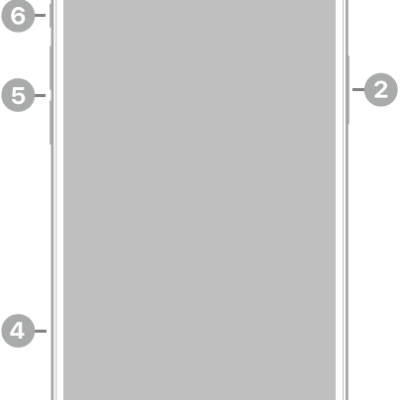
iPhone 14 Plus hardware: buttons, cameras, and ports
You can find the cameras, buttons, and other essential hardware features on iPhone 14 Plus, plus links to help you get started.
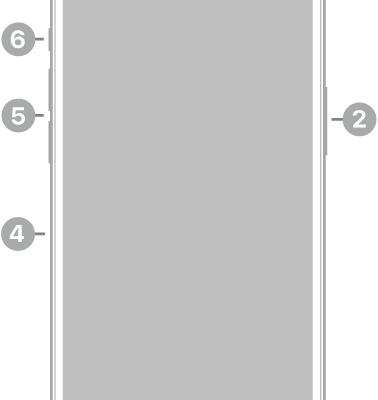
iPhone 13 Pro hardware: buttons, cameras, and ports
You can find the cameras, buttons, and other essential hardware features on iPhone 13 Pro, plus links to help you get started.
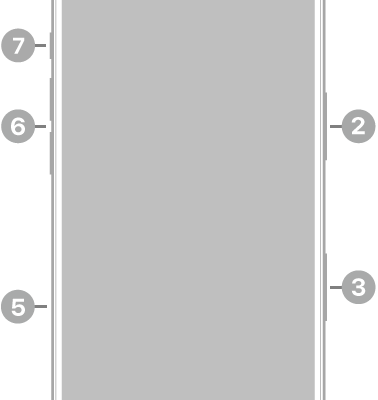
iPhone 17 hardware: buttons, cameras, and ports
You can find the cameras, buttons, and other essential hardware features on iPhone 17, plus links to help you get started.