









GeeksModo Story Archive - October 2026

How to Use Face ID With a Mask on iPhone 18 Pro Max
If you have an Apple Watch, use Unlock with Apple Watch to open your iPhone 18 Pro Max while wearing a mask.

Face ID Not Working on iPhone 18 Pro Max? Here’s What to Do
Check your Face ID settings first when Face ID stops working on your iPhone 18 Pro Max.
How to Add a Second Face to Face ID on iPhone 18 Pro Max
Tap Set Up an Alternate Appearance in Face ID & Passcode to add a second face on your iPhone 18 Pro Max.

“SIM Not Provisioned MM 2” on iPhone 18 Pro Max? How to Fix
Turn Airplane Mode on and off if your iPhone 18 Pro Max shows the "SIM not provisioned MM2" error.

iPhone 18 Pro Max Bluetooth Not Working? Here’s What to Do
Turn Bluetooth off and on and restart your iPhone 18 Pro Max when a Bluetooth device won't connect.

How to Use the Apple Support App on iPhone 18 Pro Max
Learn how to use the Apple Support app to get help with your iPhone 18 Pro Max or schedule a repair.
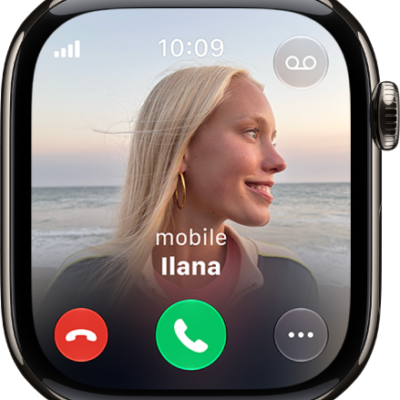
How to set up and use RTT on Apple Watch
You can set up and use RTT on Apple Watch with cellular to make and answer real-time text calls, and edit your default replies.
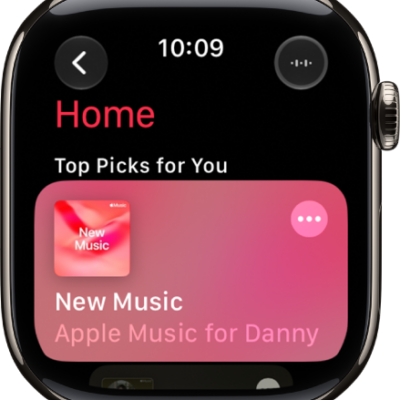
How to remove music from Apple Watch
You can remove music from Apple Watch with the Apple Watch app on iPhone or directly on your watch, and it stays on your iPhone.
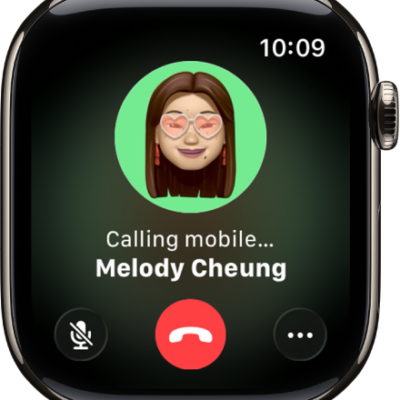
How to make and receive FaceTime audio calls on Apple Watch
You can make and receive FaceTime audio calls on Apple Watch from Messages, and add more people to a call.
How to recognize sounds using Apple Watch
You can recognize sounds using Apple Watch, like a doorbell, siren, or crying baby, and get notified when Sound Recognition hears them.