







GeeksModo Story Archive - October 2026
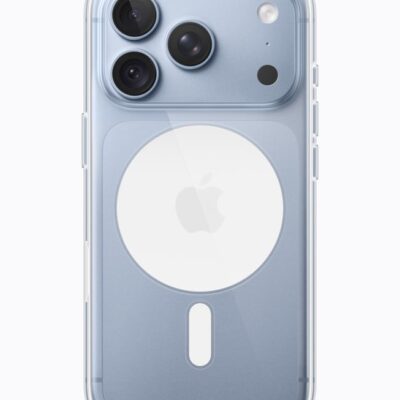
Bluetooth Speaker Too Quiet on iPhone 18 Pro Max? Here’s Why
Learn why turning on Reduce Loud Audio also limits the volume of Bluetooth speakers connected to your iPhone 18 Pro Max.
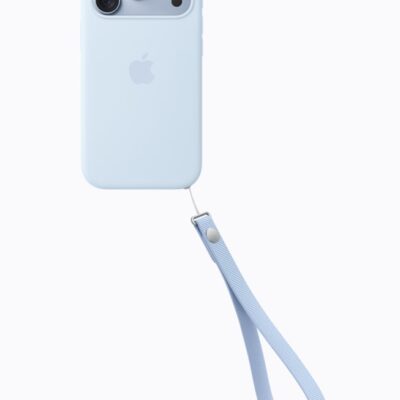
How to Set a Headphone Volume Limit on iPhone 18 Pro Max
In Headphone Safety, turn on Reduce Loud Audio and drag the slider to choose a headphone volume limit on your iPhone 18 Pro Max.
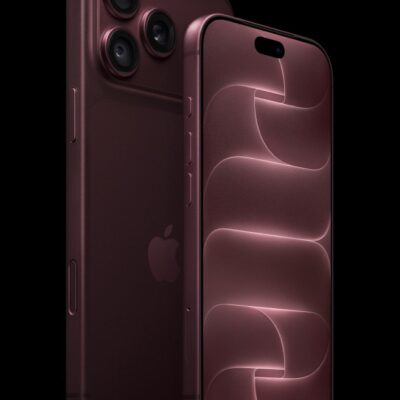
How to Clear Cache on iPhone 18 Pro Max
Check Documents & Data in iPhone Storage to see which apps hold the most cached data on your iPhone 18 Pro Max.
iPhone 18 Pro Max System Data Taking Up Storage? How to Fix It
Set Keep Messages to 1 Year or 30 Days to shrink System Data on your iPhone 18 Pro Max, but back up any messages you want to keep first.
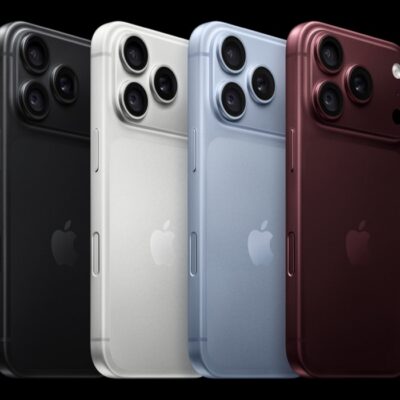
How to Transfer Text Messages to a New iPhone 18 Pro Max
If your old text messages didn't appear on your new iPhone 18 Pro Max, restore it from a backup of your old iPhone.
WhatsApp Camera Zoomed In on iPhone 18 Pro Max? How to Fix
If the WhatsApp camera looks zoomed in on your iPhone 18 Pro Max, try updating WhatsApp.
How to Fix Error 14 on Your iPhone 18 Pro Max
If Error 14 appears while you update or restore your iPhone 18 Pro Max, try a different USB port or cable.
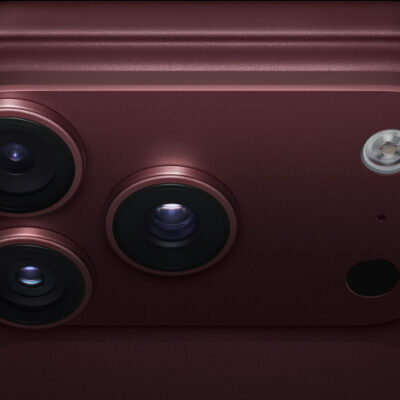
AOL Mail Not Working on iPhone 18 Pro Max? Here’s What to Do
If the AOL app stops working on your iPhone 18 Pro Max, close it fully and open it again.
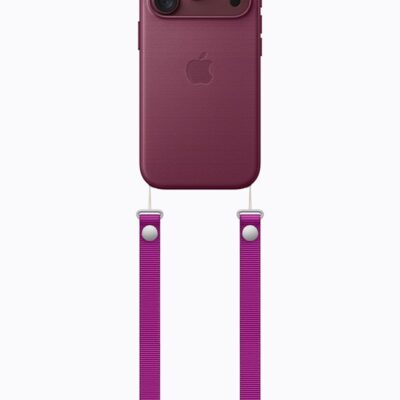
iPhone 18 Pro Max Flashlight Turning On by Itself? Here’s Why
Check Back Tap in Accessibility settings if the flashlight on your iPhone 18 Pro Max turns on by itself.
New iPhone 18 Pro Max? Stop Calls and Texts on Your Old iPhone
Sign out of your Apple Account in Messages and FaceTime settings on your old iPhone so it stops getting your messages after you move to an iPhone 18 Pro Max.