








Got a tip for us?

GeeksModo Story Archive - October 2026
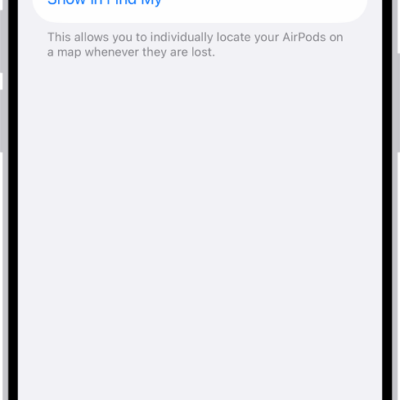
Bluetooth settings on an iPhone showing options for AirPods Pro. The Find My Network option is on, which allows AirPods to be located individually on a map whenever they're lost.

How to get information about your AirPods

You can get information about your AirPods, like the model name, serial number, and firmware version, on iPhone, iPad, or Mac, or on the AirPods.
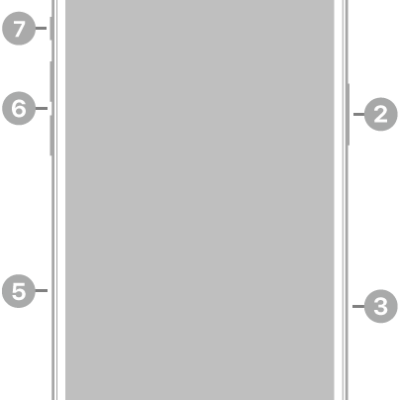
The front view of iPhone 16 Plus. The front camera is at the top center. The side button and the Camera Control are on the right side. The USB-C connector is on the bottom. On the left side, from bottom to top, are the SIM tray, the volume buttons, and the Action button.

iPhone 16 Plus hardware: buttons, cameras, and ports

You can find the cameras, buttons, and other essential hardware features on iPhone 16 Plus, plus links to help you get started.
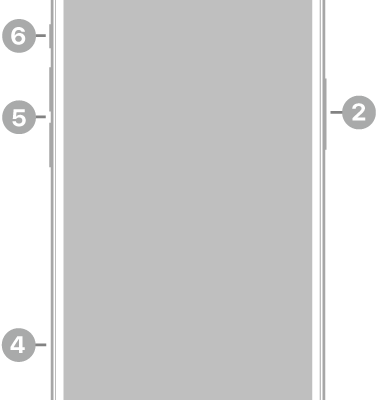
The front view of iPhone 13. The front camera is at the top center. The side button is on the right side. The Lightning connector is on the bottom. On the left side, from bottom to top, are the SIM tray, the volume buttons, and the Ring/Silent switch.

iPhone 13 hardware: buttons, cameras, and ports

You can find the cameras, buttons, and other essential hardware features on iPhone 13, plus links to help you get started.
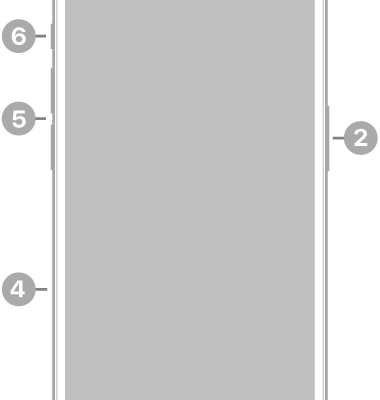
The front view of iPhone 15 Pro. The front camera is at the top center. The side button is on the right side. The USB-C connector is on the bottom. On the left side, from bottom to top, are the SIM tray, the volume buttons, and the Action button.

iPhone 15 Pro hardware: buttons, cameras, and ports

You can find the cameras, buttons, and other essential hardware features on iPhone 15 Pro, plus links to help you get started.
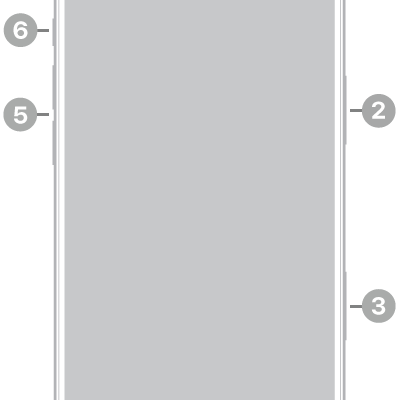
The front view of iPhone Air. The front camera is at the top center. The side button is on the right side. The USB-C connector is on the bottom. On the left side, from bottom to top, are the SIM tray, the volume buttons, and the Action button.

iPhone Air hardware: buttons, cameras, and ports

You can find the cameras, buttons, and other essential hardware features on iPhone Air, plus links to help you get started.
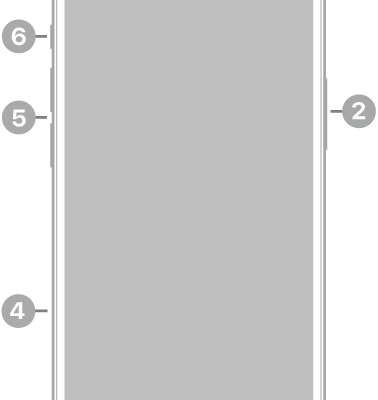
The front view of iPhone 15 Plus. The front camera is at the top center. The side button is on the right side. The USB-C connector is on the bottom. On the left side, from bottom to top, are the SIM tray, the volume buttons, and the Ring/Silent switch.

iPhone 15 Plus hardware: buttons, cameras, and ports

You can find the cameras, buttons, and other essential hardware features on iPhone 15 Plus, plus links to help you get started.
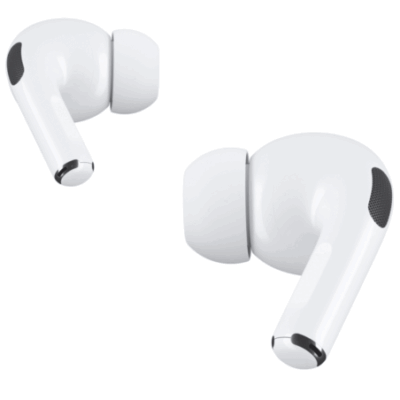
AirPods Pro are shown. One of the AirPods is being pinched on the stem.

How to listen and respond to messages with AirPods

You can listen and respond to messages with AirPods by having Siri announce and read them, then reply with your voice or dismiss notifications.
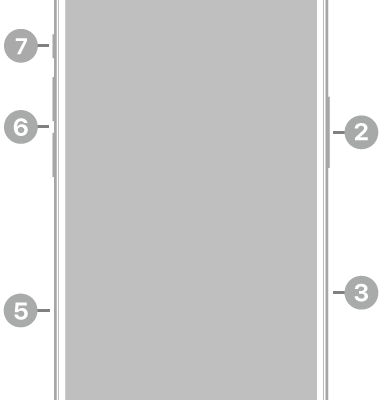
The front view of iPhone 16. The front camera is at the top center. The side button and the Camera Control are on the right side. The USB-C connector is on the bottom. On the left side, from bottom to top, are the SIM tray, the volume buttons, and the Action button.

iPhone 16 hardware: buttons, cameras, and ports

You can find the cameras, buttons, and other essential hardware features on iPhone 16, plus links to help you get started.
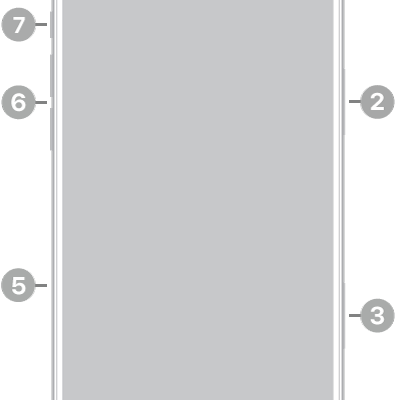
The front view of iPhone 17 Pro Max. The front camera is at the top center. The side button is on the right side. The USB-C connector is on the bottom. On the left side, from bottom to top, are the SIM tray, the volume buttons, and the Action button.

iPhone 17 Pro Max hardware: buttons, cameras, and ports

You can find the cameras, buttons, and other essential hardware features on iPhone 17 Pro Max, plus links to help you get started.

The top-right part of Control Center on Apple TV 4K. AirPods appear to the right of the time.

How to share audio with AirPods and Beats headphones on Apple TV 4K

You can share audio with AirPods and Beats headphones on Apple TV 4K by sending it to up to two pairs of compatible headphones.