









GeeksModo Story Archive - October 2026

How to share audio with AirPods and Beats headphones on Apple TV 4K
You can share audio with AirPods and Beats headphones on Apple TV 4K by sending it to up to two pairs of compatible headphones.
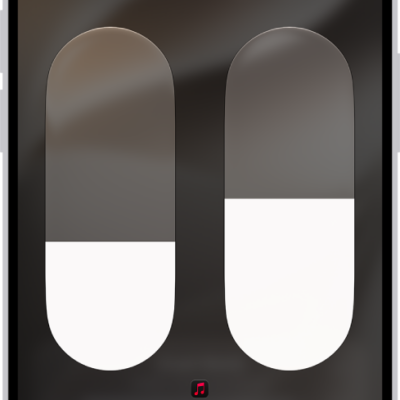
How to share audio with AirPods and Beats headphones from iPhone or iPad
You can share audio with AirPods and Beats headphones from iPhone or iPad, set a separate volume for each listener, and stop sharing anytime.

How to switch AirPods between Apple devices
You can switch AirPods between Apple devices automatically or manually, switch back to iPhone or iPad, and keep AirPods from switching.
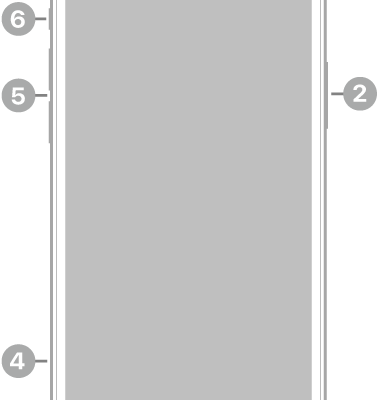
iPhone 12 Pro hardware: buttons, cameras, and ports
You can find the cameras, buttons, and other essential hardware features on iPhone 12 Pro, plus links to help you get started.
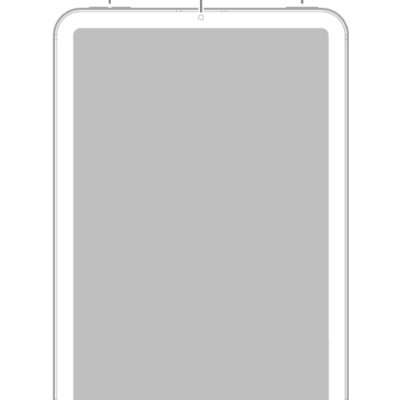
iPad mini (A17 Pro) hardware: buttons, cameras, and ports
You can learn the location of the cameras, buttons, and other essential hardware features on iPad mini (A17 Pro).
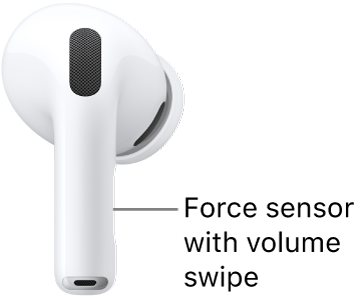
How to change force sensor, force sensor with volume swipe, or button settings for AirPods
You can change force sensor, force sensor with volume swipe, or button settings for AirPods to adjust press speed, hold duration, and Volume Swipe.
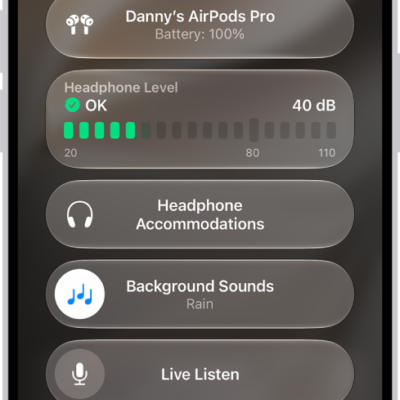
How to use Live Listen with AirPods
You can use Live Listen with AirPods to amplify sound by placing your iPhone or iPad near what you want to hear.
How to set headphone accommodations for AirPods
You can set headphone accommodations for AirPods on iPhone, iPad, or Mac to amplify soft sounds and tune audio for your hearing needs.
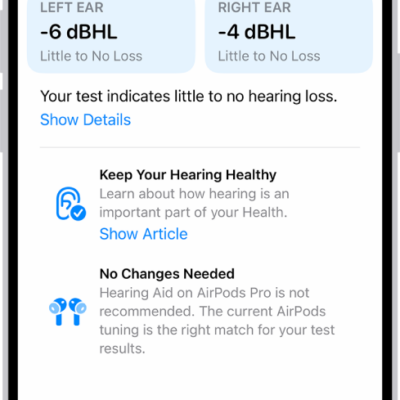
How to use hearing health features with AirPods Pro 2 or AirPods Pro 3
You can use hearing health features with AirPods Pro 2 or AirPods Pro 3, like a Hearing Test, Hearing Aid, and Hearing Protection.

iPad Pro 11-inch (M5) hardware: buttons, cameras, and ports
You can learn the location of the cameras, buttons, and other essential hardware features on iPad Pro 11-inch (M5).