









GeeksModo Story Archive - October 2026
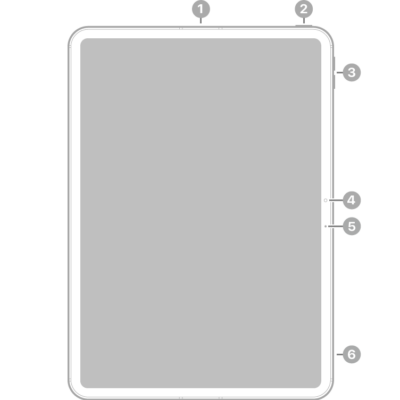
iPad Pro 11-inch (M5) hardware: buttons, cameras, and ports
You can learn the location of the cameras, buttons, and other essential hardware features on iPad Pro 11-inch (M5).
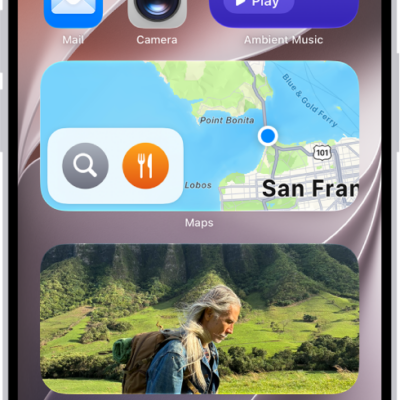
How to use the Podcasts widget on iPhone
You can add the Podcasts widget to your iPhone Home Screen to play episodes without opening the app, and customize or remove it.
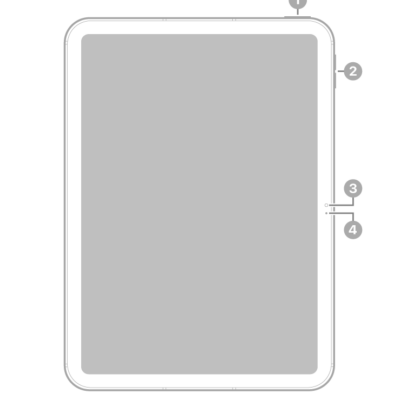
iPad (A16) hardware: buttons, cameras, and ports
You can learn the location of the cameras, buttons, and other essential hardware features on iPad (A16).

How to get started with the Apple Games app on iPhone
You can get started with the Apple Games app on iPhone to see your game library, friends' activity, and recommendations, and discover new games.
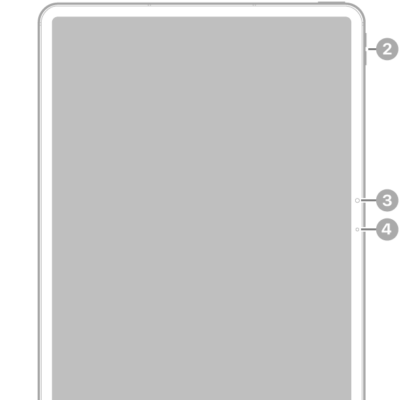
iPad Air 13-inch (M2) hardware: buttons, cameras, and ports
You can learn the location of the cameras, buttons, and other essential hardware features on iPad Air 13-inch (M2).
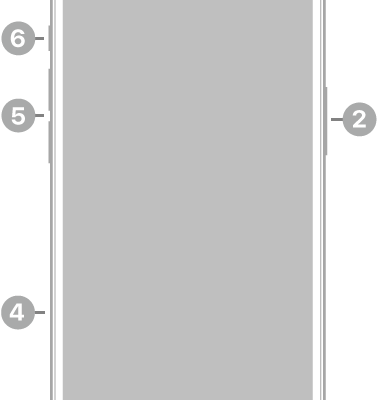
iPhone 17e hardware: buttons, cameras, and ports
You can find the cameras, buttons, and other essential hardware features on iPhone 17e, plus links to help you get started.
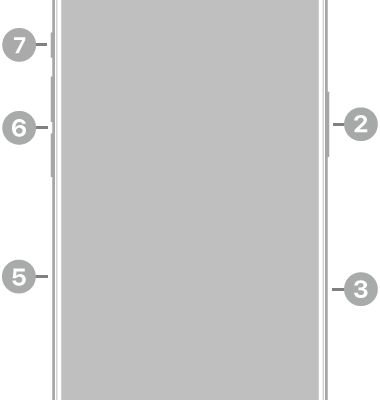
iPhone 16 Pro hardware: buttons, cameras, and ports
You can find the cameras, buttons, and other essential hardware features on iPhone 16 Pro, plus links to help you get started.
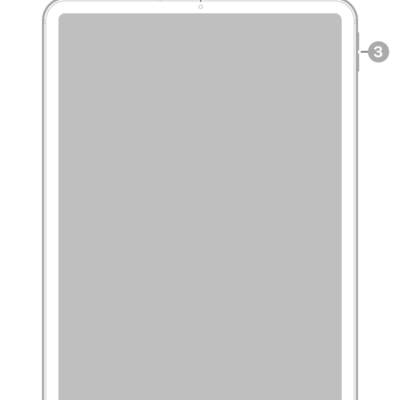
iPad Pro 11-inch (2nd generation) hardware: buttons, cameras, and ports
You can learn the location of the cameras, buttons, and other essential hardware features on iPad Pro 11-inch (2nd generation).
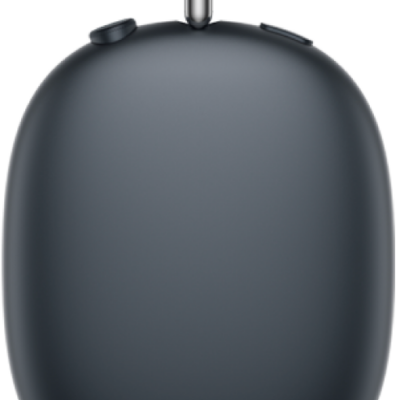
How to charge AirPods, AirPods Pro, or AirPods Max
You can charge AirPods, AirPods Pro, or AirPods Max and their cases, check the charge status, and turn on Optimized Battery Charging.
iPad Air 13-inch (M4) hardware: buttons, cameras, and ports
You can learn the location of the cameras, buttons, and other essential hardware features on iPad Air 13-inch (M4).