









GeeksModo Story Archive - October 2026

How to charge AirPods, AirPods Pro, or AirPods Max
You can charge AirPods, AirPods Pro, or AirPods Max and their cases, check the charge status, and turn on Optimized Battery Charging.

iPad Air 13-inch (M4) hardware: buttons, cameras, and ports
You can learn the location of the cameras, buttons, and other essential hardware features on iPad Air 13-inch (M4).

iPad Air 11-inch (M4) hardware: buttons, cameras, and ports
You can learn the location of the cameras, buttons, and other essential hardware features on iPad Air 11-inch (M4).

iPad Air (5th generation) hardware: buttons, cameras, and ports
You can learn the location of the cameras, buttons, and other essential hardware features on iPad Air (5th generation).
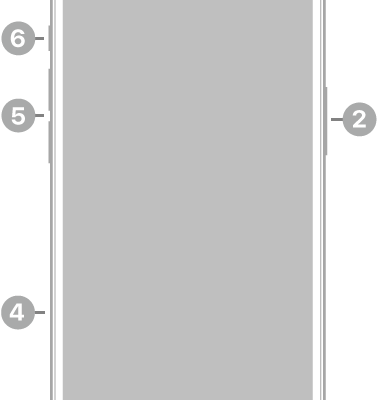
iPhone 16e hardware: buttons, cameras, and ports
You can find the cameras, buttons, and other essential hardware features on iPhone 16e, plus links to help you get started.

iPad Air (4th generation) hardware: buttons, cameras, and ports
You can learn the location of the cameras, buttons, and other essential hardware features on iPad Air (4th generation).
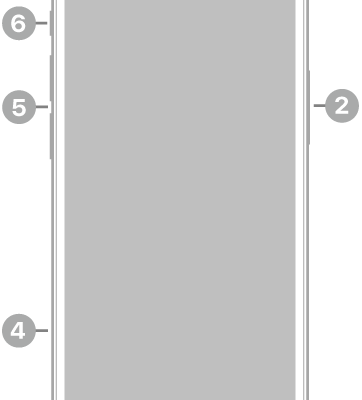
iPhone 13 mini hardware: buttons, cameras, and ports
You can find the cameras, buttons, and other essential hardware features on iPhone 13 mini, plus links to help you get started.

iPad Pro 12.9-inch (6th generation) hardware: buttons, cameras, and ports
You can learn the location of the cameras, buttons, and other essential hardware features on iPad Pro 12.9-inch (6th generation).
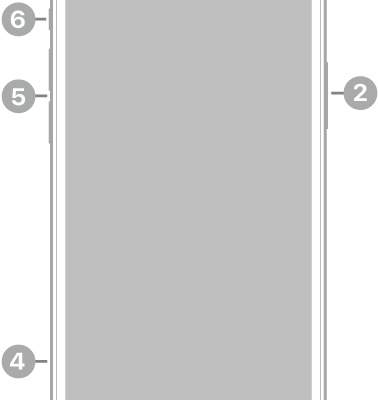
iPhone 12 hardware: buttons, cameras, and ports
You can find the cameras, buttons, and other essential hardware features on iPhone 12, plus links to help you get started.

iPad Pro 12.9-inch (4th generation) hardware: buttons, cameras, and ports
You can learn the location of the cameras, buttons, and other essential hardware features on iPad Pro 12.9-inch (4th generation).