









GeeksModo Story Archive - October 2026
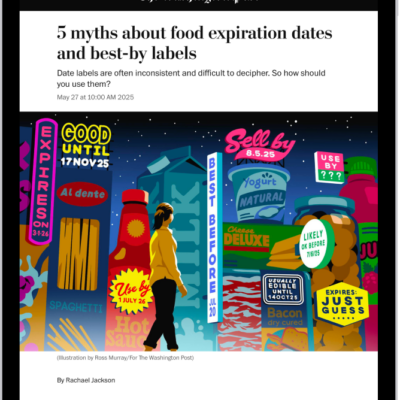
How to get started with News on iPad
You can get started with News on iPad, catch up on the latest stories, customize your feed, and subscribe to Apple News+.
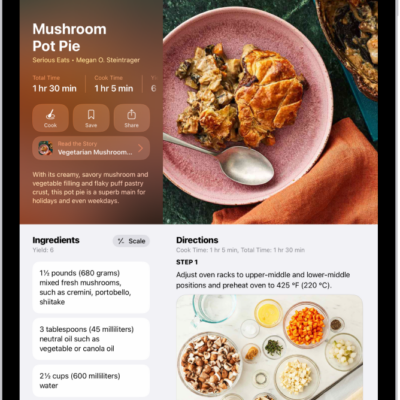
How to find recipes and food stories in Apple News+ on iPad
You can find recipes and food stories in Apple News+ on iPad, search and filter recipes, save them, and use cooking timers.
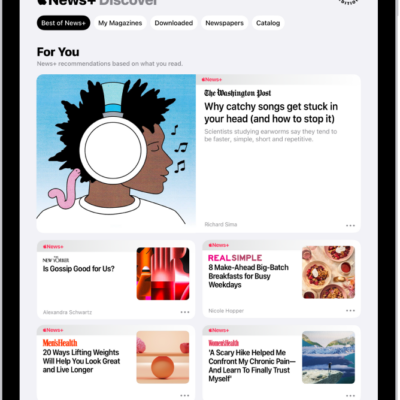
How to use Offline Mode to read downloaded News content on iPad
You can use Offline Mode to read downloaded News content on iPad when there's no Wi-Fi or cellular connection.
How to browse and read Apple News+ stories and issues on iPad
You can browse and read Apple News+ stories and issues on iPad, follow publications, and access back issues.
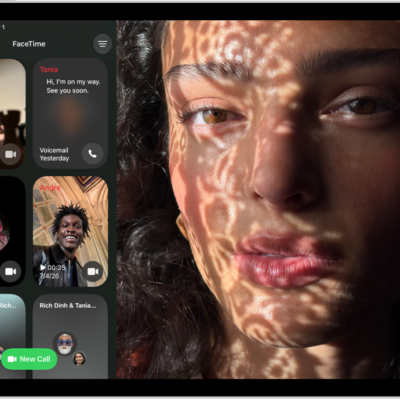
How to screen and filter FaceTime calls on iPad
You can screen and filter FaceTime calls on iPad, screen unknown audio calls, and silence or filter calls from unknown numbers.
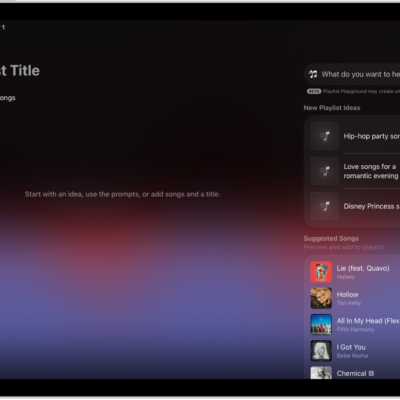
How to create, edit, and delete music playlists on iPad
You can create, edit, and delete music playlists on iPad, use Playlist Playground in the U.S., and add, reorder, or remove songs.
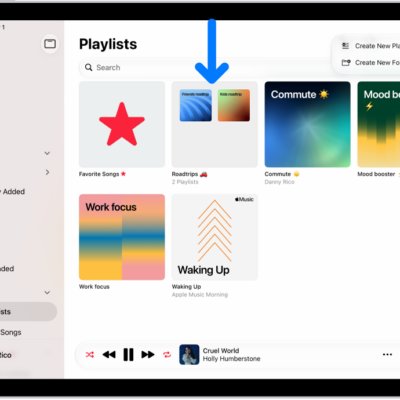
How to organize playlists in folders in Music on iPad
You can organize playlists in folders in Music on iPad, create a playlist folder, rename it, and add or remove playlists.
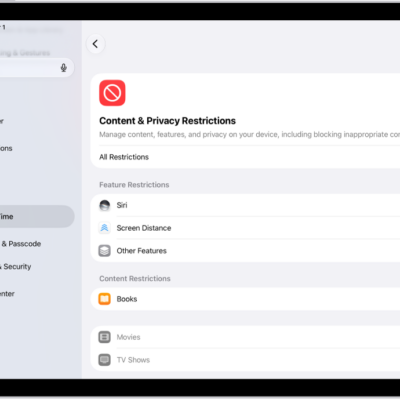
How to change game-related settings on iPad
You can change game-related settings on iPad for the Apple Games app and Game Center, manage friend requests, and set restrictions.
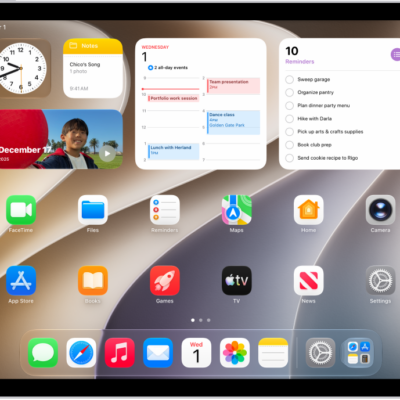
How to connect with friends in the Apple Games app on iPad
You can connect with friends in the Apple Games app on iPad, add friends, respond to friend requests, and see their recent activity.
How to get started with the Apple Games app on iPad
You can get started with the Apple Games app on iPad to discover new games, play with friends, and view your achievements.