









GeeksModo Story Archive - October 2026
How to get started with the Apple Games app on iPad
You can get started with the Apple Games app on iPad to discover new games, play with friends, and view your achievements.
How to view and manage your game library in the Apple Games app on iPad
You can view and manage your game library in the Apple Games app on iPad, sort and filter games, and track achievements.

How to connect a game controller to iPad
You can connect a game controller to iPad with Bluetooth or a cable, customize its buttons, and add a second controller with Buddy Controller.
How to find and download games in the Apple Games app on iPad
You can find and download games in the Apple Games app on iPad, browse new releases and Apple Arcade, and play or quit a game.
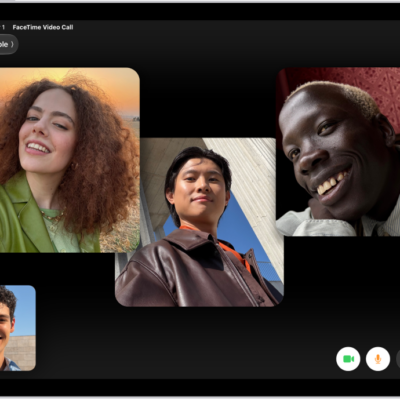
How to play with friends in the Apple Games app on iPad
You can play with friends in the Apple Games app on iPad, challenge them on leaderboards, and play together during FaceTime calls.
How to set up your Game Center profile in the Apple Games app on iPad
You can set up your Game Center profile in the Apple Games app on iPad, choose an avatar and nickname, and control who sees your activity.
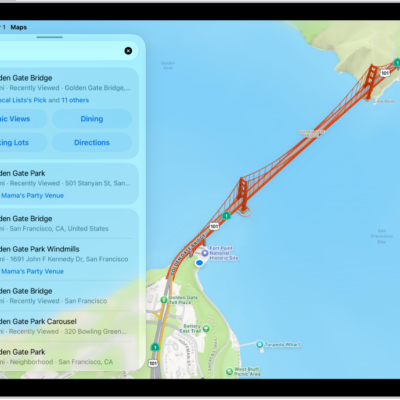
How to explore places with guides in Maps on iPad
You can explore places with guides in Maps on iPad, browse by city, interest, or publisher, and view, share, and save guides.
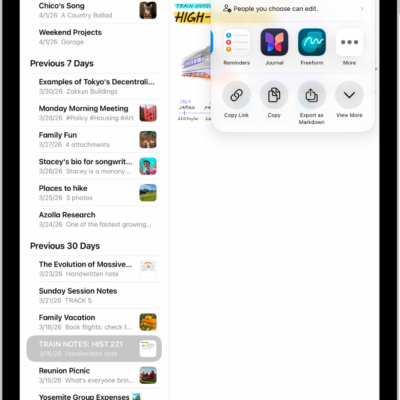
How to customize sharing options in an iPad app
You can customize sharing options in an iPad app, show or hide Share options, and reorder your Favorites.
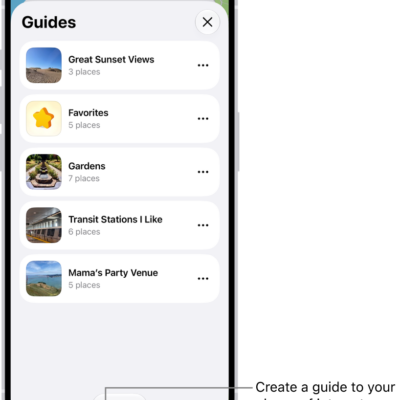
How to organize places with custom guides in Maps on iPad
You can organize places with custom guides in Maps on iPad, create and share guides, and add places to your Favorites guide.
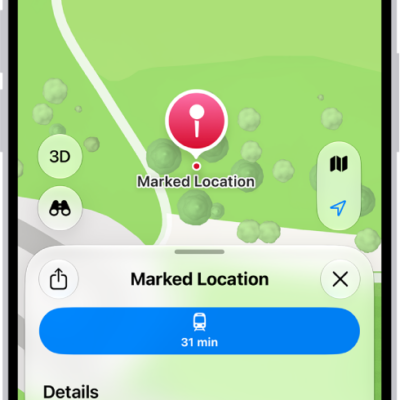
How to mark a location with a pin in Maps on iPad
You can mark a location with a pin in Maps on iPad, share it, get its latitude and longitude, and edit or remove it.