









GeeksModo Story Archive - October 2026
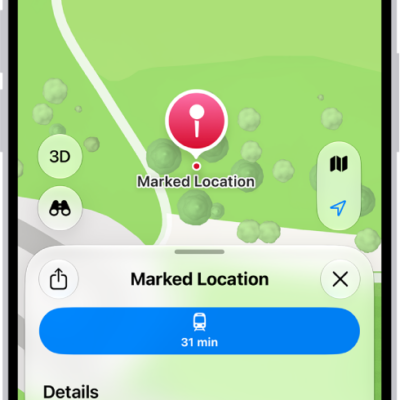
How to mark a location with a pin in Maps on iPad
You can mark a location with a pin in Maps on iPad, share it, get its latitude and longitude, and edit or remove it.
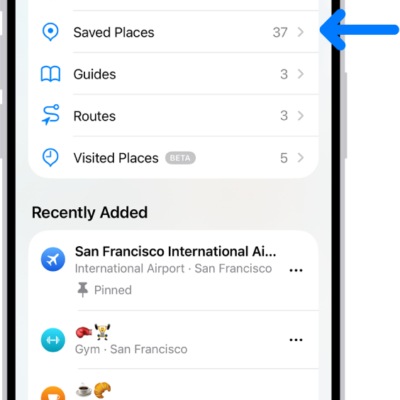
How to add places and notes to your Places in Maps on iPad
You can add places and notes to your Places in Maps on iPad, save pins and addresses, and remove places you no longer need.
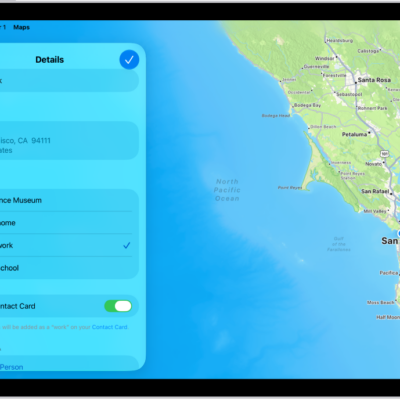
How to set your home, work, or school address in Maps on iPad
You can set your home, work, or school address in Maps on iPad for one-tap directions and traffic updates, and change or remove it.
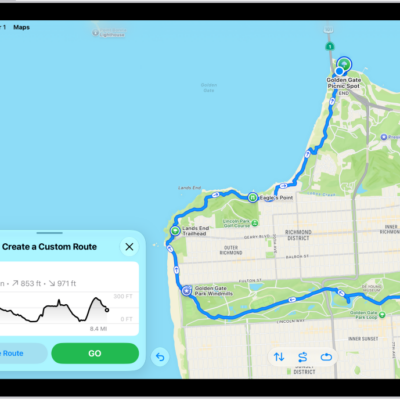
How to save walks or hikes in Maps on iPad
You can save walks or hikes in Maps on iPad, create your own route, browse hikes in U.S. national parks, and use them offline.
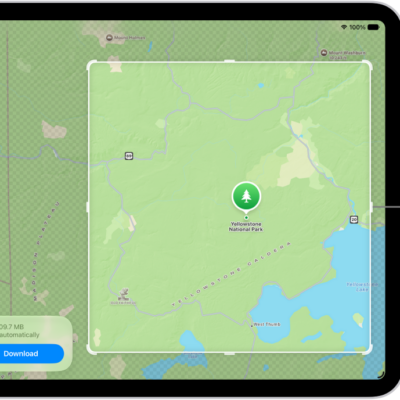
How to download offline maps on iPad
You can download offline maps on iPad to get directions and see place details without Wi-Fi or cellular service.
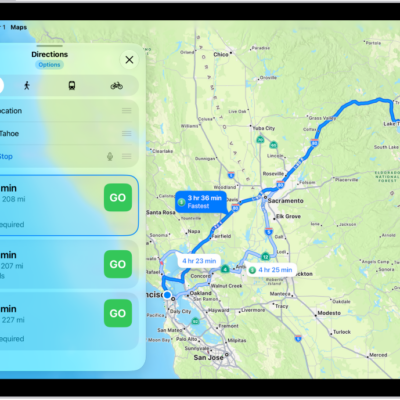
How to change how you hear directions in Maps on iPad
You can change how you hear directions in Maps on iPad, adjust the volume, choose a different voice or language, and set how they mix with audio.
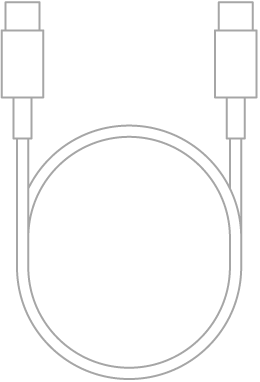
How to connect iPad to a display with a cable
You can connect iPad to a display with a cable, like Studio Display, a TV, or a projector, and view the iPad screen there.
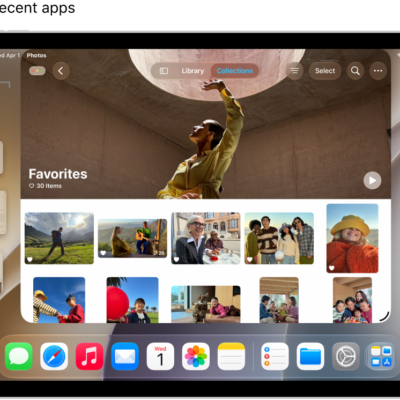
How to move an app to an external display
You can move an app to an external display from iPad by dragging windows, opening apps on a display, or using window controls.
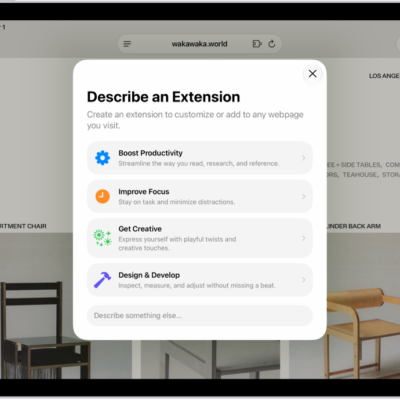
How to use Apple Intelligence to stay organized and get things done on iPad
You can use Apple Intelligence to stay organized and get things done on iPad, with summaries, shortcuts, events, and reminders.
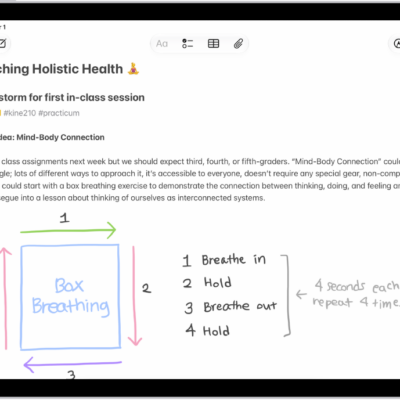
How to record and transcribe audio in Notes on iPad
You can record and transcribe audio in Notes on iPad, see a live transcript, and search or copy the text.