









GeeksModo Story Archive - October 2026
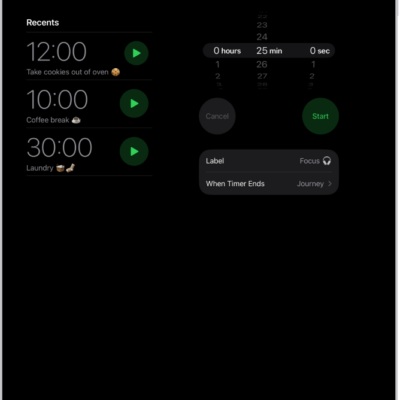
How to set timers in Clock on iPad
You can set timers in Clock on iPad, set multiple timers, and set a timer to stop playing audio or video.
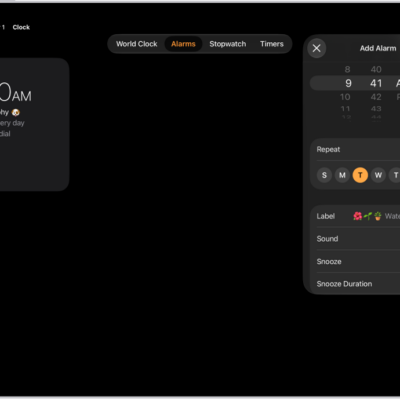
How to set an alarm in Clock on iPad
You can set an alarm in Clock on iPad, repeat it on certain days, change its volume and sound, and turn off or remove it.
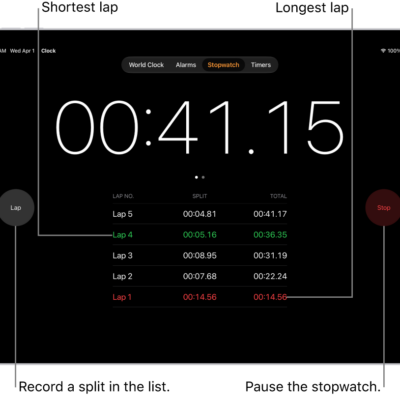
How to track time with the stopwatch in Clock on iPad
You can track time with the stopwatch in Clock on iPad to measure the duration of an event and record laps or splits.
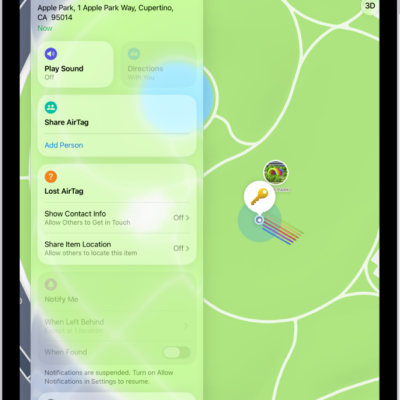
How to share location of a lost item in Find My on iPad
You can share the location of a lost item in Find My on iPad by creating a temporary webpage, like one for an airline.
How to share an AirTag or other item in Find My on iPad
You can share an AirTag or other item in Find My on iPad with up to five people, and accept or decline a share.
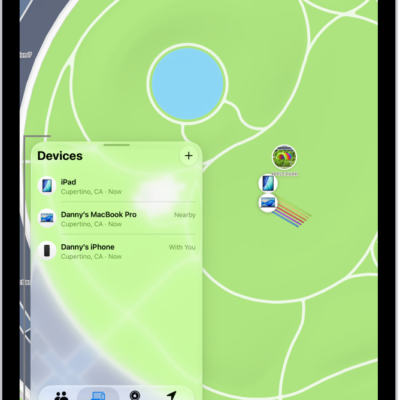
How to erase a device in Find My on iPad
You can erase a device in Find My on iPad, like a lost iPhone or Mac, keep Activation Lock on, and cancel an erase.
How to remove a device from Find My on iPad
You can remove a device from Find My on iPad, take it off your Devices list, or turn off Activation Lock on a device you sold.
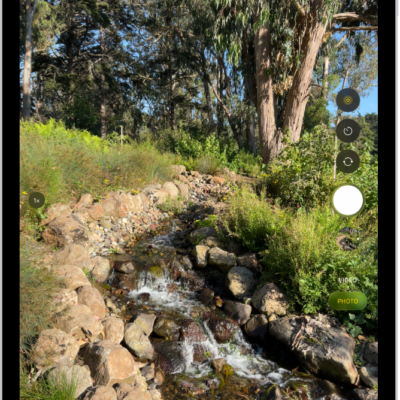
How to add content to an iCloud Shared Photo Library on iPad
You can add content to an iCloud Shared Photo Library on iPad by moving photos, saving from Camera, or sharing when members are nearby.
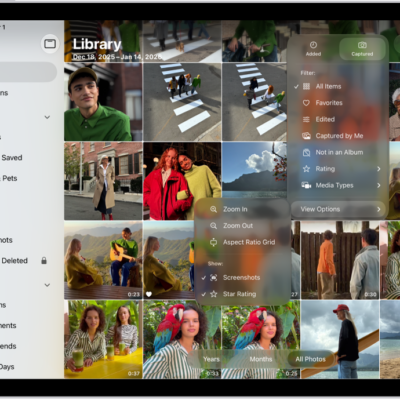
How to use iCloud Shared Photo Library on iPad
You can use iCloud Shared Photo Library on iPad to share photos and videos with up to five other participants in the Photos app.
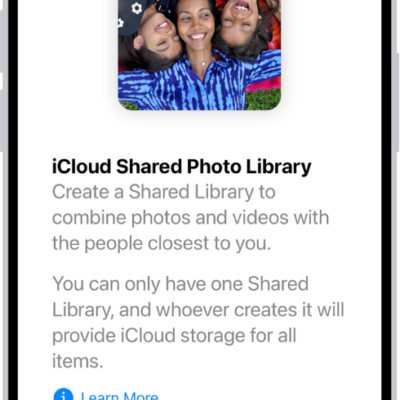
How to set up or join an iCloud Shared Photo Library on iPad
You can set up or join an iCloud Shared Photo Library on iPad and share photos and videos with up to five people.