









GeeksModo Story Archive - October 2026
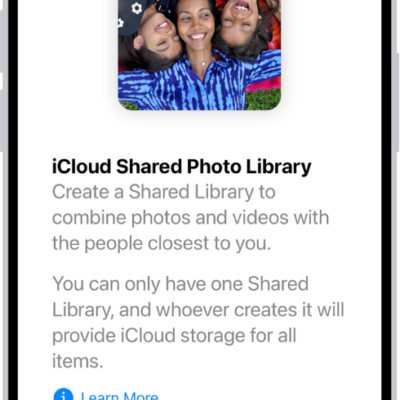
How to set up or join an iCloud Shared Photo Library on iPad
You can set up or join an iCloud Shared Photo Library on iPad and share photos and videos with up to five people.
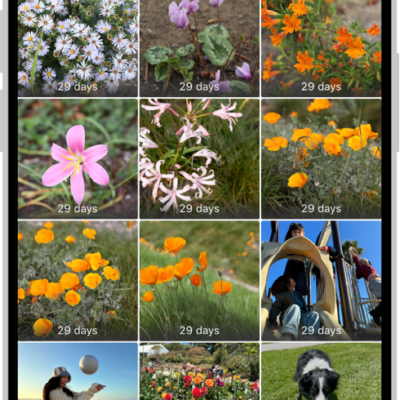
How to delete or hide photos and videos on iPad
You can delete or hide photos and videos on iPad, recover them from Recently Deleted, and unhide photos later.
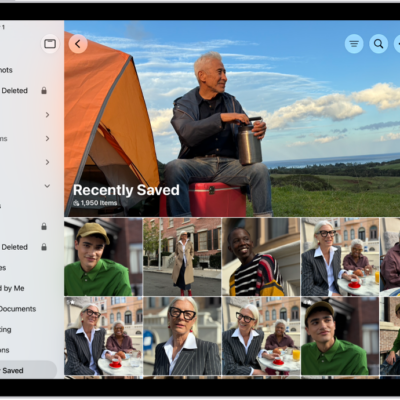
How to find receipts, QR codes, recently edited photos, and more on iPad
You can find receipts, QR codes, recently edited photos, and more on iPad in the Utilities collections in Photos, and reorder the list.
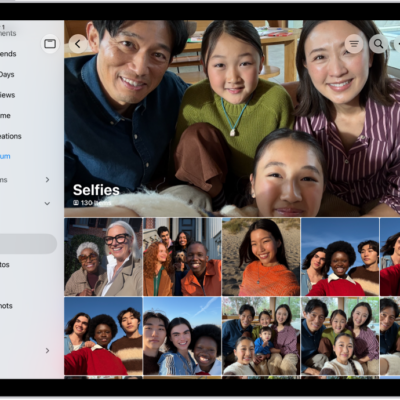
How to locate photos and videos by media type on iPad
You can locate photos and videos by media type on iPad, like Portrait mode photos or time-lapse videos, and reorder media types.
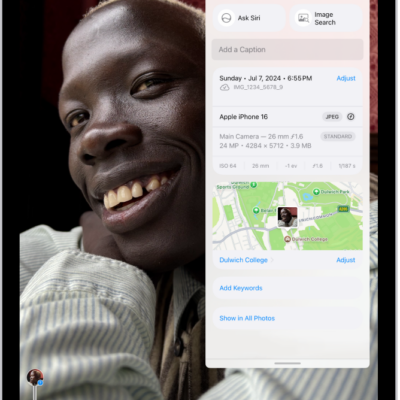
How to see photo and video information on iPad
You can see photo and video information on iPad, view metadata like people and captions, and change the date, time, or location.
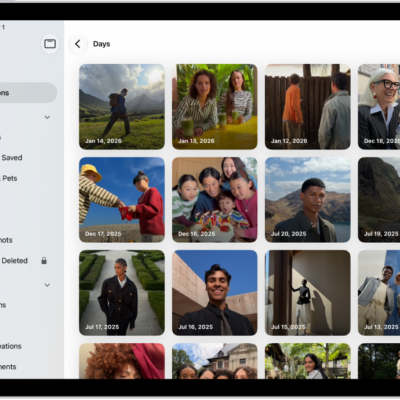
How to find photos and videos by date on iPad
You can find photos and videos by date on iPad in Recent Days, and browse your library by year, month, or day.
How to find recently saved photos and videos on iPad
You can find recently saved photos and videos on iPad in the Recently Saved collection, including photos saved from Messages, Safari, Mail, and AirDrop.
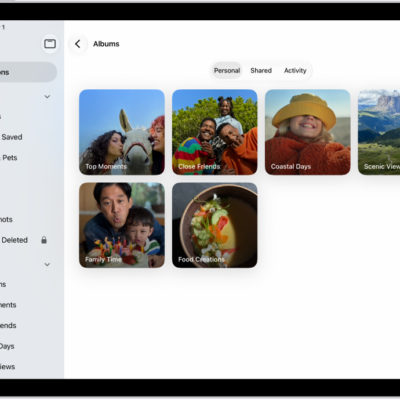
How to create and work with photo albums on iPad
You can create and work with photo albums on iPad, sort and filter them, share photos, and organize albums in folders.
How to add, delete, and find photos and videos in albums on iPad
You can add, delete, and find photos and videos in albums on iPad, select several at once, and search an album by date or keyword.
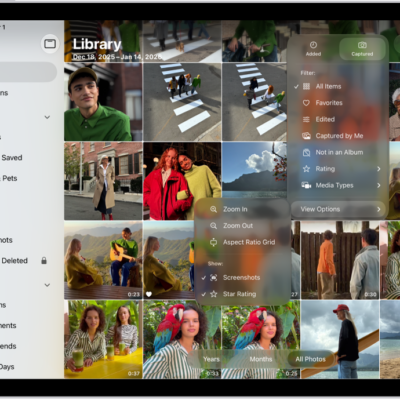
How to filter and sort photos and videos in albums on iPad
You can filter and sort photos and videos in albums on iPad, show only photos, videos, or favorites, and sort by date or custom order.