









GeeksModo Story Archive - October 2026
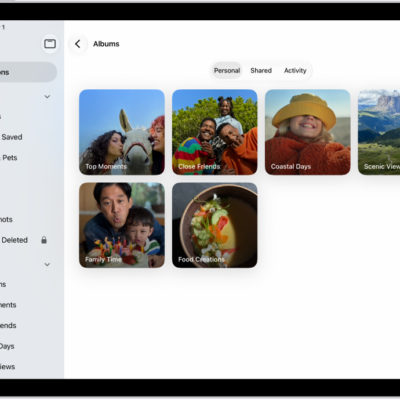
How to create and work with photo albums on iPad
You can create and work with photo albums on iPad, sort and filter them, share photos, and organize albums in folders.
How to add, delete, and find photos and videos in albums on iPad
You can add, delete, and find photos and videos in albums on iPad, select several at once, and search an album by date or keyword.
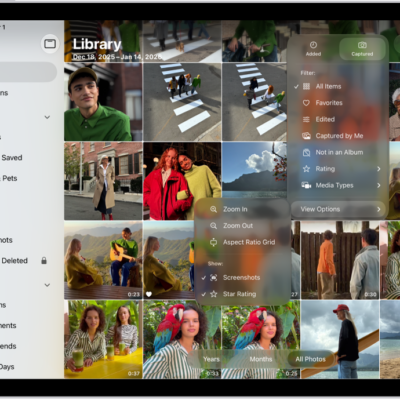
How to filter and sort photos and videos in albums on iPad
You can filter and sort photos and videos in albums on iPad, show only photos, videos, or favorites, and sort by date or custom order.

iPad navigation gestures: go Home, switch apps, and more
You can learn gestures to navigate iPad, like going to the Home Screen, switching apps, and opening Control Center.
Basic iPad gestures: tap, touch and hold, swipe, scroll, and zoom
You can learn basic gestures to interact with iPad, like tap, touch and hold, swipe, scroll, and zoom.
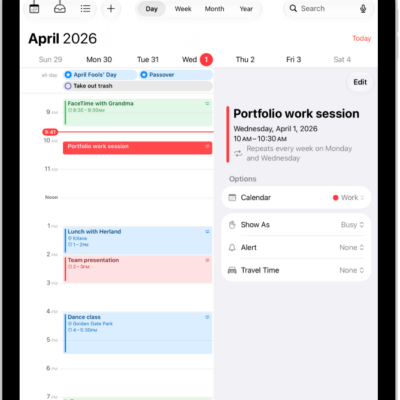
How to create and edit events in Calendar on iPad
You can create and edit events in Calendar on iPad, add alerts and attachments, and copy, paste, or find events from other apps.
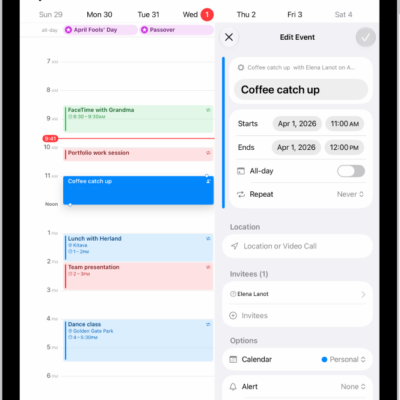
How to reply to invitations in Calendar on iPad
You can reply to invitations in Calendar on iPad, respond to event invitations, and suggest a different meeting time.
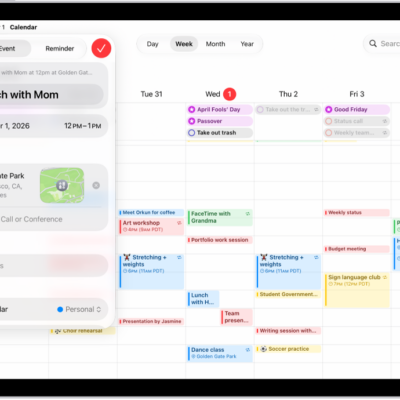
How to send invitations in Calendar on iPad
You can send invitations in Calendar on iPad, invite others to an event, and quickly email attendees.
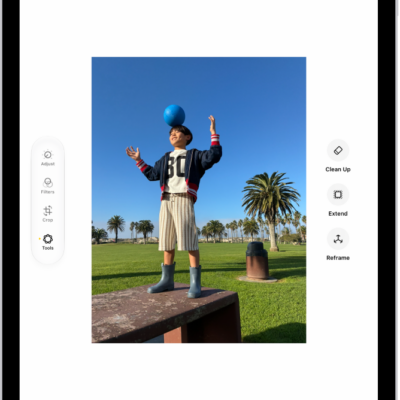
How to use Apple Intelligence to express yourself creatively on iPad
You can use Apple Intelligence to express yourself creatively on iPad, with photo editing tools, original images, Genmoji, and memory movies.

How to add backgrounds in Messages on iPad
You can add backgrounds in Messages on iPad, use a dynamic background or photo, create an original one, or revert to plain.