









GeeksModo Story Archive - October 2026

How to react with Tapbacks in Messages on iPad
You can react with Tapbacks in Messages on iPad using a heart, thumbs-up, emoji, sticker, or Memoji, and edit or remove them.
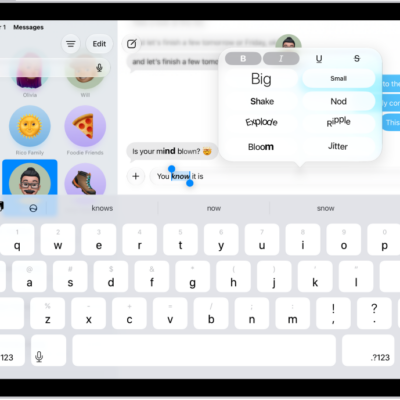
How to format text and animate messages on iPad
You can format text and animate messages on iPad with bold, italics, and text effects, and add bubble and full-screen effects.
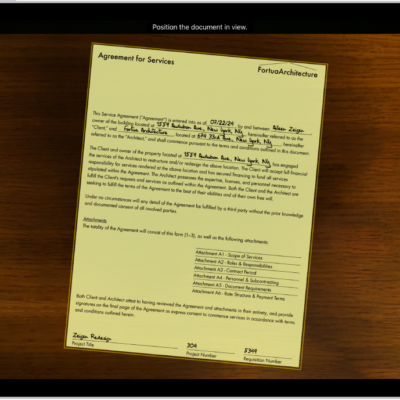
How to scan text and documents in Notes using the iPad camera
You can scan text and documents in Notes using the iPad camera, with automatic or manual capture.
How to work with PDFs in Notes on iPad
You can work with PDFs in Notes on iPad to attach, view, edit, annotate, and collaborate on PDFs and scanned documents.
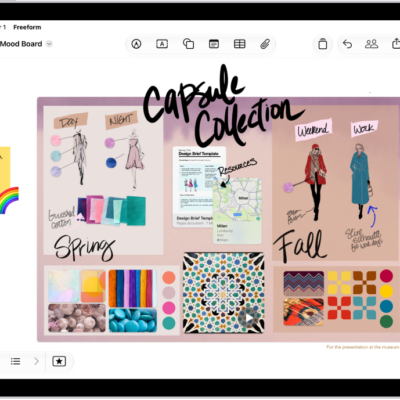
How to search your Freeform boards on iPad
You can search your Freeform boards on iPad for text in handwriting, sticky notes, text boxes, shapes, and filenames.
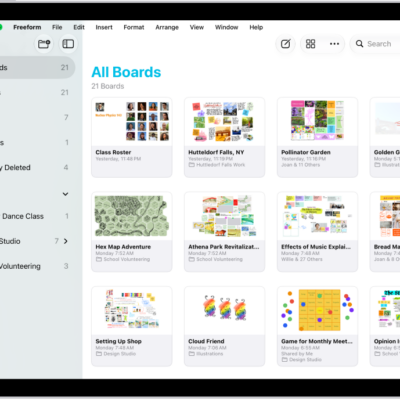
How to delete and recover your Freeform boards and folders on iPad
You can delete and recover your Freeform boards and folders on iPad within 30 days, or permanently remove them.
How to organize your Freeform boards in folders on iPad
You can organize your Freeform boards in folders on iPad, create subfolders, rename folders, and move boards in or out.
How to connect external storage devices to iPad
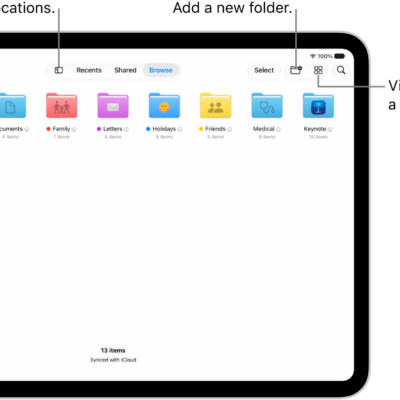
You can connect external storage devices to iPad, like USB drives and SD card readers, and access their files in the Files app.
How to share long videos on iPad
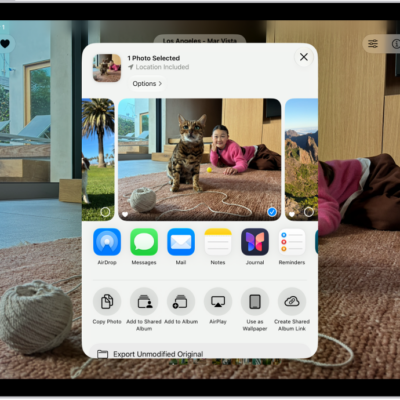
You can share long videos on iPad with AirDrop or Mail Drop, when they're too large for a standard text message.
How to import and export photos and videos on iPad
You can import photos and videos to iPad from a camera, SD card, or other device, and export them to an external storage device.