









GeeksModo Story Archive - October 2026
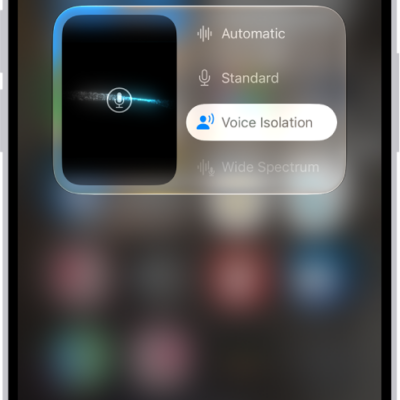
How to change FaceTime audio settings on iPad
You can change FaceTime audio settings on iPad, use Spatial Audio, filter background sounds with Voice Isolation, and mute your mic.
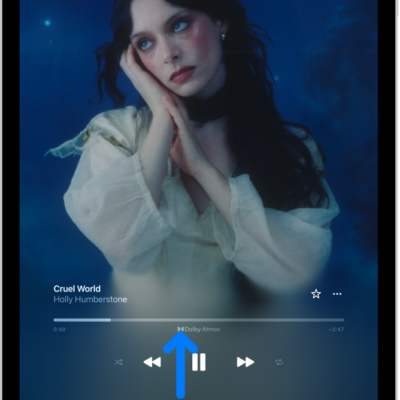
How to play music in Spatial Audio with Dolby Atmos on iPad
You can play music in Spatial Audio with Dolby Atmos on iPad, turn on Dolby Atmos, and control head tracking.

How to play lossless audio in Music on iPad
You can play lossless audio in Music on iPad with Apple Music, turn on Lossless Audio, and choose audio quality.
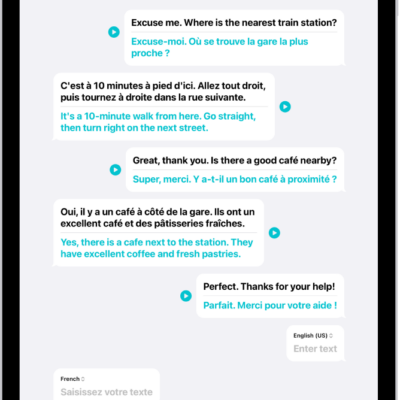
How to translate in-person conversations with iPad
You can translate in-person conversations with iPad in the Translate app, typing or speaking to see translated text in chat bubbles.
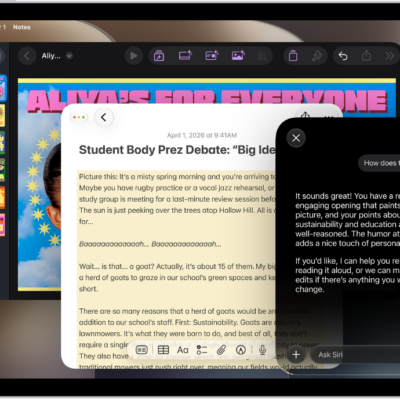
How to use Apple Intelligence to communicate with ease on iPad
You can use Apple Intelligence to communicate with ease on iPad, with Write with Siri, Live Translation, and more.
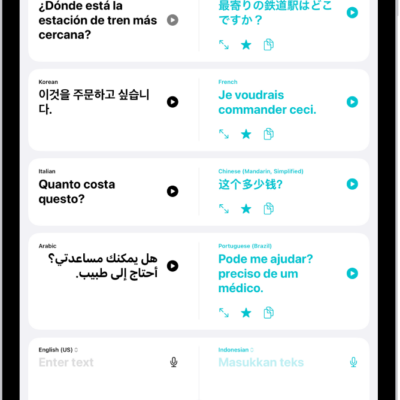
How to translate words and phrases on iPad
You can translate words and phrases on iPad in the Translate app by typing or speaking, and save your favorite translations.

How to use the camera in the Translate app on iPad
You can use the camera in the Translate app on iPad to translate text around you, or text in photos from your library.
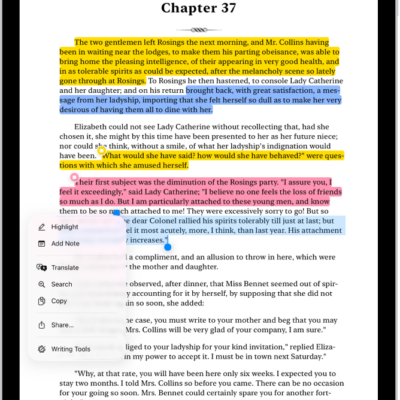
How to translate text in apps on iPad
You can translate text in apps on iPad such as Notes and Mail, and replace text you entered with a translation.
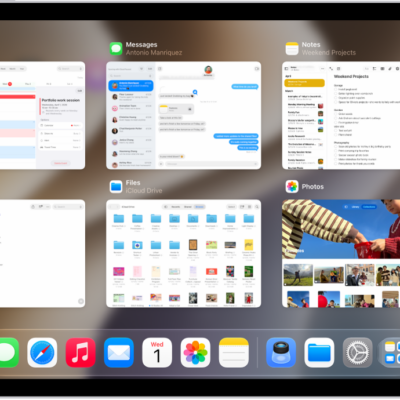
How to quit and reopen an app on iPad
You can quit and reopen an app on iPad when it isn't responding, from Exposé or the Window Controls button.
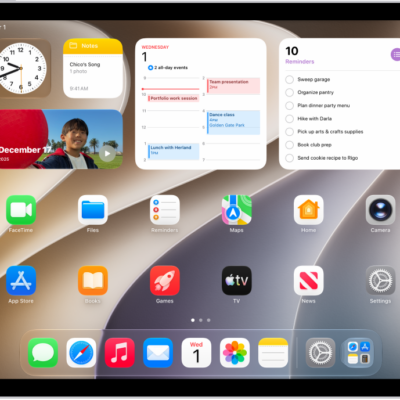
How to open an app on iPad
You can open an app on iPad from the Dock, a Home Screen page, or App Library by tapping it.