









GeeksModo Story Archive - October 2026
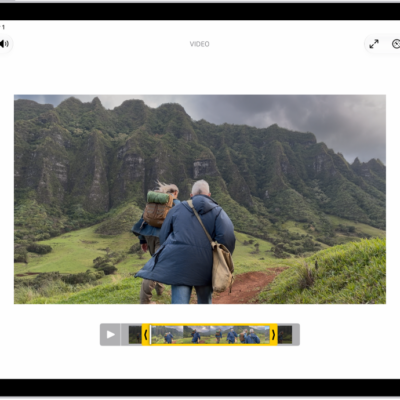
How to trim video length, adjust speed, and edit audio on iPad
You can trim video length, adjust speed, and edit audio on iPad in the Photos app, including slow-motion sections and Spatial Audio.
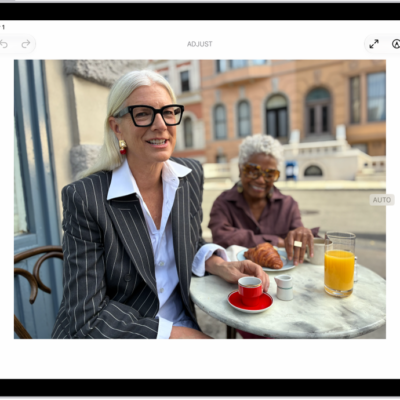
How to undo and revert photo edits on iPad
You can undo and redo photo edits on iPad as you work, and revert an edited photo or video to the original after saving.
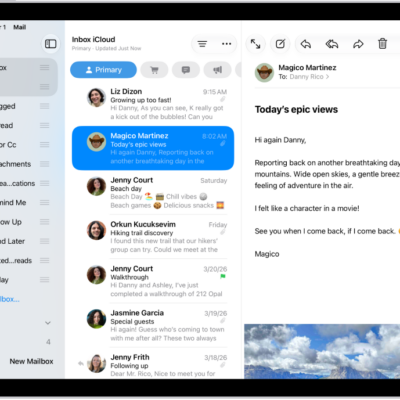
How to organize email in mailboxes on iPad
You can organize email in mailboxes on iPad, manage an email with a swipe, and move emails to a mailbox.
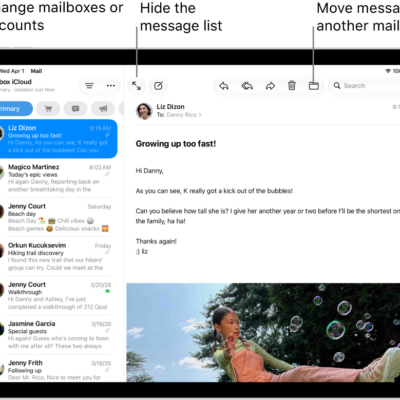
How to automatically categorize incoming emails in Mail on iPad
You can automatically categorize incoming emails in Mail on iPad into Primary, Transactions, Updates, and Promotions, and change a sender's category.
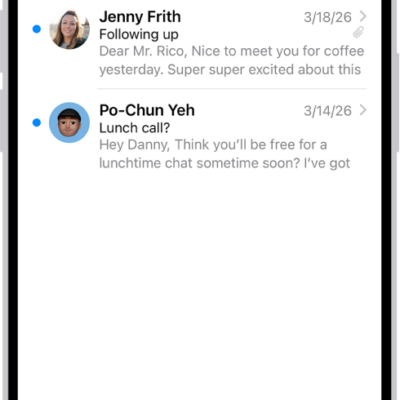
How to filter emails in Mail on iPad
You can filter emails in Mail on iPad, match a mail account to a Focus, and view Priority Messages at the top of your inbox.
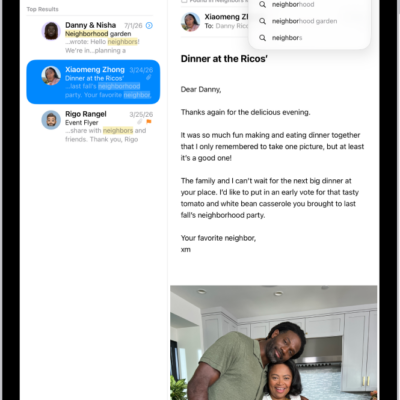
How to search for email in Mail on iPad
You can search for email in Mail on iPad by text, timeframe, or email attributes, with the most relevant messages at the top.
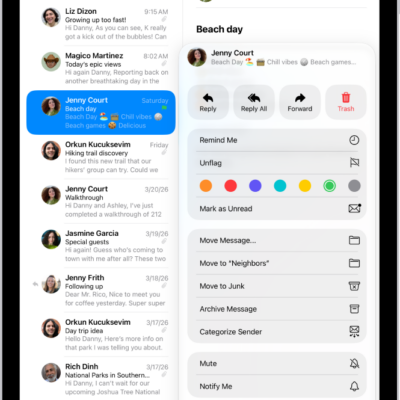
How to flag or block emails in Mail on iPad
You can flag or block emails in Mail on iPad, create a Flagged mailbox, flag emails from VIPs, and block senders.
How to set email notifications on iPad
You can set email notifications on iPad, mute notifications from a thread, and get notified about replies.
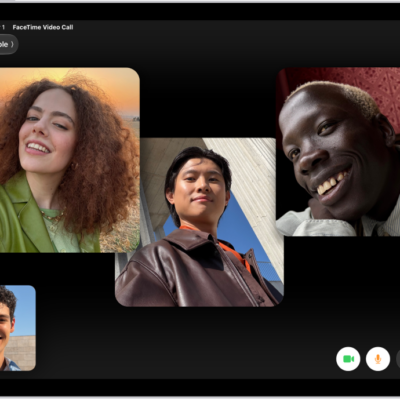
How to change your appearance in a FaceTime call on iPad
You can change your appearance in a FaceTime call on iPad with a Memoji or filter, and add a text label, stickers, or shapes.
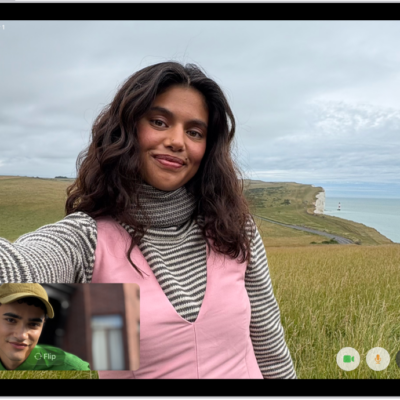
How to leave a FaceTime call or switch to Messages on iPad
You can leave a FaceTime call on iPad at any time, or switch to a Messages conversation with everyone on the call.