









GeeksModo Story Archive - October 2026

How to adjust the sound quality in Music on iPad
You can adjust the sound quality in Music on iPad with an EQ setting and Sound Check to normalize the volume level of your audio.

How to add keywords to photos and videos on iPad
You can add keywords to photos and videos on iPad, search for them by keyword, and manage, rename, or delete keywords.
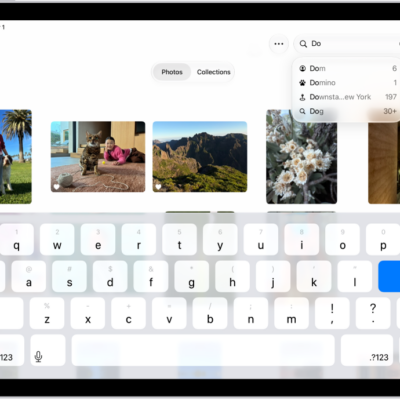
How to search for photos and videos on iPad
You can search for photos and videos on iPad by date, location, people, or description, and search by shared library participant.
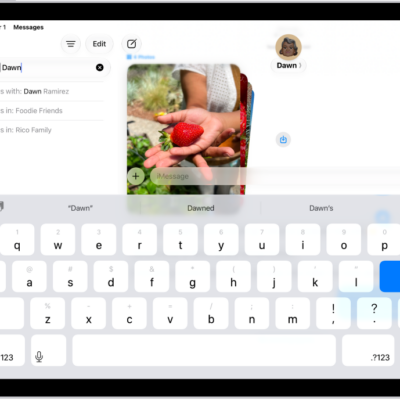
How to search in Messages on iPad
You can search in Messages on iPad for text messages and attachments, and filter your results by person or type.

How to take a Live Photo during a FaceTime call on iPad
You can take a Live Photo during a FaceTime call on iPad to capture a moment of your conversation, including the audio.
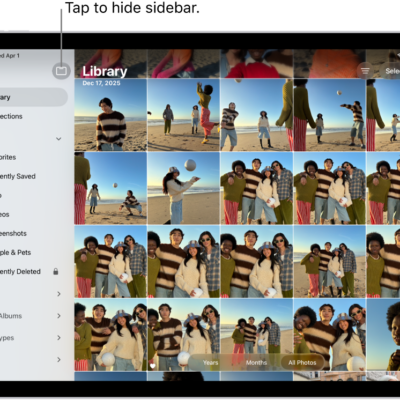
How to browse your photo library on iPad
You can browse your photo library on iPad by years, months, or all photos, zoom in or out, and change how the library is displayed.
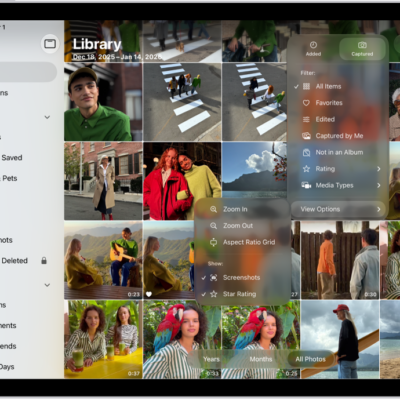
How to sort and filter the photo library on iPad
You can sort and filter the photo library on iPad by date or category, and hide screenshots and other items to reduce clutter.
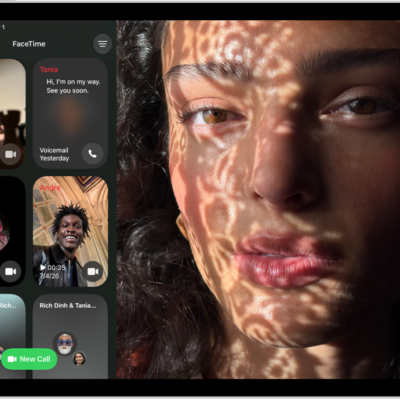
How to create a link to a FaceTime call on iPad
You can create a link to a FaceTime call on iPad, send it with Mail or Messages, and let anyone join, even from a browser.
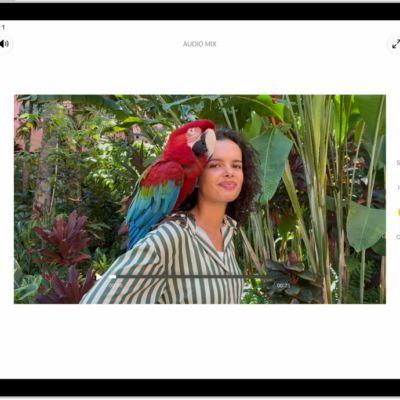
How to edit Cinematic mode videos on iPad
You can edit Cinematic mode videos on iPad, change the focus subject, adjust the depth of field, or turn off the Cinematic effect.

How to view, share, and print photos on iPad
You can view, share, and print photos on iPad in the Photos app, and keep them up to date across devices with iCloud Photos.