









GeeksModo Story Archive - October 2026
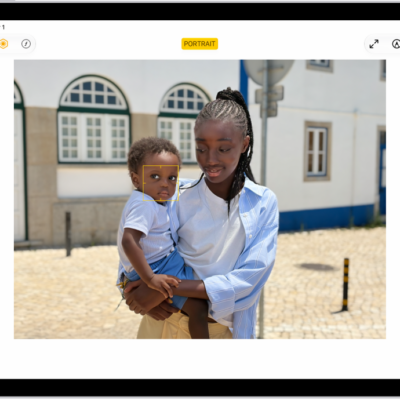
How to take a Portrait mode selfie with your iPad camera
You can take a Portrait mode selfie with your iPad camera on supported models, with Portrait Lighting effects and adjustable background blur.
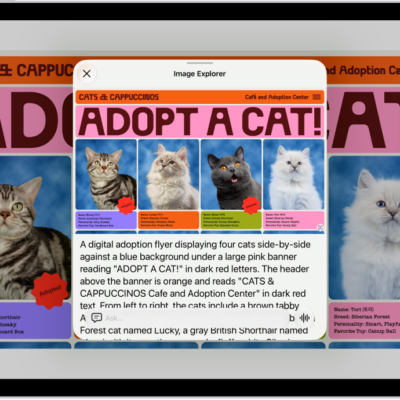
How to use VoiceOver in apps on iPad
You can use VoiceOver in apps on iPad, including Safari, Maps, and more, and get descriptions with VoiceOver Recognition.
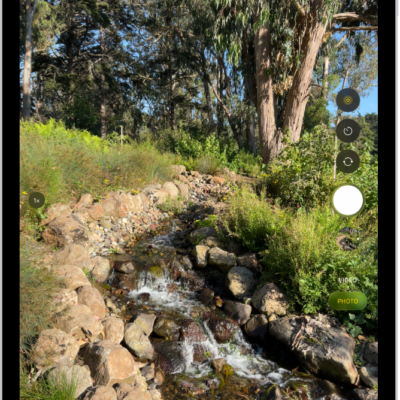
How to take photos with your iPad camera
You can take photos with your iPad camera in modes like Photo, Video, Pano, and Square, and use the timer, flash, zoom, and Burst.
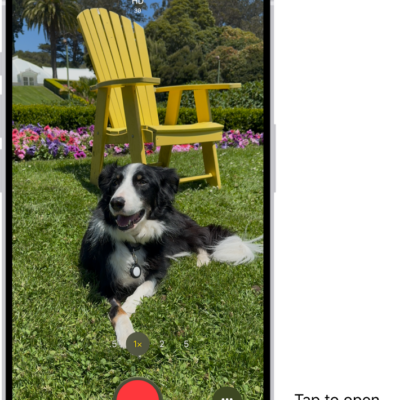
How to record a video with your iPad camera
You can record a video with your iPad camera, including slow-motion and time-lapse, and record in HD or 4K.
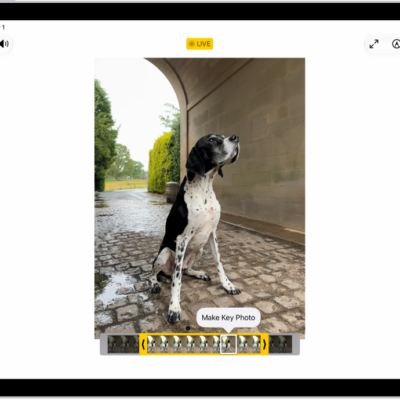
How to take Live Photos with your iPad camera
You can take Live Photos with your iPad camera to capture what happens just before and after a photo, including the audio.

How to use trackpad gestures on iPad
You can use trackpad gestures for iPad with Magic Trackpad or Magic Keyboard to open apps, go to the Home Screen, and more.
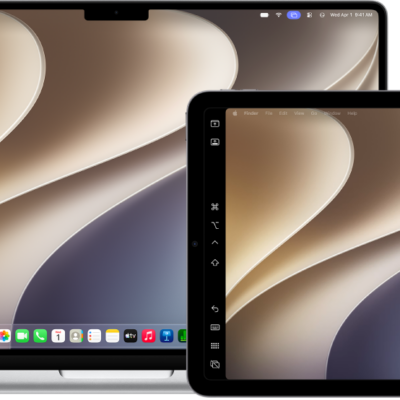
How to use your iPad as a second display for your Mac
You can use your iPad as a second display for your Mac with Sidecar, extending your workspace across both screens.
How to use one keyboard and mouse to control Mac and iPad
You can use one keyboard and mouse to control Mac and iPad with Universal Control, and work across up to three devices.
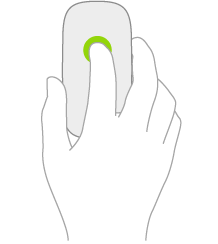
How to use a mouse with iPad: actions and gestures
You can learn mouse actions and gestures for iPad, open apps, go to the Home Screen, and share a mouse with your Mac.
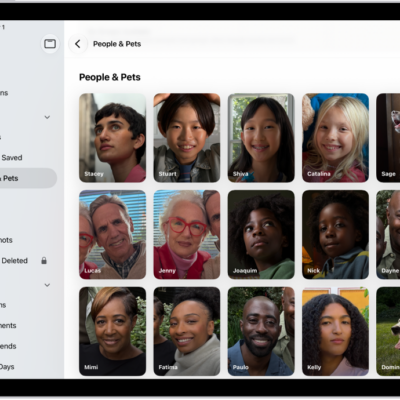
How to find and name people and pets in Photos on iPad
You can find and name people and pets in Photos on iPad, from a photo or the People & Pets collection.