









GeeksModo Story Archive - October 2026
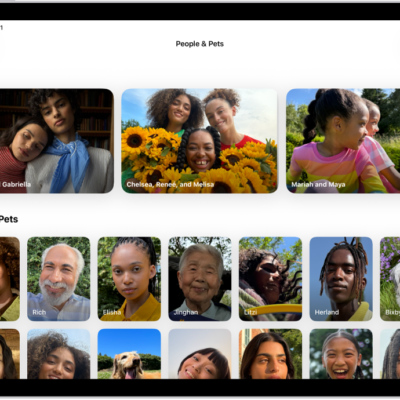
How to find group photos and videos on iPad
You can find group photos and videos on iPad in group collections, create your own group, and edit or delete a group collection.
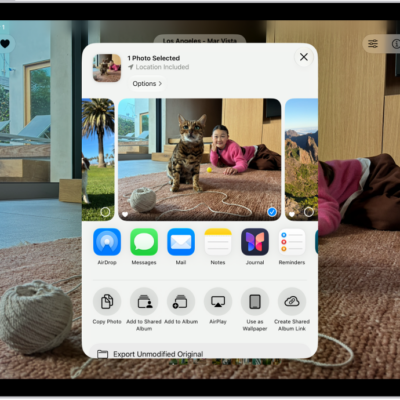
How to share photos and videos on iPad
You can share photos and videos on iPad in Mail, Messages, and other apps, or with AirDrop, and adjust what information you share.
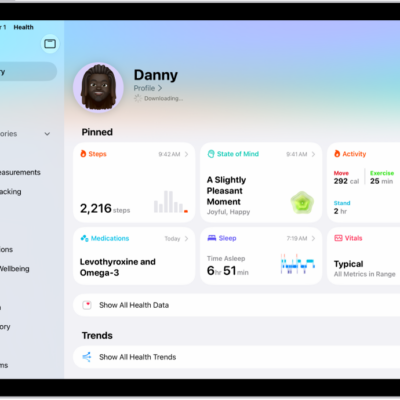
How to use hearing health features in Health on iPad
You can use hearing health features in Health on iPad to take a Hearing Test with AirPods Pro 2 and review your audiogram.

How to adjust audio settings on iPad
You can adjust audio settings on iPad, use Mono Audio and stereo balance, amplify soft sounds, and make dialogue clearer in videos.
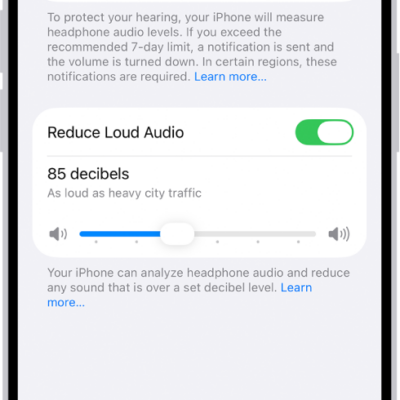
How to check your headphone audio levels on iPad
You can check your headphone audio levels on iPad in Control Center, review your listening history in Health, and reduce loud sounds.
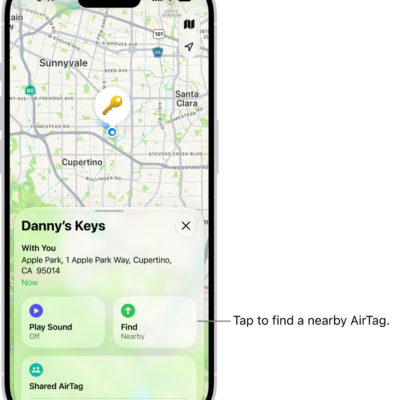
How to locate an AirTag or other item in Find My on iPad
You can locate an AirTag or other item in Find My on iPad, see it on a map, play a sound, and get directions to it.
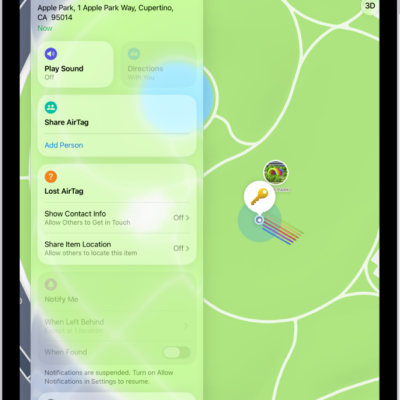
How to remove an AirTag, Apple Pencil Pro, or other item from Find My on iPad
You can remove an AirTag, Apple Pencil Pro, or other item from Find My on iPad so someone else can register it.
How to add an AirTag in Find My on iPad
You can add an AirTag in Find My on iPad, attach it to an item to locate it if it's lost, change its name or emoji, and view its details.
How to add or update a third-party item in Find My on iPad
You can add or update a third-party item in Find My on iPad, locate it if it's lost, change its name or emoji, and keep it up to date.
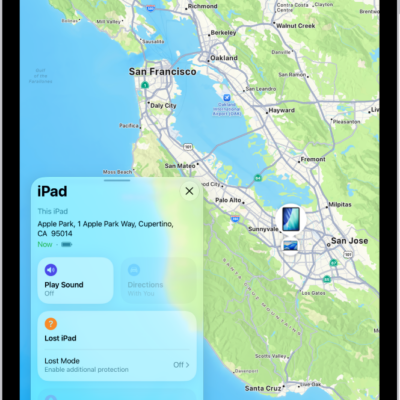
How to add your iPad to Find My
You can add your iPad to Find My to locate it if it's lost, get notified if you leave it behind, and add your Apple Pencil Pro.