









GeeksModo Story Archive - October 2026
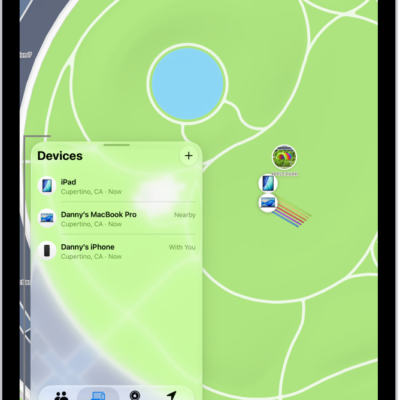
How to set separation alerts in case you leave a device behind in Find My on iPad
You can set separation alerts in Find My on iPad so you don't leave a device behind, and set Trusted Locations.
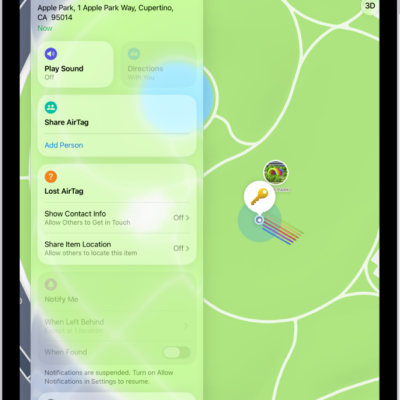
How to set separation alerts in case you leave an AirTag or item behind in Find My on iPad
You can set separation alerts in Find My on iPad for an AirTag or item you leave behind, and add Trusted Locations.
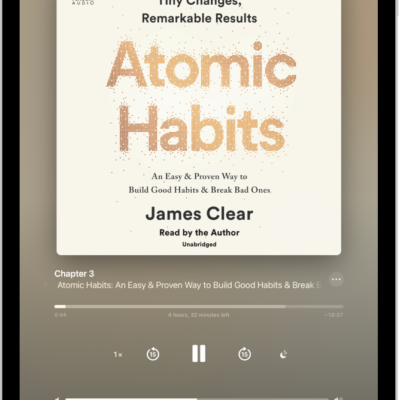
How to listen to audiobooks in the Books app on iPad
You can listen to audiobooks in the Books app on iPad, adjust the volume, skip forward or back, and find supplemental PDFs.
How to play audio from iPad on HomePod and other wireless speakers
You can play audio from iPad on HomePod and other wireless speakers, including multiple AirPlay 2-enabled devices at once.
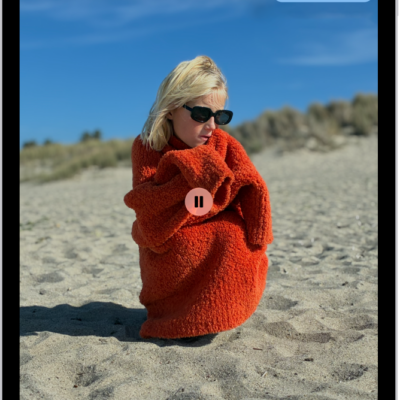
How to wirelessly stream videos and photos to Apple TV 4K or a smart TV from iPad
You can wirelessly stream videos and photos to Apple TV 4K or an AirPlay 2-enabled smart TV from iPad, and mirror your screen.
How to stream video and audio from your iPad with AirPlay
You can stream video and audio from your iPad with AirPlay to a nearby Mac or TV, and mirror what's on your iPad screen.
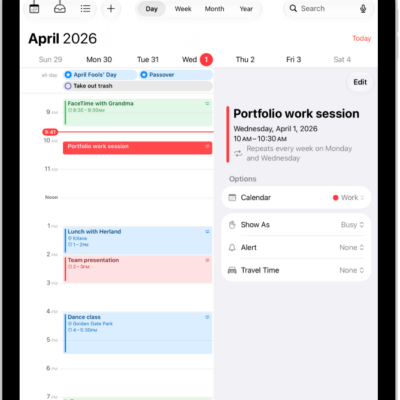
How to search for events in Calendar on iPad
You can search for events in Calendar on iPad by title, invitees, location, and notes.
How to change how you view events in Calendar on iPad
You can change how you view events in Calendar on iPad, by day, week, month, or year, or as a list of upcoming events.
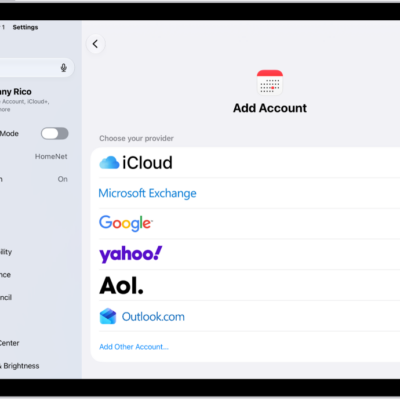
How to change your Calendar settings on iPad
You can change your Calendar settings on iPad, add iCloud, Google, Exchange, or Yahoo accounts, and choose a default calendar.
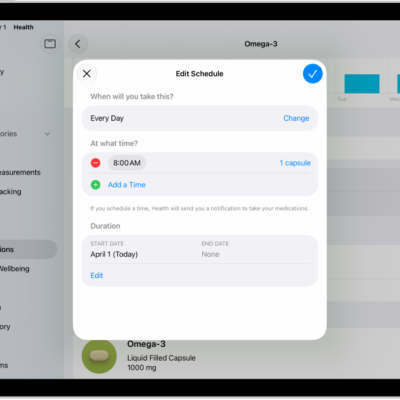
How to look up medication details and interactions in Health on iPad (U.S. only)
You can learn more about your medications in Health on iPad, including uses, side effects, pronunciation, and interactions (U.S. only).