









GeeksModo Story Archive - October 2026
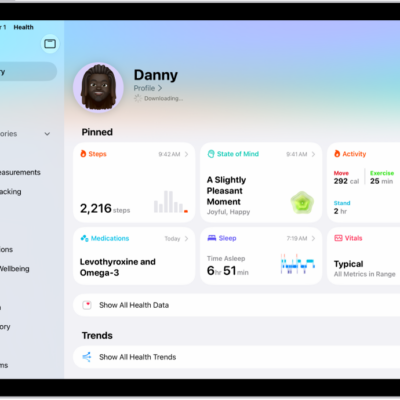
How to view data shared by others in Health on iPad
You can view data shared by others in Health on iPad, like a loved one's activity, mobility, and heart rate, and get notified.
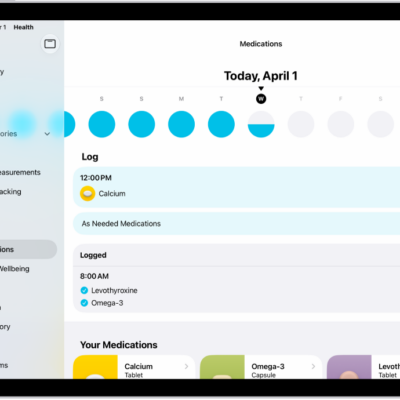
How to track your medications in Health on iPad
You can track your medications in Health on iPad, including vitamins and supplements, with schedules, reminders, and Critical Alerts.
How to view your data in Health on iPad
You can view your data in Health on iPad, including highlights, trends, and details for each health category.
Where Health app data comes from on iPad
You can learn how Health data on iPad works, from data your iPad stores automatically to data from other apps and data you add manually.
How to share your data in Health on iPad
You can share your data in Health on iPad with friends and family, review or change what you share, and stop sharing.
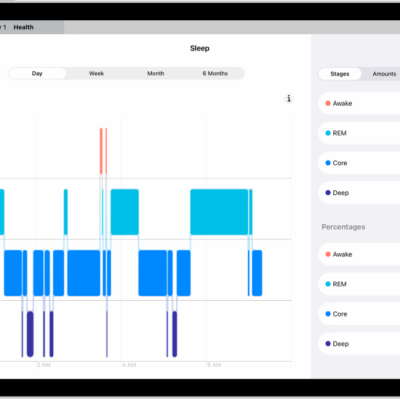
How to view your sleep history in Health on iPad
You can view your sleep history in Health on iPad, using data from a sleep tracker, iPhone, or entries you add manually.
How to view health records in Health on iPad
You can view health records in Health on iPad after you set up downloads from a healthcare provider, and pin lab results.
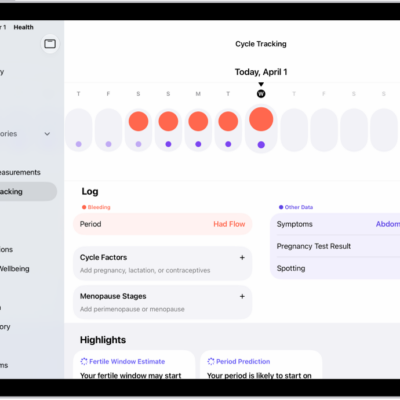
How to log menstrual cycle information in Health on iPad
You can log menstrual cycle information in Health on iPad to get period and fertile window predictions, and edit your log.
How to get started with Health on iPad
You can get started with Health on iPad to keep your health data in one place, fill out Health Details, and schedule medications.

How to back up your Health data in iCloud on iPad
You can back up your Health data in iCloud on iPad, keep it encrypted and synced across devices, or use an encrypted computer backup.