









GeeksModo Story Archive - October 2026
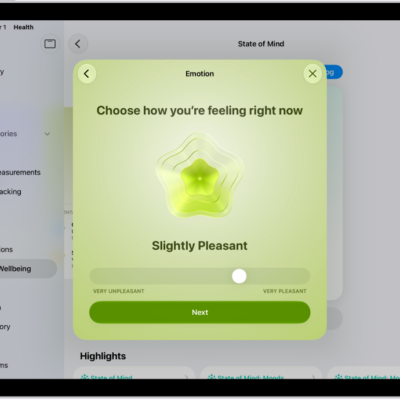
How to log your state of mind in Health on iPad
You can log your state of mind in Health on iPad, record emotions and daily moods, and view your state of mind history.
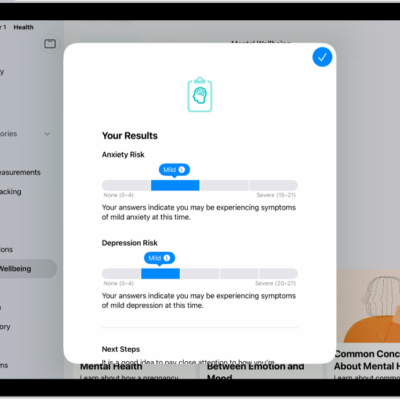
How to take a mental health assessment in Health on iPad
You can take a mental health assessment in Health on iPad to see your current risk for depression or anxiety and share the results.
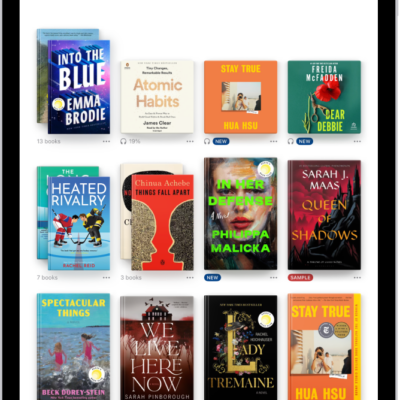
How to organize books in the Books app on iPad
You can organize books in the Books app on iPad with collections, add books to collections, and remove books from your library.
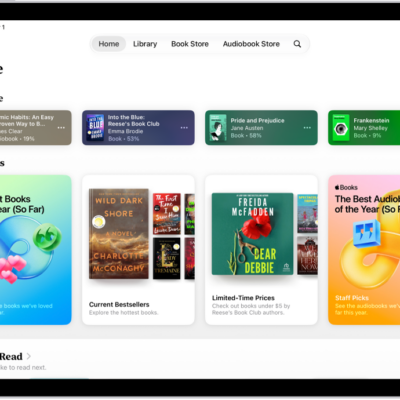
How to access books on other Apple devices in Books on iPad
You can access books on other Apple devices in Books on iPad, sync your reading position and highlights, and download purchases automatically.
How to read books in the Books app on iPad
You can read books in the Books app on iPad, change text and page appearance, bookmark pages, and share text.
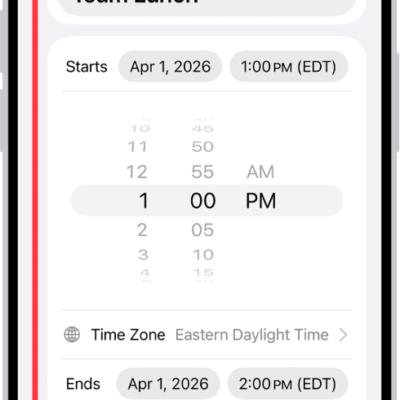
How to schedule or display events in a different time zone in Calendar on iPad
You can schedule or display events in a different time zone in Calendar on iPad, and always view your calendar in one time zone.

How to set up and turn on Switch Control on iPad
You can set up and turn on Switch Control on iPad, connect a switch, add switches and recipes, and choose a scanning style.
How to control several devices with one switch on iPad
You can control several devices with one switch on iPad using Platform Switching to navigate your iPhone, Apple TV 4K, or Mac.
How to use Switch Control on iPad to select items, perform actions, and more
You can use Switch Control on iPad to select items, perform actions, and more, with item mode, a gliding cursor, or tracking.
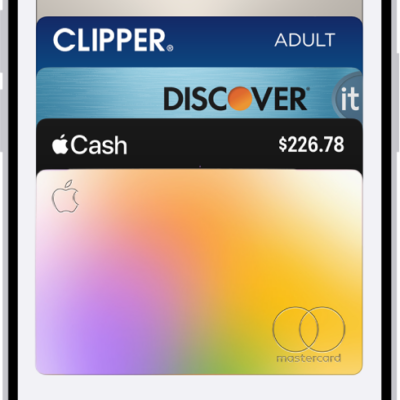
How to fill in payment information on iPad
You can fill in payment information on iPad with AutoFill using cards saved in Apple Wallet, and add, edit, or remove AutoFill cards.