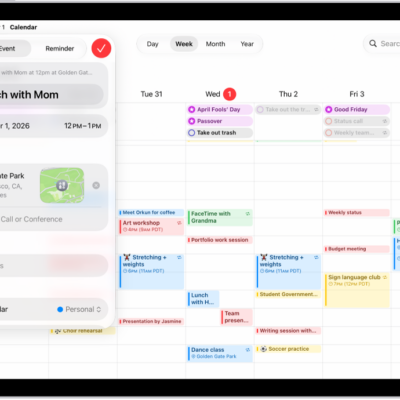
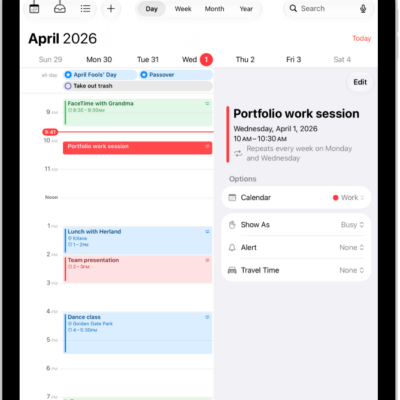
In the Calendar app, events appear according to the time zone of your current location. However, you can set your calendar to always display a specific time zone, even if you travel to a different location.
You can also schedule an event in a different time zone from the one currently shown in Calendar, and change an event’s time zone later if you need to.
Here’s how to schedule or display events in a different time zone in Calendar on iPad.
Change the time zone for a new event
When you create and edit events in Calendar, you can set the event’s time zone to one that’s different from the time zone you’re currently in. If you live in New York, for example, an event you create or edit can follow the time zone in another location, like Chicago.
- Start the Calendar app on your iPad.
- Tap the Add button at the top of the screen.
- Add the event details (title, location, travel time, attachments, and so on).
- Tap the start and end times for the event. Then tap Time Zone.
- Search for a location, tap it. Then tap the Done button.
Note: You can edit the event’s time zone later if you need to.
Always view your calendar in a specific time zone
Overriding the default time zone setting lets Calendar display in the time zone of your choice. If you’re working remotely, it can help you keep track of the time when you schedule meetings with colleagues in a different time zone. Say your job is based out of Boston, but you live in San Francisco. Override the time zone of your current location, and your calendar events appear according to the time zone in Boston.
- Start the Settings app on your iPad.
- Tap Apps and then tap Calendar.
- Tap Time Zone Override. Turn on Time Zone Override.
- Tap Time Zone, search for a location (like Boston, for example) and tap the location.
If you created events before turning on Time Zone Override, they appear according to the time zone of the location you selected, along with the original time zone the event was created in.
Note: Time Zone Override changes only the time zone that’s shown in the Calendar app.
See also
- Keep track of events in Calendar on iPad
- Get started with Calendar on iPad
- Set up multiple calendars on iPad