









GeeksModo Story Archive - October 2026

How to set up cards in Apple Wallet on iPad
You can set up cards in Apple Wallet on iPad, add a credit or debit card, and see what else you can keep in Wallet.
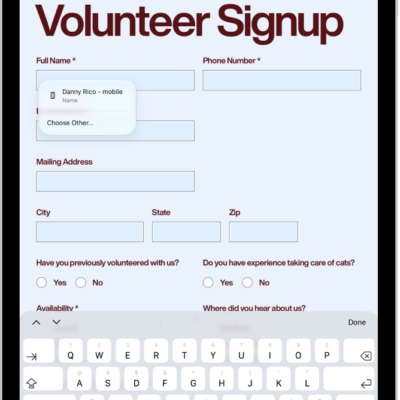
How to fill out forms, sign documents, and create signatures on iPad
You can fill out forms, sign documents, and create signatures on iPad with Markup and AutoFill, and save multiple signatures.
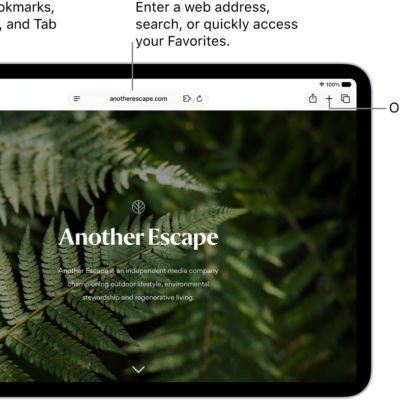
How to fill in personal information in Safari on iPad
You can fill in personal information in Safari on iPad with AutoFill, including your contact info, user names, and passwords.
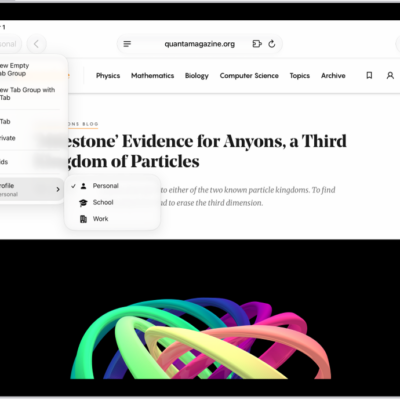
How to create multiple Safari profiles on iPad
You can create multiple Safari profiles on iPad, like Work and Personal, with separate favorites, history, tabs, and Tab Groups.

How to open and close tabs in Safari on iPad
You can open and close tabs in Safari on iPad, open a link in a new tab, view a tab's history, and reopen a closed tab.
How to view your Safari tabs from another Apple device on iPad
You can view your Safari tabs from another Apple device on iPad, and keep tabs and Tab Groups updated across your devices.
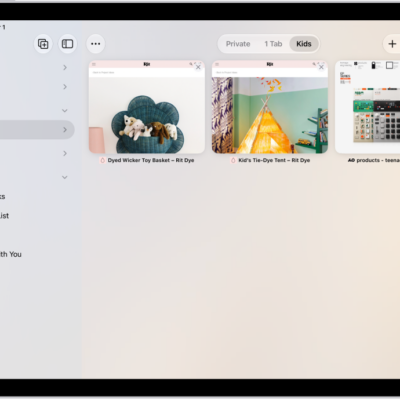
How to share Tab Groups and collaborate in Safari on iPad
You can share Tab Groups and collaborate in Safari on iPad, add or remove people, and start a call or message from Safari.
How to organize your tabs in Safari on iPad
You can organize your tabs in Safari on iPad into topics with Apple Intelligence, create Tab Groups, and pin, reorder, or move tabs.

How to see the websites you’ve excluded from automatically filling in passwords on iPad
You can see the websites you've excluded from automatically filling in passwords on iPad in Passwords settings.

How to change weak or compromised passwords on iPad
You can change weak or compromised passwords on iPad, hide security recommendations, and turn detection of compromised passwords on or off.