









GeeksModo Story Archive - October 2026

How to change weak or compromised passwords on iPad
You can change weak or compromised passwords on iPad, hide security recommendations, and turn detection of compromised passwords on or off.
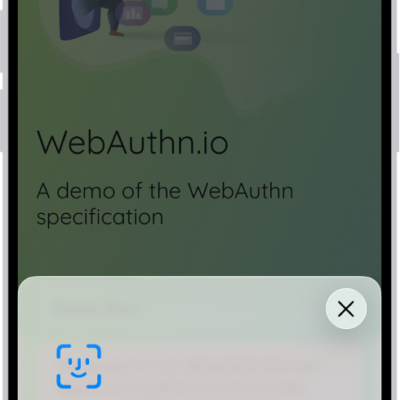
How to automatically fill in strong passwords on iPad
You can automatically fill in strong passwords on iPad, let iPad create and save them in Passwords, and turn Password AutoFill on or off.
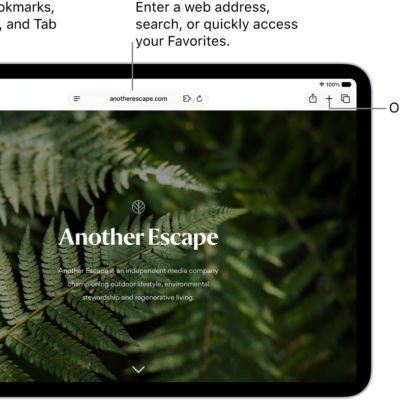
How to change the layout in Safari on iPad
You can change the layout in Safari on iPad, choosing Separate Tab Bar or Compact Tab Bar without losing your open tabs.
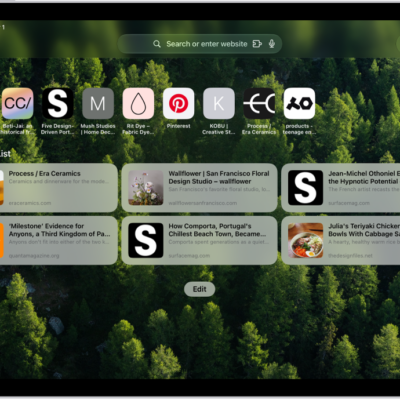
How to customize your Safari settings on iPad
You can customize your Safari settings on iPad, change your start page and text size, and adjust display and privacy settings.
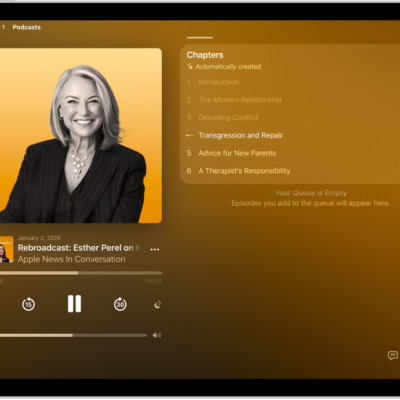
How to play podcasts on iPad
You can play podcasts on iPad, change the playback speed, set a sleep timer, and navigate episodes by chapter.
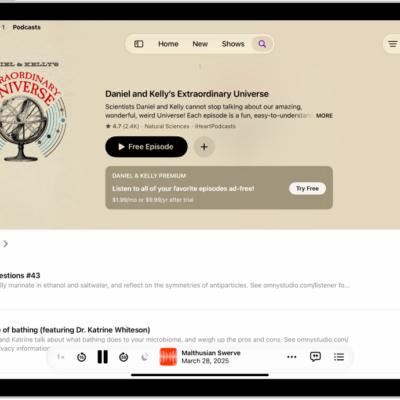
How to follow your favorite podcasts on iPad
You can follow your favorite podcasts on iPad, get notifications for new episodes, customize playback, and unfollow a show.
How to organize your podcast library on iPad
You can organize your podcast library on iPad, change the playback order, set download limits, and create your own stations.
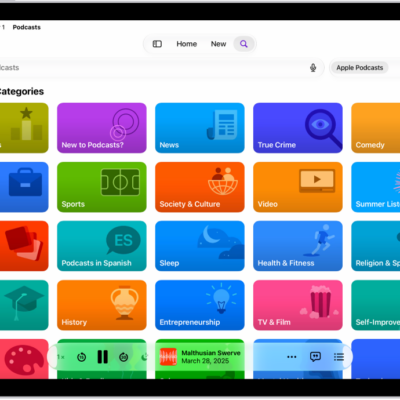
How to get started with Podcasts on iPad
You can get started with Podcasts on iPad to find and play shows, follow a show, and download episodes to play offline.
How to download, save, remove, and share podcast episodes on iPad
You can download, save, remove, and share podcast episodes on iPad in the Podcasts app, and listen to saved episodes offline.
How to subscribe to a show or channel in Podcasts on iPad
You can subscribe to a show or channel in Podcasts on iPad, change or cancel your subscriptions, and share them with family.