









GeeksModo Story Archive - October 2026
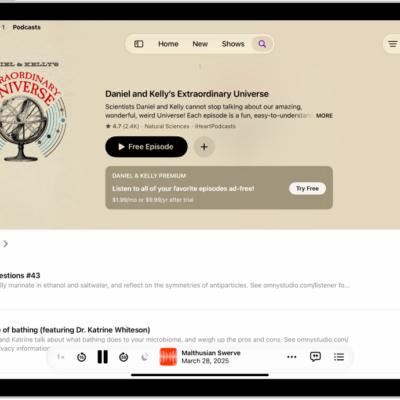
How to download, save, remove, and share podcast episodes on iPad
You can download, save, remove, and share podcast episodes on iPad in the Podcasts app, and listen to saved episodes offline.
How to subscribe to a show or channel in Podcasts on iPad
You can subscribe to a show or channel in Podcasts on iPad, change or cancel your subscriptions, and share them with family.
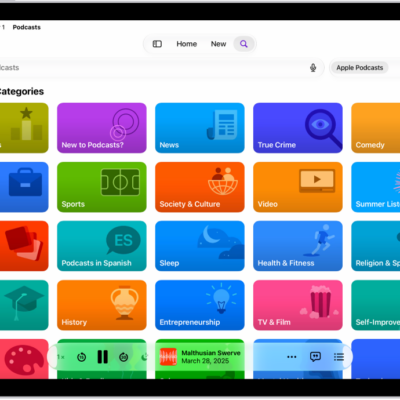
How to find podcasts on iPad
You can find podcasts on iPad by searching or browsing, follow shows, and find, filter, and sort episodes within a show.
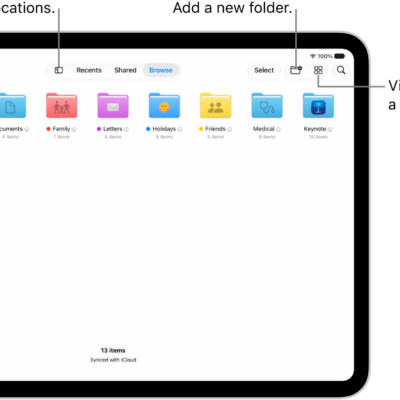
How to find your downloaded files on iPad
You can find your downloaded files on iPad in Downloads in the Files app, and check downloads in Safari.
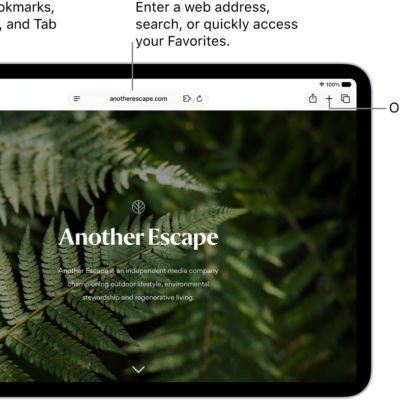
How to browse the web using Safari on iPad
You can browse the web using Safari on iPad, preview links, translate webpages, and keep bookmarks and history up to date on all your devices.
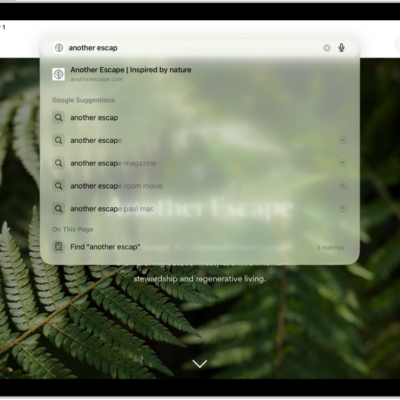
How to search for websites using Safari on iPad
You can search for websites using Safari on iPad, search a webpage, choose a search engine, and search for objects in photos.
How to change your default search engine on iPad
You can change your default search engine on iPad in Settings, under Search, to search the web with a different engine.
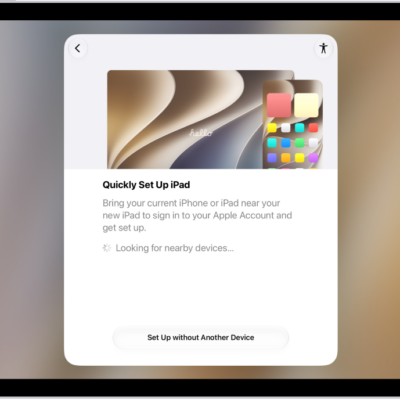
How to use accessibility features during iPad setup
You can use accessibility features during iPad setup, like VoiceOver and Zoom, to make it easier to set up your iPad.

How to use buttons on the Apple TV 4K Remote on iPad
You can use buttons on the Apple TV 4K Remote on iPad instead of swipe gestures, with Directional Buttons.
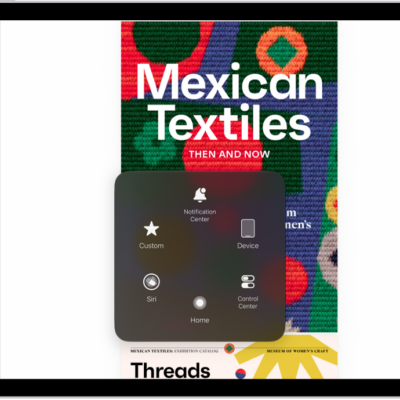
How to control iPad with the movement of your head
You can control iPad with the movement of your head using Head Tracking, perform actions by dwelling, and set Head Tracking options.