









GeeksModo Story Archive - October 2026
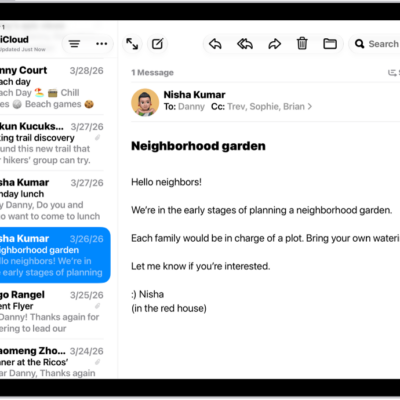
How to get started with accessibility features on iPad
You can get started with accessibility features on iPad for vision, mobility, hearing, speech, and cognitive needs.
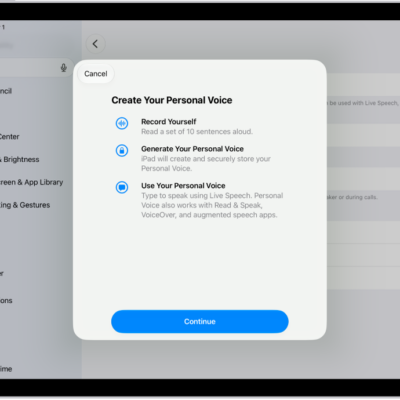
iPad speech accessibility features: Live Speech, Personal Voice, and more
You can use accessibility features for speech on iPad to type to speak, create a voice that sounds like you, and control iPad with your voice.
How to record your Personal Voice on iPad
You can record your Personal Voice on iPad to create a synthesized voice that sounds like you, and use it with Live Speech.
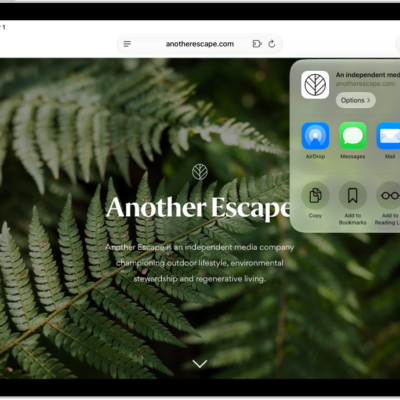
How to share passwords and passkeys securely with AirDrop on iPad
You can share passwords and passkeys securely with AirDrop on iPad, check the requirements, and send or receive a password.

How to view your passwords and related information on iPad
You can view your passwords and related information on iPad, copy passwords, add notes, and remove accounts.

How to find and share your Wi-Fi password on iPad
You can find and share your Wi-Fi password on iPad, see saved networks and passwords, and share a password with someone nearby.
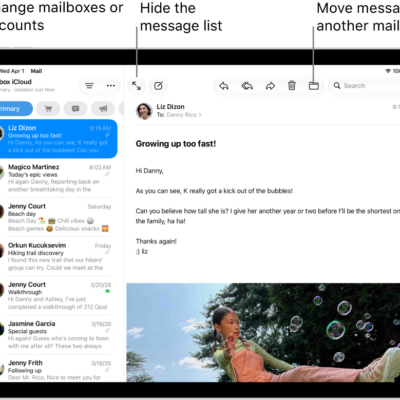
How to use keyboard shortcuts in Mail on iPad
You can use keyboard shortcuts in Mail on iPad to quickly accomplish many tasks with an Apple external keyboard.
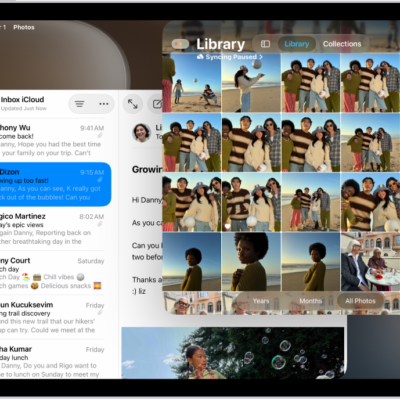
How to change the layout of windows on iPad
You can change the layout of windows on iPad, arrange windows with gestures or tiling, split the screen, and add a Slide Over window.
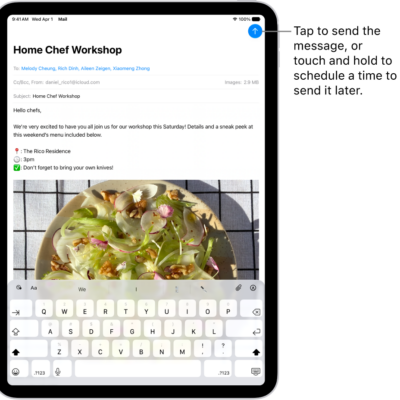
How to save a draft in Mail on iPad
You can save a draft in Mail on iPad to finish later, look at another message while writing, and view all your drafts.
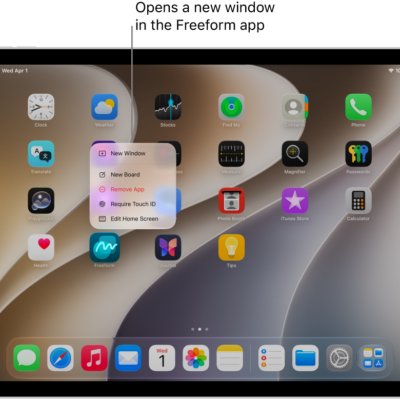
How to open multiple windows of an app on iPad
You can open multiple windows of an app on iPad, view an app's open windows with App Exposé, and find hidden windows.