









GeeksModo Story Archive - October 2026
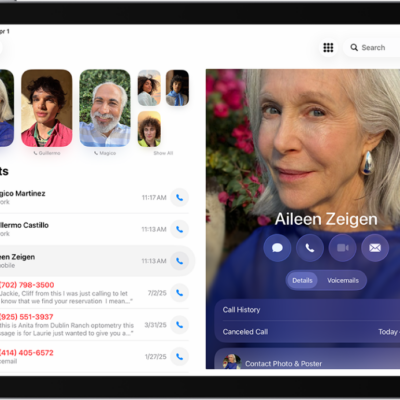
How to route and automatically answer calls on iPad
You can route and automatically answer calls on iPad, sending call audio to the speaker, a headset, or a hearing device.
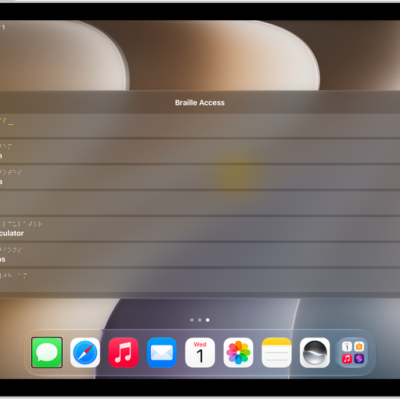
How to use Braille Access with a braille display on iPad
You can use Braille Access with a braille display on iPad to turn it into a braille notetaker and open any app.

How to use hearing devices with iPad
You can use hearing devices with iPad, like MFi hearing aids or sound processors, and adjust their settings.
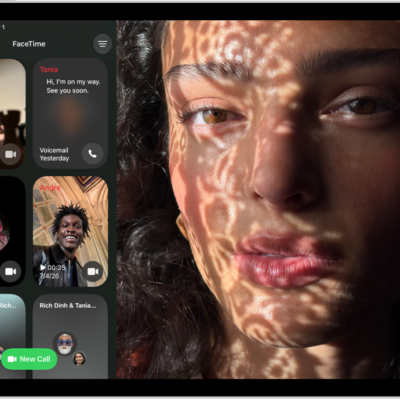
How to set up and use RTT on iPad
You can set up and use RTT on iPad for real-time text calls in FaceTime, start an RTT call, and type text during a call.
iPad hearing accessibility features: transcriptions, hearing devices, and more
You can use accessibility features for hearing on iPad, from transcriptions to hearing devices and audio adjustments.
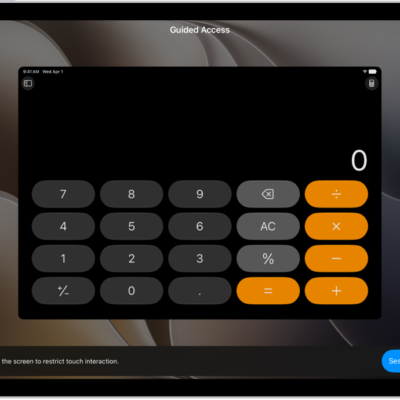
How to lock iPad to one app with Guided Access
You can lock iPad to one app with Guided Access, set a time limit, choose available features, and end a session with a passcode.

How to hide distractions when reading articles in Safari on iPad
You can hide distractions when reading articles in Safari on iPad with Reader, and use Reader automatically for websites.
iPad cognitive accessibility features: Assistive Access, Guided Access, and more
You can use cognitive accessibility features on iPad to reduce sensory stimulus, stay focused, and adapt iPad for someone you care for.
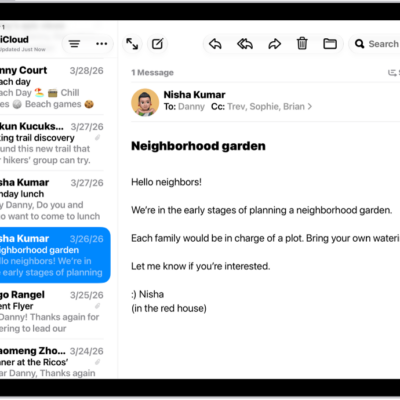
How to get started with accessibility features on iPad
You can get started with accessibility features on iPad for vision, mobility, hearing, speech, and cognitive needs.
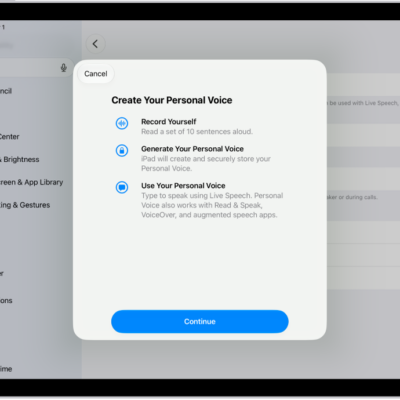
iPad speech accessibility features: Live Speech, Personal Voice, and more
You can use accessibility features for speech on iPad to type to speak, create a voice that sounds like you, and control iPad with your voice.