









GeeksModo Story Archive - October 2026
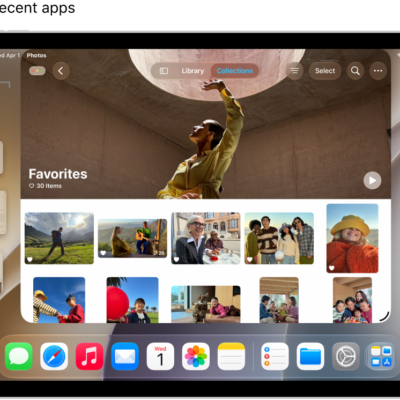
How to organize windows with Stage Manager on iPad
You can organize windows with Stage Manager on iPad, group apps, switch between apps, and arrange and resize windows.

How to switch between apps on iPad
You can switch between apps on iPad with the Dock, Exposé, or a gesture, and pick up right where you left off.

How to use the menu bar on iPad
You can use the menu bar on iPad to access an app's features and commands when Windowed Apps or Stage Manager is on.

How to work with multiple windows at the same time on iPad
You can work with multiple windows at the same time on iPad, and resize, move, and add windows as you work.
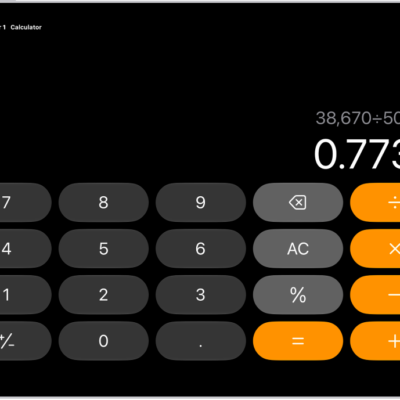
How to use the basic calculator on iPad
You can use the basic calculator on iPad to perform arithmetic calculations, clear numbers, copy results, and switch modes.
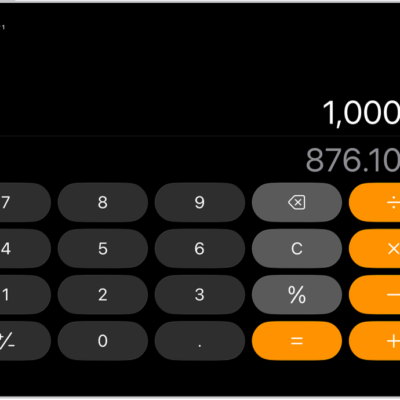
How to convert units or currency in Calculator on iPad
You can convert units or currency in Calculator on iPad, from length and weight to speed, time, and currencies.
How to see previous calculations in Calculator on iPad
You can see previous calculations in Calculator on iPad and copy results to use in Calculator or other apps.
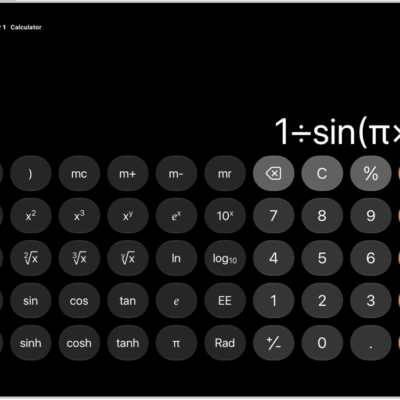
How to get started with Calculator on iPad
You can get started with Calculator on iPad, use basic or scientific mode, convert units, and solve and graph problems in Math Notes.

How to solve math with Math Notes in Calculator on iPad
You can solve math with Math Notes in Calculator on iPad, using expressions, variables, and graphs, with automatic unit and currency conversion.
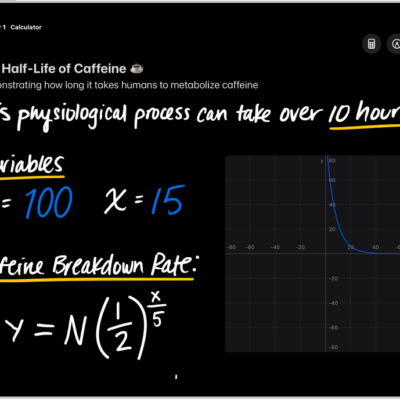
How to work with graphs in Math Notes in Calculator on iPad
You can work with graphs in Math Notes in Calculator on iPad, in two or three dimensions, and overlay multiple equations.