









GeeksModo Story Archive - October 2026
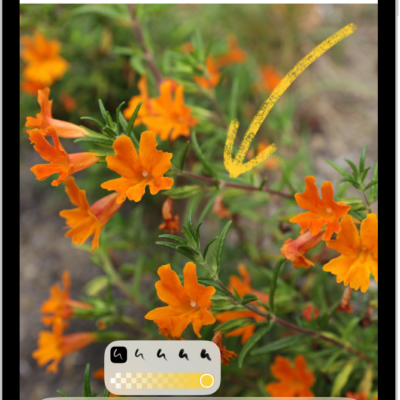
How to quickly write notes with Apple Pencil on iPad
You can quickly write notes with Apple Pencil on iPad, create a Quick Note, and wake iPad by writing on the Lock Screen.
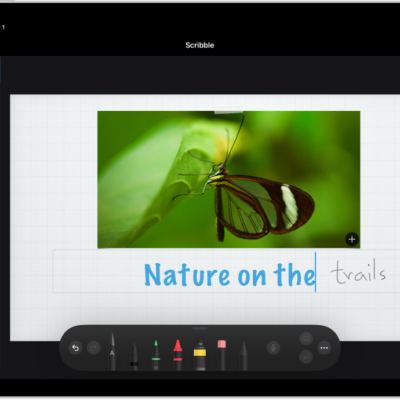
How to enter text with Scribble on iPad
You can enter text with Scribble on iPad by writing with Apple Pencil in any text field, and your handwriting stays private.

Which Apple Pencil works with your iPad
You can check Apple Pencil compatibility with iPad models, from Apple Pencil (1st generation) to Apple Pencil Pro.
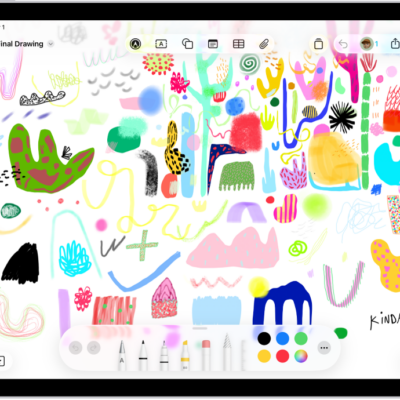
How to draw or handwrite on a Freeform board on iPad
You can draw or handwrite on a Freeform board on iPad with Apple Pencil or your finger, edit handwritten text, and solve math problems.
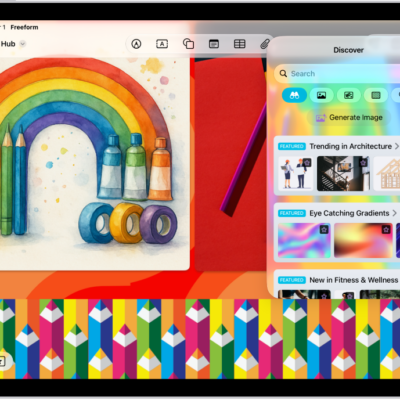
How to add images, scans, links, and other files to a Freeform board on iPad
You can add images, scans, links, and other files to a Freeform board on iPad, and create original images with Image Playground.
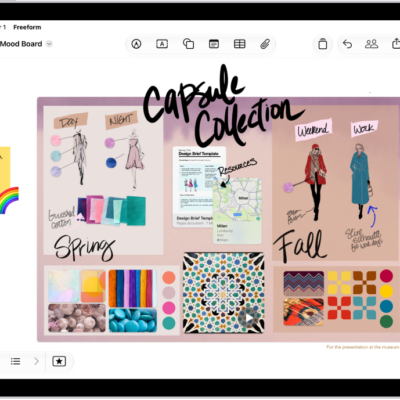
How to add shapes, lines, and arrows to a Freeform board on iPad
You can add shapes, lines, and arrows to a Freeform board on iPad, format them, and combine or split shapes.
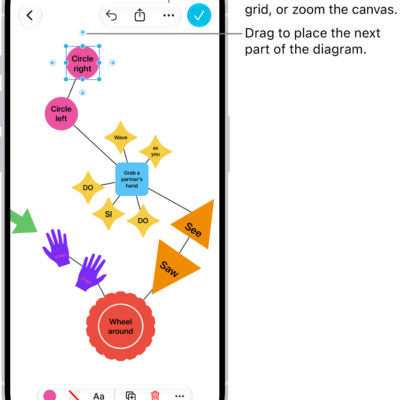
How to add diagrams to a Freeform board on iPad
You can add diagrams to a Freeform board on iPad, connect items with lines, and change connection points with the shape picker.
How to add text on a Freeform board on iPad
You can add text on a Freeform board on iPad with a text box, sticky note, or shape, and change the font and alignment.
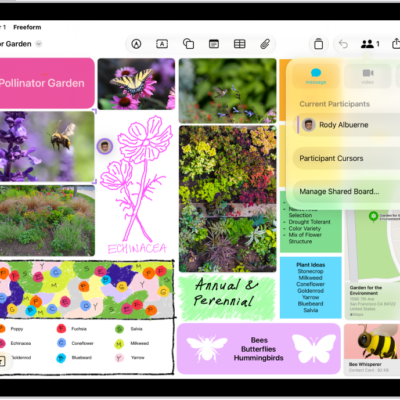
How to collaborate in Freeform boards and folders on iPad
You can collaborate in Freeform boards and folders on iPad, invite others, see edits as they happen, and add accessibility descriptions.
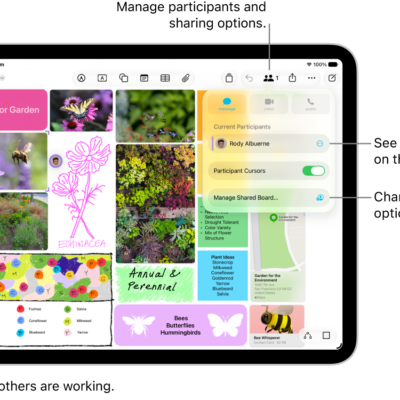
How to change your Freeform settings on iPad
You can change your Freeform settings on iPad, manage access and permissions for boards, change a board's background, and align items.