









GeeksModo Story Archive - October 2026
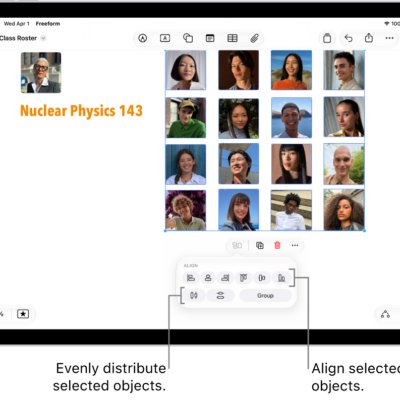
How to position items on a Freeform board on iPad
You can position items on a Freeform board on iPad, move, rotate, and resize them, and align, group, or lock them.
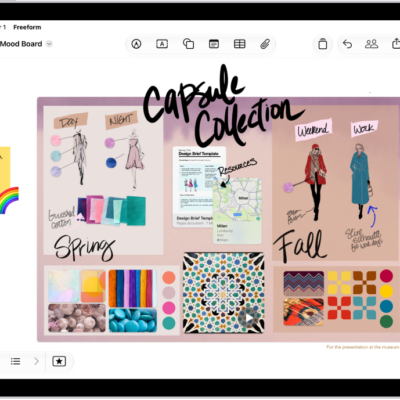
How to get started with Freeform on iPad
You can get started with Freeform on iPad to gather ideas on a boundless canvas, collaborate in real time, and draw.
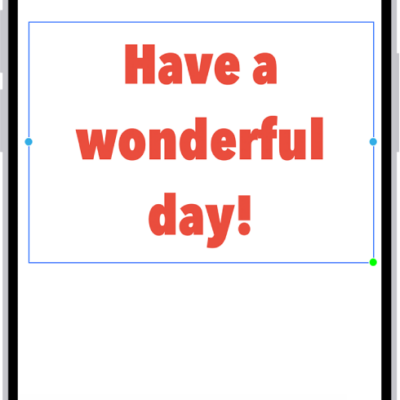
How to apply consistent styles and formatting in Freeform on iPad
You can apply consistent styles and formatting in Freeform on iPad by copying a style from one item and pasting it in another.
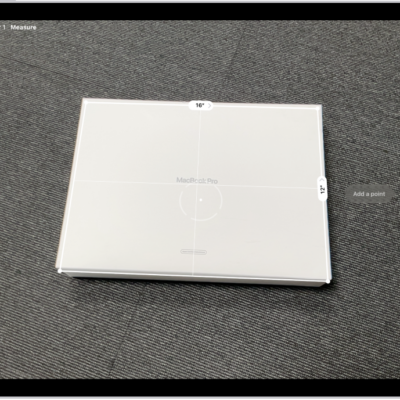
How to view and save measurements on iPad
You can view and save measurements on iPad in the Measure app, with a list of your recent measurements and screenshots.
How to measure dimensions with iPad
You can measure dimensions with iPad in the Measure app, take automatic rectangle measurements, and set measurement points manually.
How to measure a person’s height with iPad
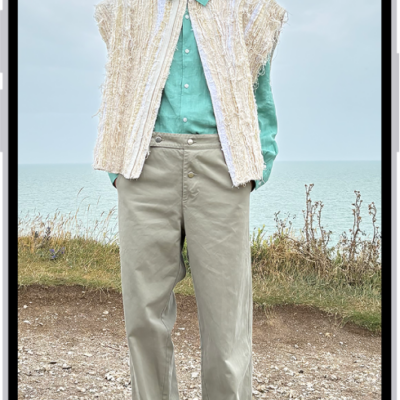
You can measure a person's height with iPad in the Measure app on supported models, and take a photo of the measurement.
How to contribute to a shared album on iPad
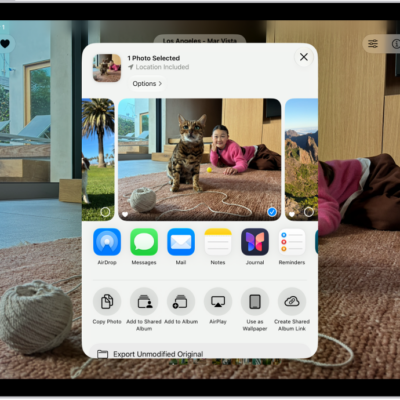
You can contribute to a shared album on iPad, add or delete photos and videos, comment and react, and view shared album activity.
How to add and remove people in a shared album on iPad
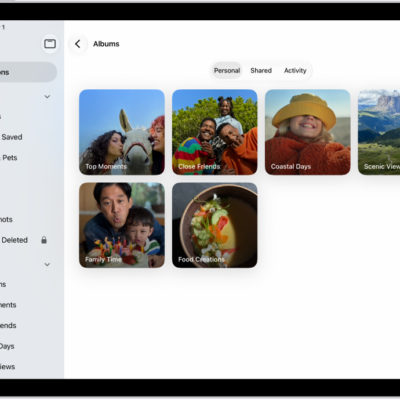
You can add and remove people in a shared album on iPad, manage their permissions, and turn posting for participants off and on.
How to create shared albums in Photos on iPad
You can create shared albums in Photos on iPad, invite people to add photos and comments, and join, view, rename, or delete shared albums.
How to change your Mail settings on iPad
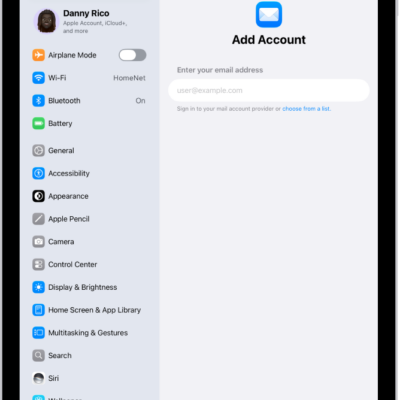
You can change your Mail settings on iPad, customize your email signature, mark addresses outside certain domains, and set a fetch schedule.