









GeeksModo Story Archive - October 2026
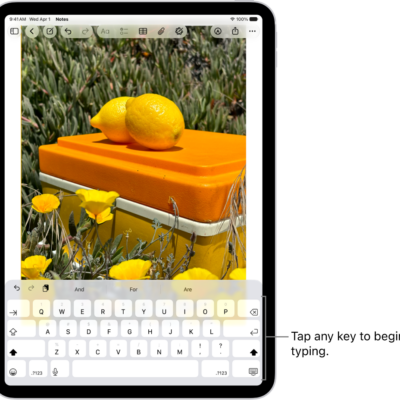
How to use keyboard shortcuts in Notes on iPad
You can use keyboard shortcuts in Notes on iPad with an iPad keyboard to start notes, add checklists, links, and more.
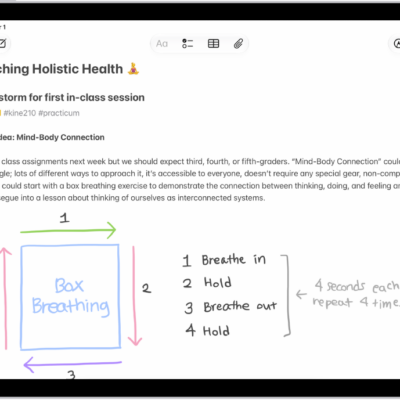
How to get started with Notes on iPad
You can get started with Notes on iPad to capture thoughts, make Quick Notes, add attachments and sketches, and invite others.
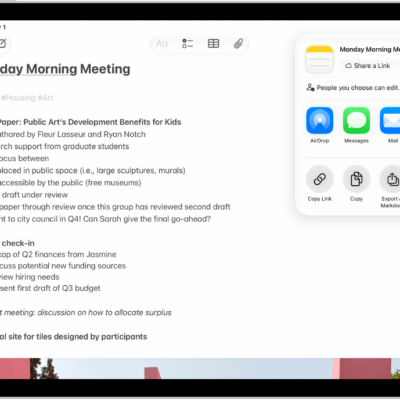
How to share notes and collaborate on iPad
You can share notes and collaborate on iPad, send a copy of a note, and collaborate on a note or folder in iCloud.
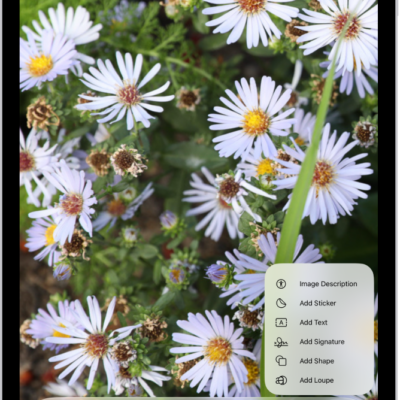
How to add text, shapes, stickers, and more with Markup on iPad
You can add text, shapes, stickers, and image descriptions with Markup on iPad in apps like Notes and Photos, and draw shapes.
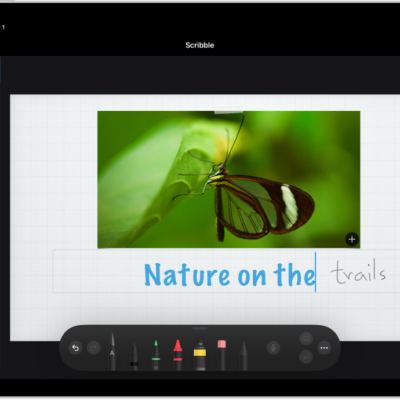
Ways to do more with Apple Pencil on iPad
You can do more with Apple Pencil on iPad, turn handwriting into typed text, mark up screenshots, and gather ideas in Freeform.

How to make stickers from your photos on iPad
You can make stickers from your photos on iPad, including animated stickers from Live Photos, and delete a sticker.
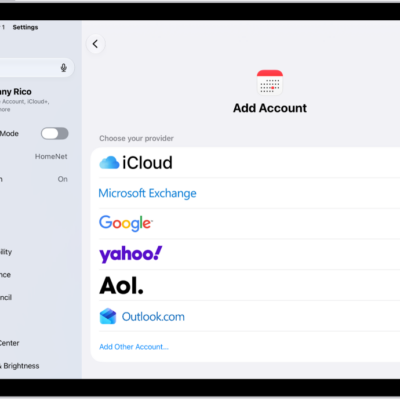
How to get started with Calendar on iPad
You can get started with Calendar on iPad, add accounts, create events, add quick reminders, and sync your calendar.
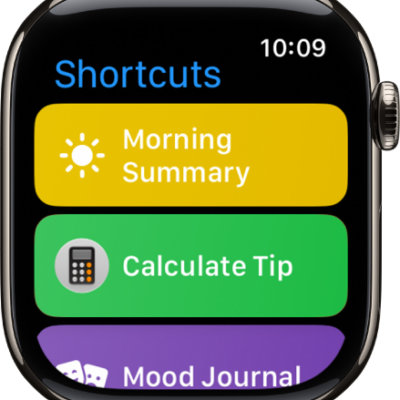
How to use Shortcuts to automate tasks on iPad
You can use Shortcuts to automate tasks on iPad with a tap or by asking Siri, using ready-made shortcuts or your own.

How to use Vocal Shortcuts on iPad
You can use Vocal Shortcuts on iPad to teach iPad to perform an action when you speak a word or another sound you choose.
How to quickly turn accessibility features on or off on iPad
You can quickly turn accessibility features on or off on iPad with the Accessibility Shortcut, Control Center, Siri, or Vocal Shortcuts.