









GeeksModo Story Archive - October 2026
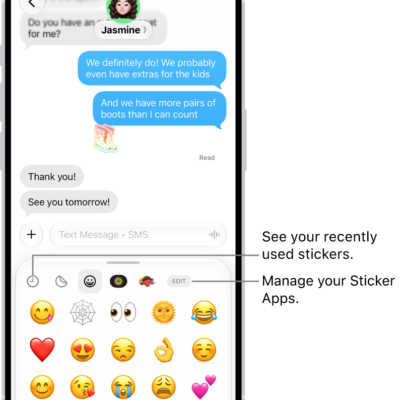
How to send stickers in Messages on iPad
You can send stickers in Messages on iPad, including Live Stickers, Memoji, and stickers from other creators, and place them on a conversation.
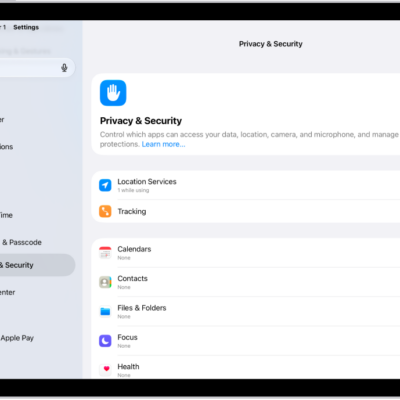
How to use Mail Privacy Protection on iPad
You can use Mail Privacy Protection on iPad to hide your IP address and keep senders from seeing if you opened their email.
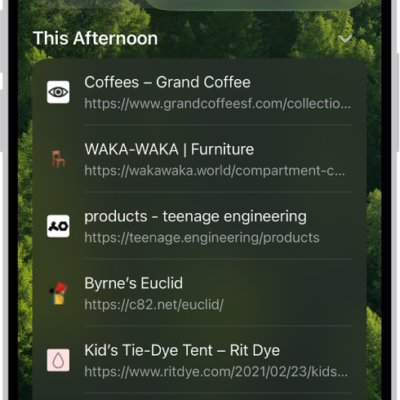
How to clear your cache and cookies on iPad
You can clear your cache and cookies on iPad by clearing your browsing history in Safari, and choose how much history to clear.
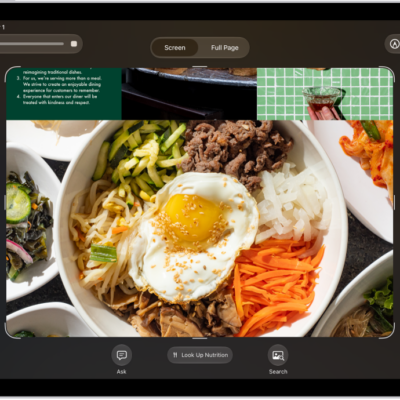
How to ask Siri AI about what’s on your iPad screen
You can use Siri AI to learn about what's on your iPad screen, asking questions and taking action on your screen and screenshots.
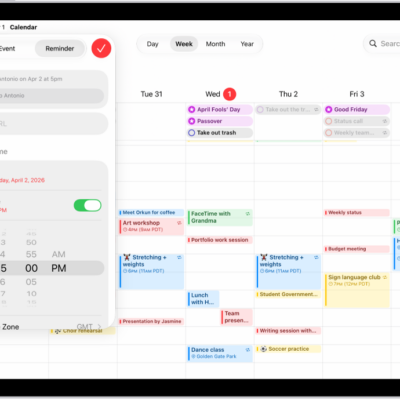
How to use reminders in Calendar on iPad
You can use reminders in Calendar on iPad to view, create, complete, and edit reminders from the Reminders app.
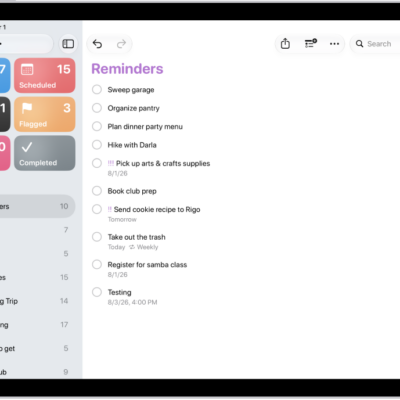
How to create reminders on iPad
You can create reminders on iPad in Reminders or Calendar, from any app, or from a description with Apple Intelligence.
How to change your Reminders settings on iPad
You can change your Reminders settings on iPad, choose a default list, adjust notifications, and change the sound for reminder alerts.
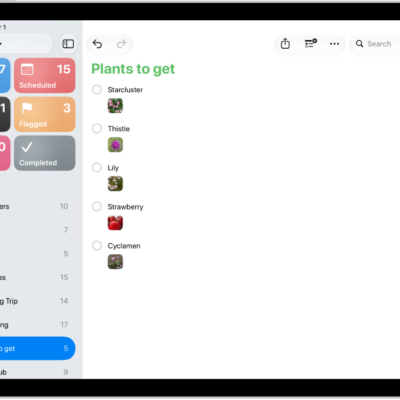
How to add details in Reminders on iPad
You can add details in Reminders on iPad, like notes, links, dates, locations, flags, priority, and photos.
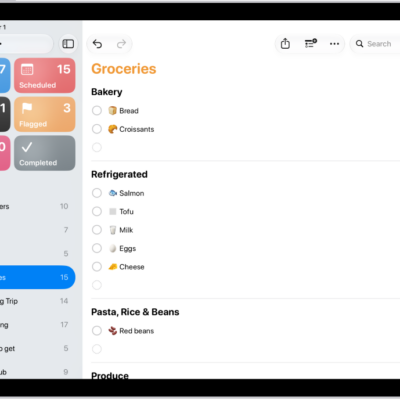
How to make a grocery list in Reminders on iPad
You can make a grocery list in Reminders on iPad that sorts items into categories automatically, and convert an existing list.
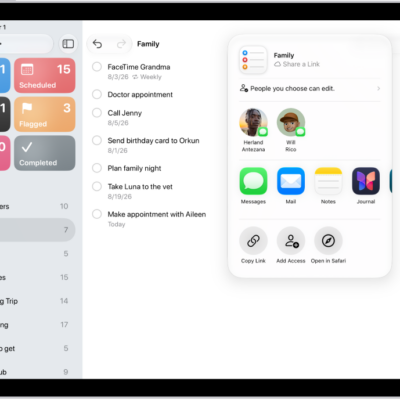
How to share lists and collaborate in Reminders on iPad
You can share lists and collaborate in Reminders on iPad with iCloud, assign reminders, and turn notifications on or off.