








Got a tip for us?

GeeksModo Story Archive - October 2026
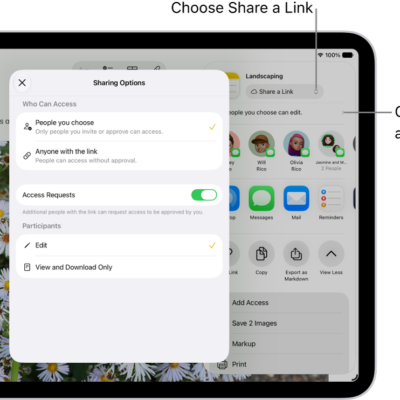
A collaboration invitation to a brainstorm in Notes, showing Share a Link for the share option and "People you choose can edit" as the access and permission setting. Four possible recipients, including a group, form a row below that. The next row offers different ways to share the note: AirDrop, Messages, Mail, and Reminders. The last row contains buttons to copy, export, and save the note.

How to collaborate on projects with Messages on iPad

You can collaborate on projects with Messages on iPad, invite people to a shared file, and manage or stop the collaboration.
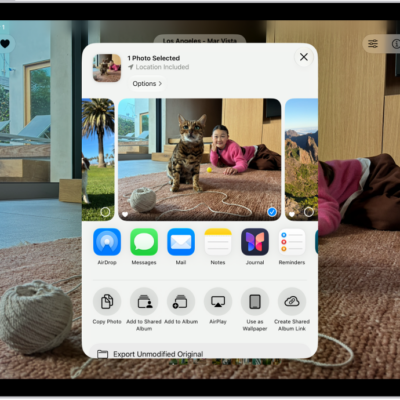
A photo is open in the Photos app and the share options are displayed in the middle of the screen.

How to share content in Messages on iPad

You can share content in Messages on iPad, find what others shared with you in Shared with You, and save it.
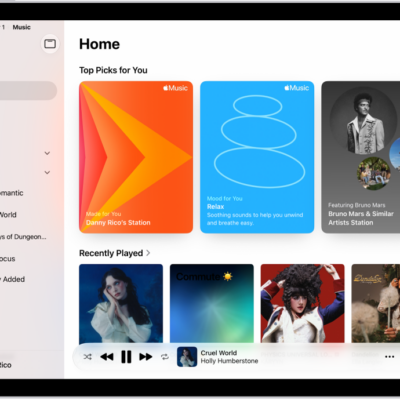
The Home tab in the Music app showing the sidebar on the left and the Home section at the right. The Home tab shows Top Picks at the top. Recently Played music appears below, showing four album covers. The MiniPlayer is at the bottom.

How to find music shared with you on iPad

You can find music shared with you on iPad in Shared with You in the Music app, listen, and reply in Messages.
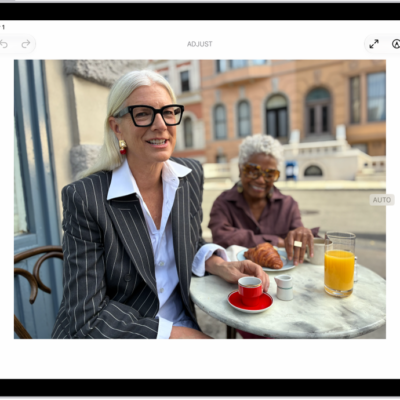
The Edit screen of the Photos app showing a photo in the center. To the left of the photo are the Style, Adjust, Crop, and Clean Up buttons; Adjust is selected. To the right of the photo are buttons for editing effects and a slider to adjust each effect level.

How to take and edit photos or videos in Messages on iPad

You can take and edit photos or videos in Messages on iPad, then mark them up or add effects before you send them.
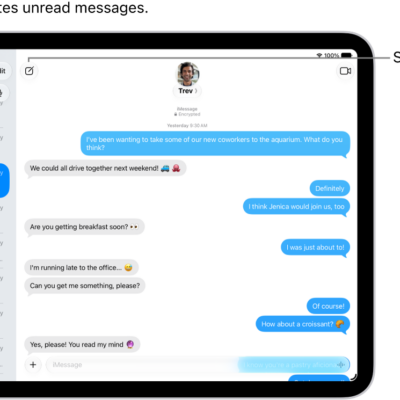
A Messages conversation list on the left and a conversation transcript on the right. An unread messages is marked with a blue dot.

How to send and reply to messages on iPad

You can send and reply to messages on iPad, start a conversation, reply inline to a specific message, and use Siri.

A group conversation in Messages on iPad. On the left, a pinned conversation is selected in a list of conversations. On the right, there is a conversation transcript that includes shared files.

How to have a group conversation in Messages on iPad

You can have a group conversation in Messages on iPad, name it and add an icon, add or remove people, and leave a group.
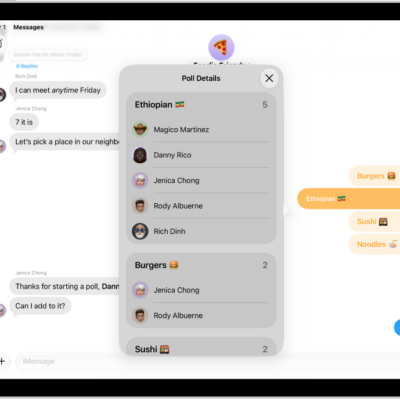
A poll in Messages.

How to poll people in Messages on iPad

You can poll people in Messages on iPad, start or suggest a poll, vote, and add options to a poll.
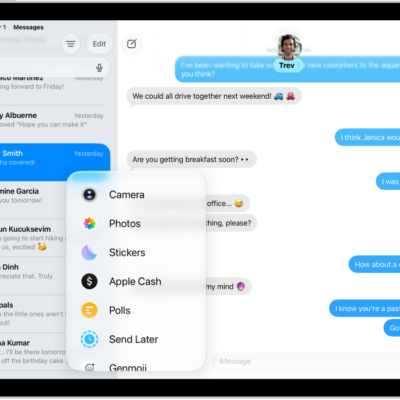
The Add menu in Messages on iPad, listing several iMessage features: scheduled send, audio messaging, the App Store, GIF images, Digital Touch, location sharing, and music.

How to use iMessage apps in Messages on iPad

You can use iMessage apps in Messages on iPad to send polls, play games, record audio messages, and share songs.
The Add menu in Messages on iPad, listing several iMessage features: scheduled send, audio messaging, the App Store, GIF images, Digital Touch, location sharing, and music.

How to share your location in Messages on iPad

You can share your location in Messages on iPad, update it automatically, send a pinned location, and ask for someone else's.
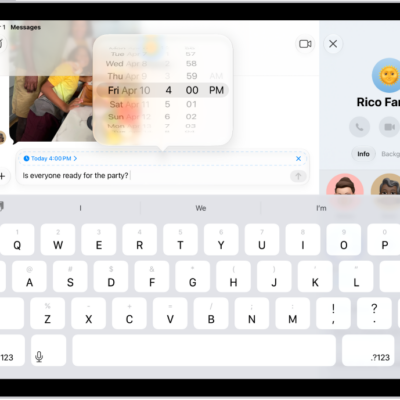
A Messages conversation with a message scheduled to be sent later.

How to schedule a text message on iPad to send later

You can schedule a text message on iPad to send later, up to 14 days ahead, and change, edit, or delete a scheduled message.