









GeeksModo Story Archive - October 2026
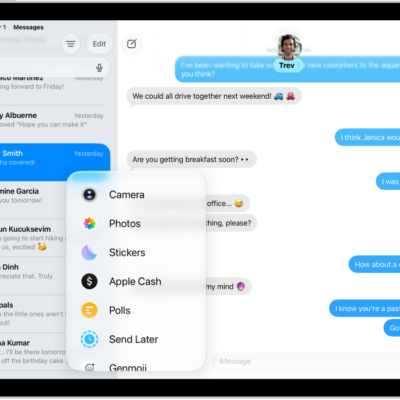
How to send and receive audio messages in Messages on iPad
You can send and receive audio messages in Messages on iPad, with transcripts, and keep audio messages instead of having them deleted.
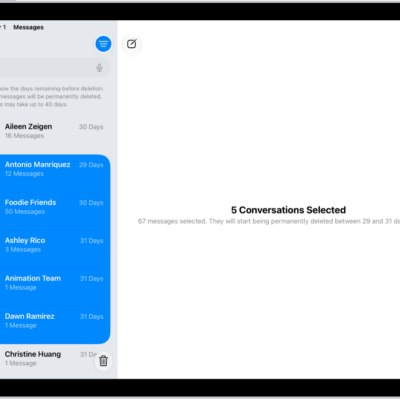
How to recover deleted messages in Messages on iPad
You can recover deleted messages in Messages on iPad for up to 30 days from Recently Deleted.
How to delete messages and attachments in Messages on iPad
You can delete messages and attachments in Messages on iPad, delete whole conversations, and recover them within 30 days.
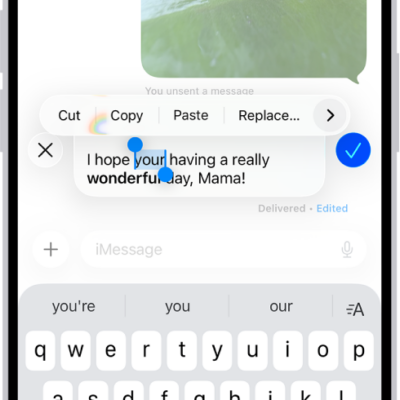
How to unsend and edit messages on iPad
You can unsend and edit messages on iPad, to fix a typo or pull back a message you accidentally sent to the wrong person.
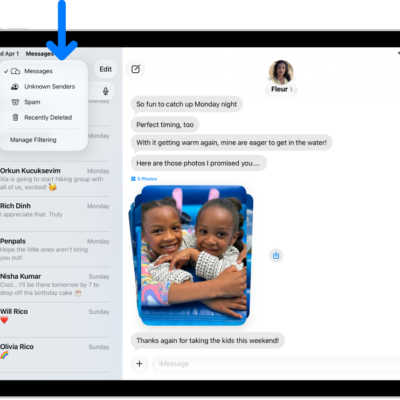
How to report spam and block senders in Messages on iPad
You can report spam and block senders in Messages on iPad, recover messages from the Spam folder, and check who you blocked.
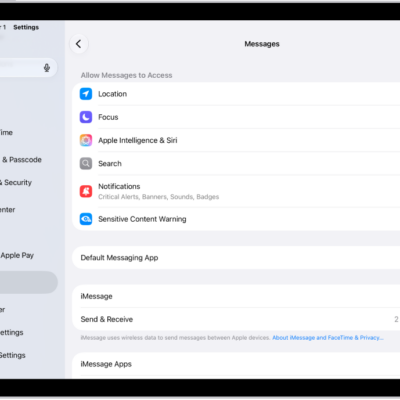
How to set up Messages on iPad
You can set up Messages on iPad, turn on iMessage, sync messages across devices, and share your name and photo.
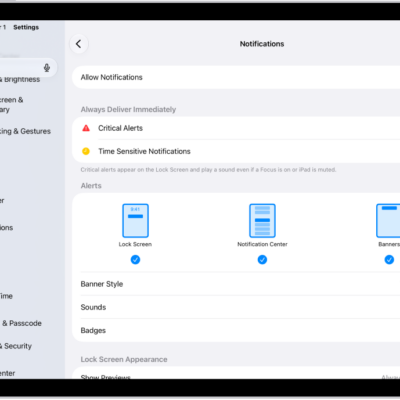
How to stop, mute, and change message notifications on iPad
You can stop, mute, and change message notifications on iPad, including how they appear or sound and who can see your Focus status.
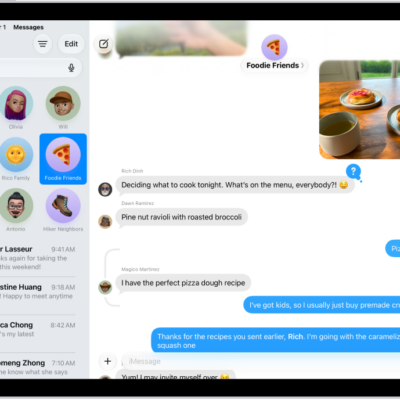
How to get started with Messages on iPad
You can get started with Messages on iPad, set up iMessage, chat in groups, send emoji and more, and schedule messages.
How to screen and filter text messages on iPad
You can screen and filter text messages on iPad from unknown senders, review filtered messages, and turn off business alerts.

How to prevent contacts from communicating with you on iPad
You can prevent contacts from communicating with you on iPad by blocking them in Phone, Messages, and FaceTime, and unblock them later.