









GeeksModo Story Archive - October 2026
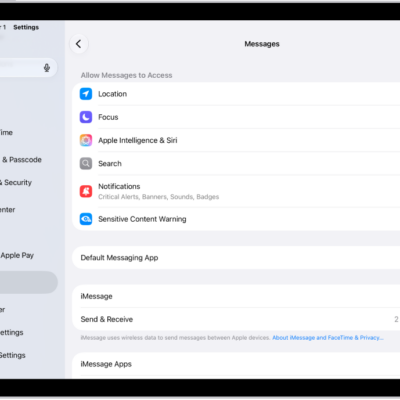
How to turn read receipts on or off in Messages on iPad
You can turn read receipts on or off in Messages on iPad, for everyone or for individual contacts.

How to automatically fill in one-time verification codes on iPad
You can automatically fill in one-time verification codes on iPad, set them up with a QR code, and skip SMS messages or extra apps.

How to receive FaceTime calls on iPad
You can receive FaceTime calls on iPad, answer or decline them, view video messages, and listen to voicemails.

How to use Voice Control to interact with iPad
You can use Voice Control to interact with iPad, speaking commands to perform gestures, press buttons, and dictate and edit text.
How to change Siri accessibility settings on iPad
You can change Siri accessibility settings on iPad, set how long Siri waits, change how fast Siri speaks, and type to Siri.
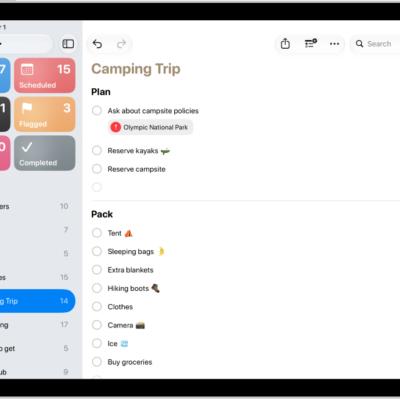
How to edit and organize a list in Reminders on iPad
You can edit and organize a list in Reminders on iPad with sections, subtasks, and columns, and sort or recategorize items.
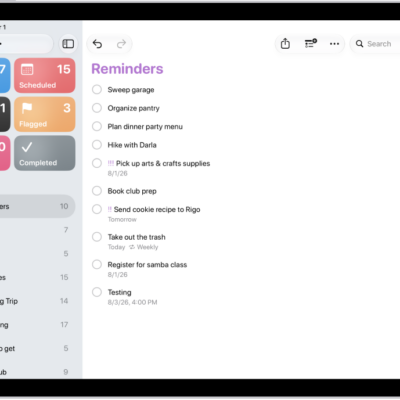
How to organize multiple lists in Reminders on iPad
You can organize multiple lists in Reminders on iPad, pin up to nine lists, and create groups like work or shopping.
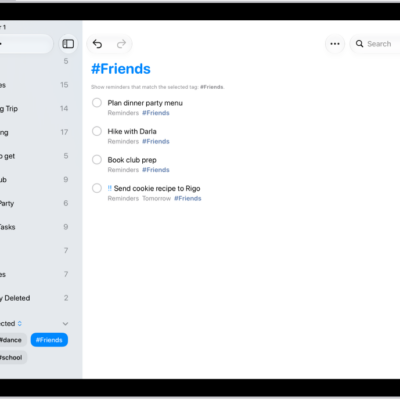
How to search through all your lists in Reminders on iPad
You can search through all your lists in Reminders on iPad for items that contain specific text.
How to tag items in Reminders on iPad
You can tag items in Reminders on iPad, using tags to categorize and organize your reminders and filter them across lists.
How to get started with Reminders on iPad
You can get started with Reminders on iPad to set reminders, create grocery lists, collaborate on lists, and organize your tasks.