









GeeksModo Story Archive - October 2026
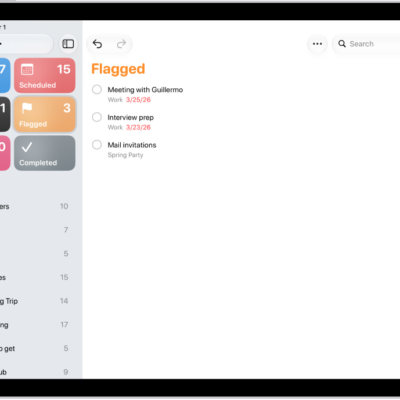
How to use Smart Lists in Reminders on iPad
You can use Smart Lists in Reminders on iPad to filter your items across lists by tags, dates, locations, and more.

How to add or remove accounts in Reminders on iPad
You can add or remove accounts in Reminders on iPad, keep reminders up to date with iCloud, and update older reminders.
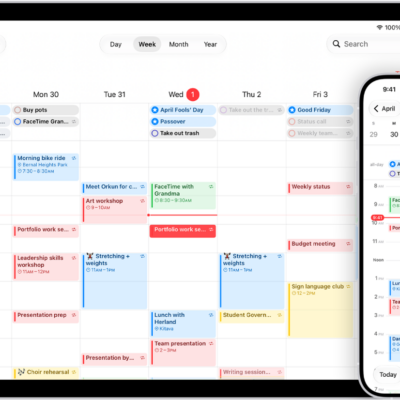
How to keep track of events in Calendar on iPad
You can keep track of events in Calendar on iPad, customize notifications, and keep your calendar up to date with iCloud.
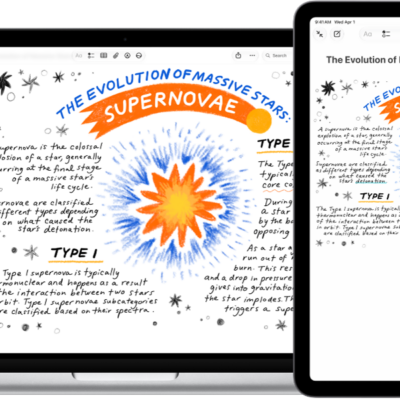
How to insert sketches, photos, and scans from your iPad on Mac
You can insert sketches, photos, and scans from your iPad on Mac with Continuity Camera and Continuity Sketch, and mark up Mac files.
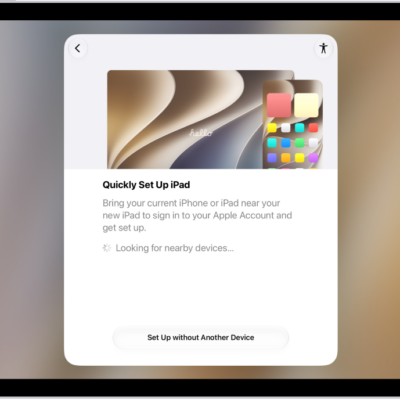
iPad setup basics: what to set up first on a new iPad
You can learn the setup basics for iPad, transfer your apps and info to a new iPad, and connect to Wi-Fi and cellular service.
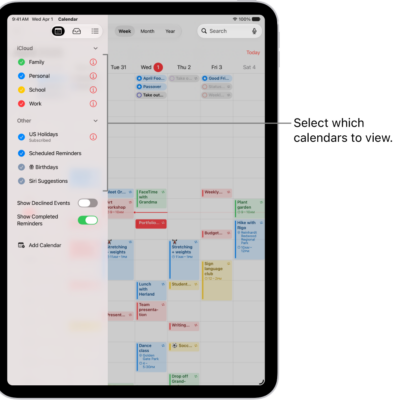
How to set up multiple calendars on iPad
You can set up multiple calendars on iPad, subscribe to external or holiday calendars, and see several calendars at once.
How to use iCloud on iPad
You can use iCloud on iPad to store your photos, videos, documents, and backups and keep them updated across all your devices.
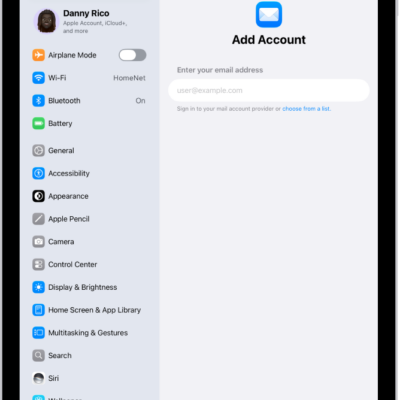
How to set up mail, contacts, and calendar accounts on iPad
You can set up mail, contacts, and calendar accounts on iPad with Microsoft Exchange and popular internet-based services.
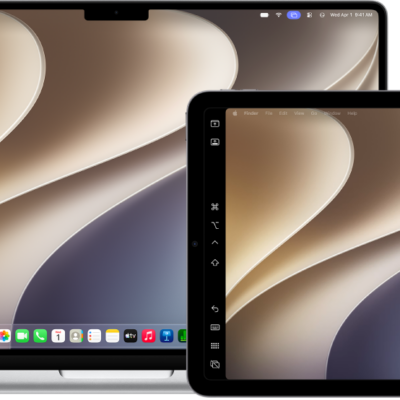
How to use Continuity to work across Apple devices on iPad
You can use Continuity to work across Apple devices on iPad, with Sidecar, AirDrop, Handoff, and Universal Clipboard.
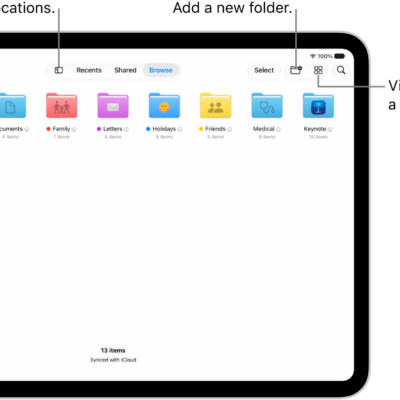
How to transfer files between your iPad and other devices
You can transfer files between your iPad and other devices wirelessly with AirDrop, Mail, or Messages, with a cable, or with iCloud.