









GeeksModo Story Archive - October 2026
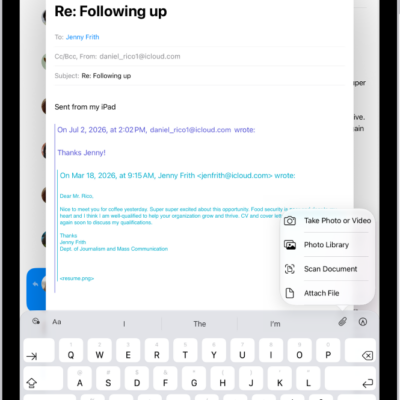
How to add email attachments in Mail on iPad
You can add email attachments in Mail on iPad, from photos, videos, and documents to scanned PDFs and drawings.
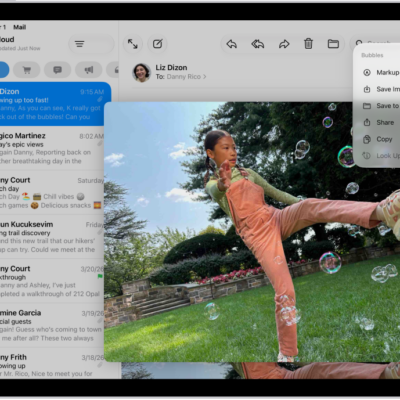
How to download email attachments in Mail on iPad
You can download email attachments in Mail on iPad, save them to Photos or Files, fill out forms, and find emails with attachments.
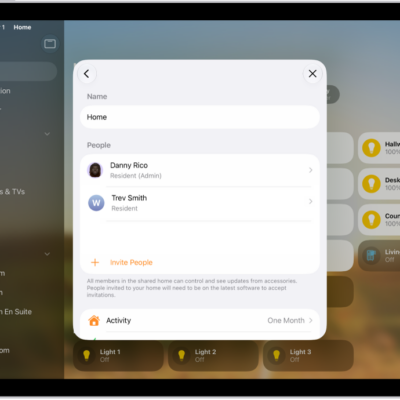
How to invite others to control accessories in your home
You can invite others to control accessories in your home on iPad as residents or guests, and allow them to edit.
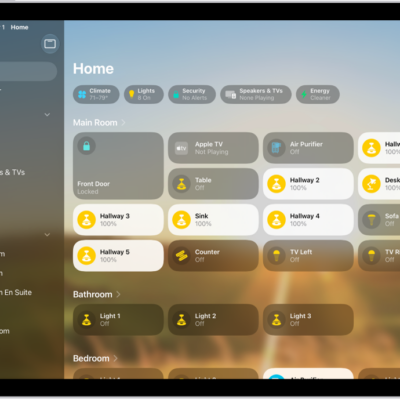
How to set up HomePod in Home on iPad
You can set up HomePod in Home on iPad, control its settings, and send and receive Intercom messages.
How to use automations in Home on iPad
You can use automations in Home on iPad based on the time of day, your location, a sensor, or an accessory.
How to control your home remotely with iPad
You can control your home remotely with iPad using the Home app and a home hub like Apple TV 4K or HomePod.
How to create and use scenes in Home on iPad
You can create and use scenes in Home on iPad to control multiple accessories at once, like lights, music, and the thermostat.
Getting started with the Home app on iPad
You can use the Home app on iPad to add, control, and automate HomeKit and Matter accessories, and control your home remotely.
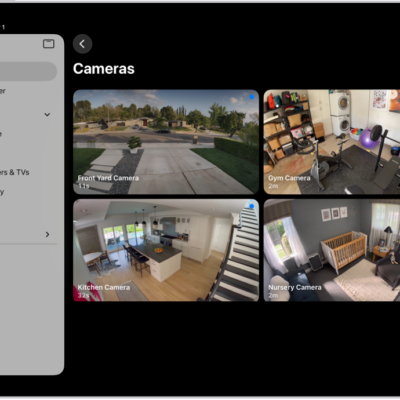
How to set up security cameras in Home on iPad
You can set up security cameras in Home on iPad, view video streams, set up notifications, and create Activity Zones.
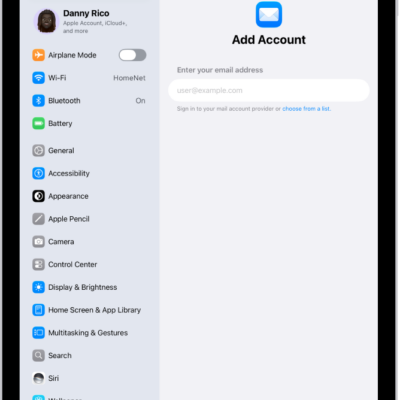
How to add and remove email accounts on iPad
You can add and remove email accounts on iPad, set a fetch schedule, and temporarily stop using an email account in Mail.